How to Save Videos Legally (YouTube, TikTok, Instagram)
The safest way to save a video is to use the download option the platform itself offers: YouTube Premium for offline viewing in the app, YouTube Studio or Google Takeout for videos you uploaded, the “Download your information” tools on Facebook and Instagram, TikTok’s Save video button when the creator allows it, and Vimeo’s download button when the owner has switched it on. These routes keep you inside each platform’s terms and respect the people who made the video. This guide walks through each one, explains when you need permission, and then shows free GrabCast tools for editing the videos you are allowed to keep — compressing, trimming, captioning, cropping and converting them right in your browser.
✂️ Try Video Trimmer & Subtitles now — freeOpen →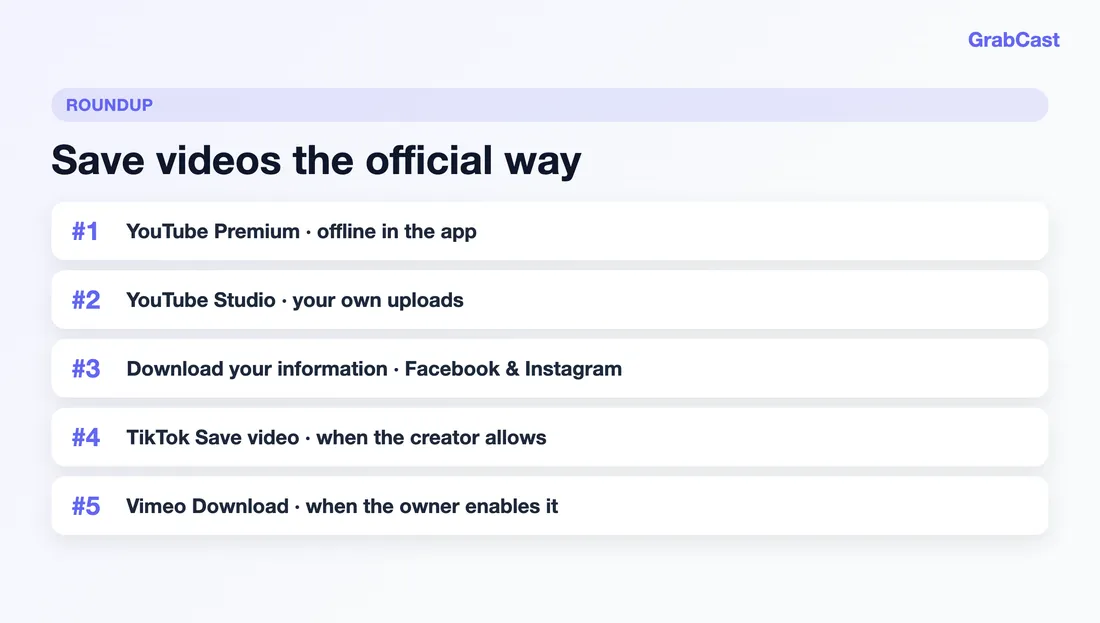
Most video platforms only allow downloads through their own features, and ripping a stream with a third-party tool usually breaks their terms of service even when the video is public. It can also take views, ad revenue and control away from creators. GrabCast retired its link-based downloader so every tool on the site works on files you already own, processed privately in your browser. The good news is that the official options below cover almost every real situation: watching on a plane, backing up your own channel, or getting a clip you have permission to use.
Save YouTube videos: Premium, Studio and Google Takeout
For videos you do not own, YouTube Premium is the supported route. Tap Download under the player in the YouTube app and the video is stored inside the app for offline playback. Downloads stay in the app rather than becoming loose MP4 files, and the app needs to reconnect to the internet periodically (currently about once every 29 days) to keep them. Some videos cannot be downloaded if the rights holder restricts it, and limited free offline downloads exist in some countries.
- Your own uploads: in YouTube Studio open Content, hover over the video, open the three-dot Options menu and choose Download to get an MP4 copy.
- Your whole channel: Google Takeout (takeout.google.com) can export YouTube and YouTube Music data, including the videos you uploaded, as a download archive.
- Someone else’s video: ask the creator for the original file. Many will share it for a class, event or review if you ask and credit them.
Save Facebook, Instagram, TikTok, Vimeo and X videos
Social apps have their own built-in options. Menu names change often, so if a step looks different, search the platform’s Help Center for the feature name.
- Facebook: for a video you posted, the video’s three-dot menu usually offers Download video. To back up everything you shared, use Accounts Center → Your information and permissions → Download your information.
- Instagram: the same Accounts Center “Download your information” tool exports your own posts and Reels. In some regions Instagram also lets you download public Reels from the share menu when the creator has allowed it.
- TikTok: tap Share → Save video. The option only appears when the creator has turned downloads on, and the saved file carries TikTok’s watermark. Settings → Account → Download your data exports your own videos and history.
- Vimeo: a Download button appears under the player only when the owner has enabled downloads for that video.
- X (Twitter): Settings → Your account → Download an archive of your data exports the media you posted.
When you need permission (and what fair use does not cover)
Being able to press a download button is not the same as having the right to reuse a video. A copy saved for private offline viewing is one thing; putting it in your own video, course, ad or website is another, and usually needs the creator’s permission or a license. This is general information, not legal advice.
- Videos you recorded, or that your employer or client owns and has given you, are the simplest case.
- Creative Commons videos can be reused under the license terms, typically with credit. YouTube shows the license in the description when a creator chooses CC BY.
- Stock libraries such as Pexels and Pixabay offer free clips with their own licenses; read them before using a clip commercially.
- Fair use (US) and similar exceptions elsewhere are narrow and judged case by case — commentary, criticism and teaching can qualify, but copying a whole video rarely does.
- When in doubt, embed or link to the original instead of copying it. Embeds keep views and credit with the creator.
Edit the videos you own with free GrabCast tools
Once you have a file you are allowed to use — your own recording, an export from YouTube Studio, a Takeout archive or a clip a creator sent you — these free tools run entirely in your browser, so the video is never uploaded:
- Video Compressor — shrink a file for email, Discord, WhatsApp or a phone with limited storage.
- Video Trimmer & Subtitles — cut the part you need and add automatic subtitles or burned-in captions.
- Crop & Resize Video — reframe to 9:16, 1:1, 4:5 or 16:9 for Shorts, Reels and TikTok.
- Video to GIF — turn a short moment into a lightweight GIF.
- Audio Converter — extract the soundtrack of your own video as MP3, M4A or WAV.
- Audio Cutter — trim that audio, add fades or make a ringtone.
Need the words from a recording? AI Voice-to-Text Studio transcribes your own audio or video privately on your device.
Step-by-step
Common mistakes to avoid
Pro tips
Frequently asked questions
Can I still download YouTube videos with GrabCast?
No. GrabCast retired its link-based video downloader. To watch offline, use YouTube Premium in the YouTube app; to get your own uploads, use YouTube Studio’s Download option or Google Takeout. GrabCast’s tools then help you edit files you own.
Is it legal to download YouTube videos?
YouTube’s terms only allow downloads through features YouTube provides, such as Premium offline downloads, or where YouTube shows a download option. Downloading your own uploads from YouTube Studio is fine. For anything else, ask the creator or rely on a license such as Creative Commons. This is general information, not legal advice.
How do I save a TikTok video?
Tap Share and choose Save video. It only appears when the creator allows downloads, and the file includes TikTok’s watermark. To get copies of your own TikToks, request your data in Settings under Account → Download your data.
How do I get a copy of my own Instagram or Facebook videos?
Open Accounts Center, go to Your information and permissions, and choose Download your information. You can select just posts and Reels and a date range. On Facebook, videos you posted also usually have a Download video option in their three-dot menu.
Which GrabCast tools work with videos I already have?
Video Compressor, Video Trimmer & Subtitles, Crop & Resize Video, Video to GIF, Audio Converter, Audio Cutter and AI Voice-to-Text Studio all work on files on your device. They run in your browser, are free, and never upload your video.
Save videos through the door each platform provides — YouTube Premium or Studio, Google Takeout, Download your information, TikTok’s Save video and Vimeo’s Download button — and ask creators before you reuse their work. Then edit the files you own for free with GrabCast’s in-browser video and audio tools.