Transcribe an Interview Free: Record, Convert, Quote Right
To transcribe an interview for free, record it as cleanly as you can, drop the audio file into GrabCast AI Voice-to-Text Studio, and let OpenAI's Whisper model turn it into text on your own computer, then spend a focused pass fixing names and labeling speakers. Typing a one-hour interview by hand commonly takes four hours or more; an automatic draft replaces most of that with minutes of processing and a shorter edit. This guide is written for reporters, graduate researchers, podcasters, oral historians and hiring teams. It covers recording setups that make transcription easier, how to choose between verbatim and clean transcripts, how to handle speaker labels when the tool does not add them, and how to check quotes before anything is published or submitted.
🎙️ Try AI Voice-to-Text Studio now — freeOpen →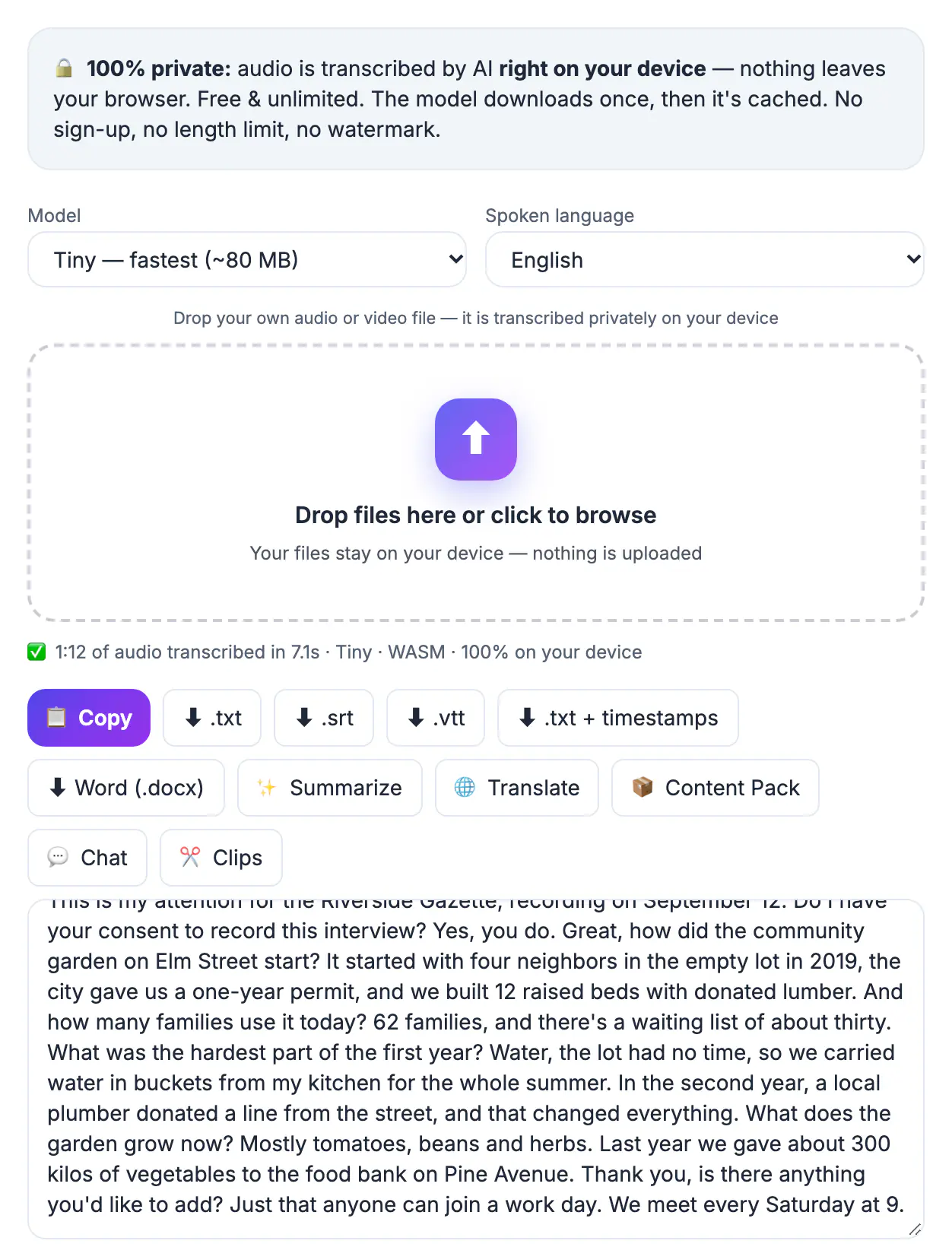
A meeting transcript mainly has to be good enough to find a decision. An interview transcript is different, because the words are attributed to a real person, often in print, in a thesis or in a hiring file. A misheard number or a dropped not can reverse the meaning of a quote and damage a source's trust or your credibility. Interviews also tend to be sensitive: a whistleblower, a patient, an employee talking about a manager, or a research participant promised anonymity. That makes where the audio goes as important as accuracy. Running the transcription in the browser keeps the recording on your device, and a disciplined review against the audio keeps the quotes defensible. The combination turns hours of typing into a checked document you can stand behind.
Record the interview so transcription is easy
Accuracy is decided before you press record. Whisper handles accents well, but it cannot recover words buried under an espresso machine or two people talking at once.
- In person: a phone voice memo app works if the phone sits on a soft surface about a foot from the speaker, not in the middle of a noisy table. A lapel microphone for each person is better still.
- Remote: record through the call app or a recording service, and ask the guest to use earbuds so your voice does not echo back through their microphone.
- Test first: record ten seconds, play it back, and check that both voices are clear and neither clips.
- Say the basics aloud: the date, the interviewee's name and its spelling, and their consent to be recorded. That gives you a timestamped record and a spelling reference.
Recording consent rules vary. Many US states allow one-party consent, while others such as California require everyone's agreement, and research ethics boards usually require written consent. Ask on the recording every time.
Transcribe an interview privately in your browser
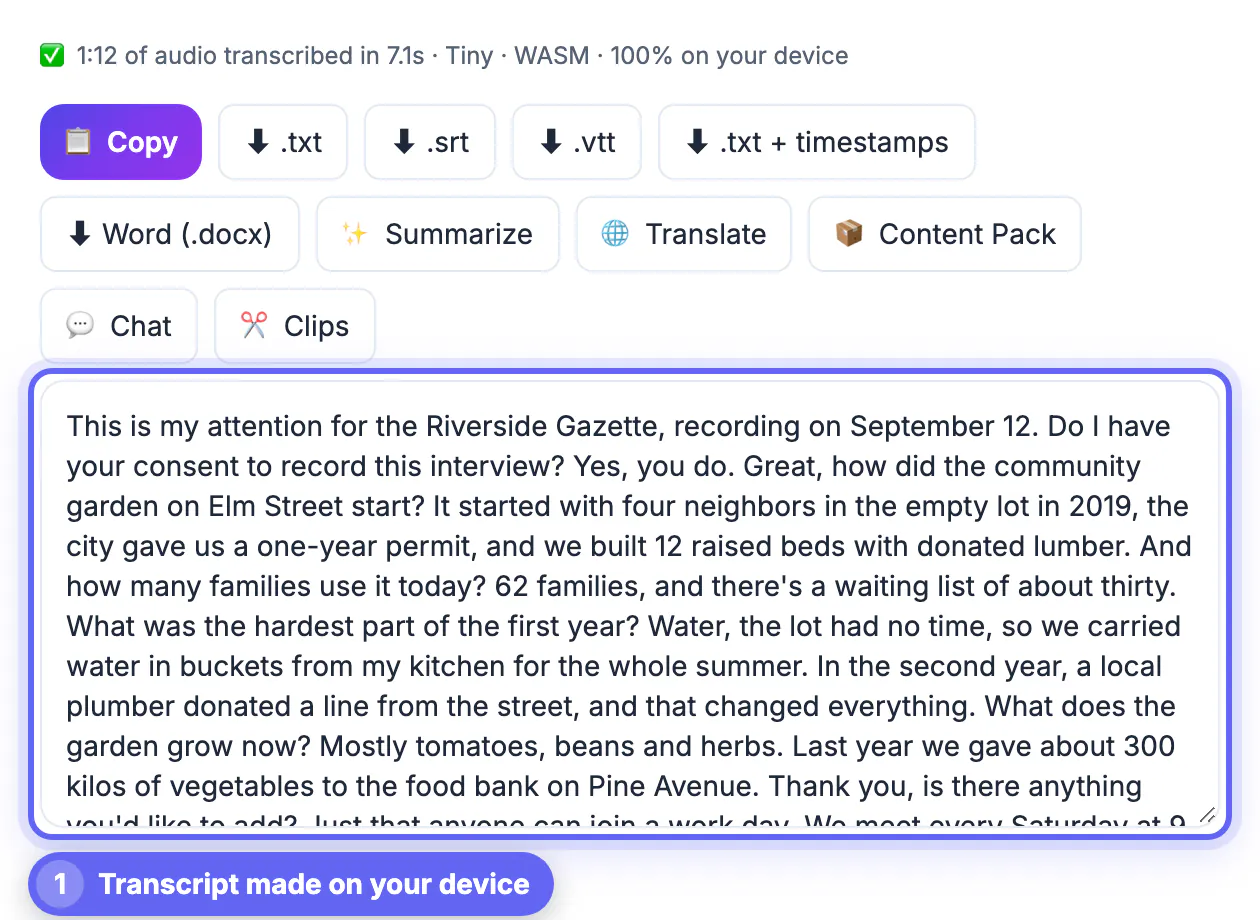
GrabCast AI Voice-to-Text Studio accepts MP3, M4A, WAV, OGG and many video formats. The model downloads once, then is cached, and your audio is transcribed on your own device with no account and no minute limit.
- Model: Base is the default; Small, about 300 MB, is worth the extra download for accented speech or technical vocabulary. Large-v3 Turbo gives the best accuracy on a recent Chrome or Edge with a capable graphics chip.
- Language: choose it explicitly for bilingual interviews so the model does not switch languages mid-answer.
- Progress: long recordings are processed in roughly one-minute pieces with a live transcript and a time-remaining estimate, so you can start reading before it ends.
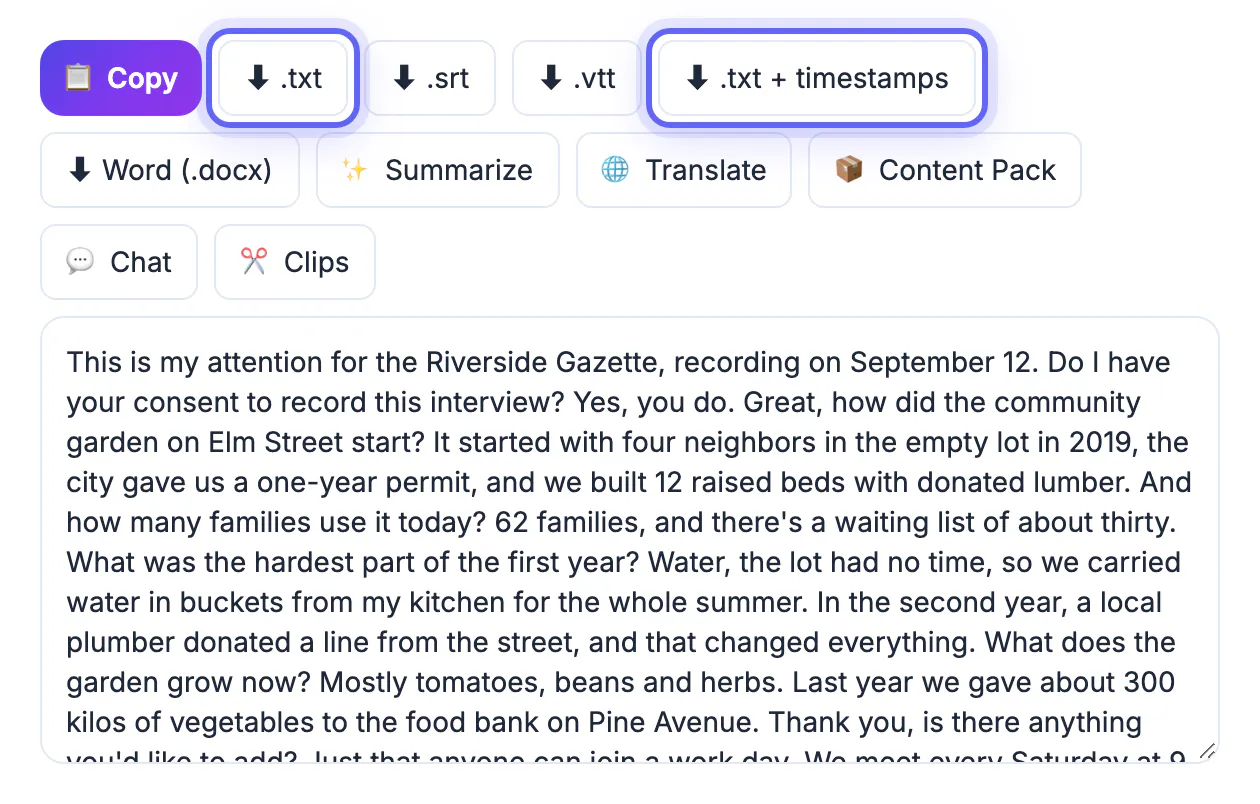
- Exports: plain text, text with timestamps, SRT and VTT, or a Word document for editors who work in track changes.
If a phone recording will not load, convert it to MP3 or M4A with the Audio Converter first. Voice memo files occasionally use formats a browser cannot decode.
Verbatim, clean or edited: pick a transcript style
Decide what the transcript is for before you edit, because the right amount of cleanup differs sharply.
- True verbatim keeps every um, false start and pause. Qualitative researchers and legal teams often need it, since hesitation can be data.
- Clean verbatim removes fillers and stutters but keeps the speaker's words and grammar. It suits most journalism and oral history.
- Edited transcripts tighten sentences for readability, which is fine for a published Q&A as long as the source approves or the outlet's standards allow it.
- Anonymized versions replace names, employers and places with codes such as P07, a common requirement for university research.
Whisper tends to drop some filler words on its own and adds punctuation, so its draft sits close to clean verbatim. For true verbatim you will need to listen and add hesitations back in.
Label speakers and check every quote
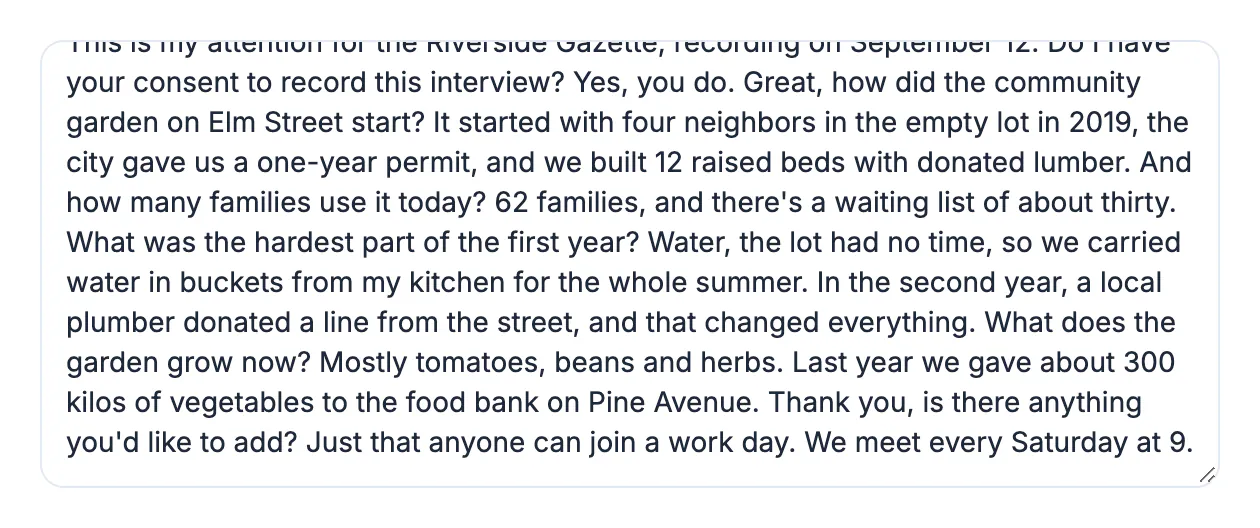
AI Voice-to-Text Studio does not identify speakers, so labeling is a manual step. The timestamped export makes it quick: questions and answers usually alternate, and each line shows where to listen if you are unsure.
- Use short labels such as Q and A, or initials, and apply them with find and replace where the pattern is regular.
- Search the text for every number, name and date, and confirm each against the audio.
- Mark unclear passages as [inaudible 12:41] rather than guessing; a timestamp lets an editor check it.
- Before publishing a direct quote, play that exact passage once more, even when the transcript reads perfectly.
For summaries, the AI Writer or AI Content Pack can pull key points from the cleaned text, but both send it to a cloud AI, so skip that step for confidential or anonymized interviews.
Step-by-step
Common mistakes to avoid
Pro tips
Frequently asked questions
How long does it take to transcribe an interview?
Processing time depends on your computer and model, with Tiny and Base fastest and WebGPU speeding things up considerably. Budget extra time for editing: a careful review often takes about as long as the interview itself.
Is the transcriber really free?
Yes. It runs in your browser with no sign-up, no minute quota and no watermark. The only cost is the one-time model download, which is then cached.
Is my interview recording uploaded?
No. Whisper runs on your device, so the audio stays with you. Only optional steps such as AI summaries send the text to a cloud service.
Does it detect the language automatically?
Yes, auto-detect is available, but setting the language yourself is more reliable for accented speech or interviews that switch between two languages.
Can it tell the interviewer and the guest apart?
No. It produces text and timestamps without speaker labels. Use the timestamped file to add Q and A labels or initials during your edit.
A good interview transcript is recorded well, transcribed privately and checked by a person. Capture clean audio with consent on the record, run it through AI Voice-to-Text Studio on your own device, choose a transcript style that matches the purpose, then label speakers and verify every quote against the audio before it goes anywhere.
Related guides
Browse more: all video and audio guides · AI Voice-to-Text Studio