How to Decode a JWT Token (Free Tool)
To decode a JWT token is to turn a wall of random-looking characters into the readable header and payload it actually contains. A JSON Web Token is three base64url parts joined by dots, and decoding reveals who issued it, what it claims and when it expires. This guide shows how to decode one safely and read every part with confidence. By the end you will be able to look at any token and know exactly what it is telling your application.
🔐 Try JWT Decoder now — freeOpen →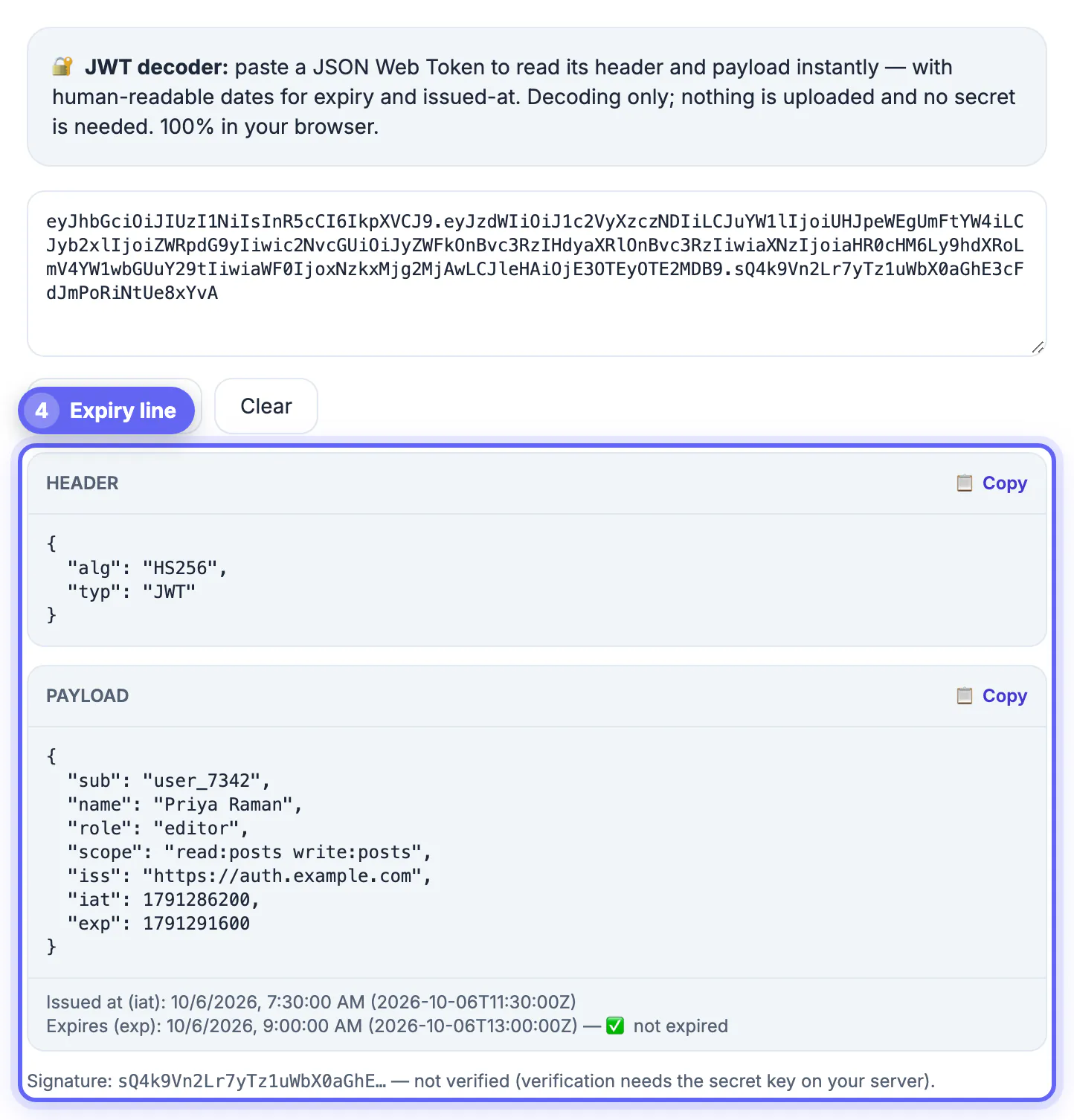
JSON Web Tokens are everywhere in modern authentication, carried in headers and cookies to prove who a user is. When you build or debug an app, you constantly need to see inside one: which user it represents, what permissions it grants and whether it has expired. The token is not encrypted, only encoded, so the header and payload are readable without any secret. Decoding is how you check that the claims match what your code expects, which turns opaque auth bugs into something you can actually inspect. It is also the fastest way to settle an auth argument: instead of guessing why a request was rejected, you decode the token and read the answer directly from its claims.
The three parts of a JWT
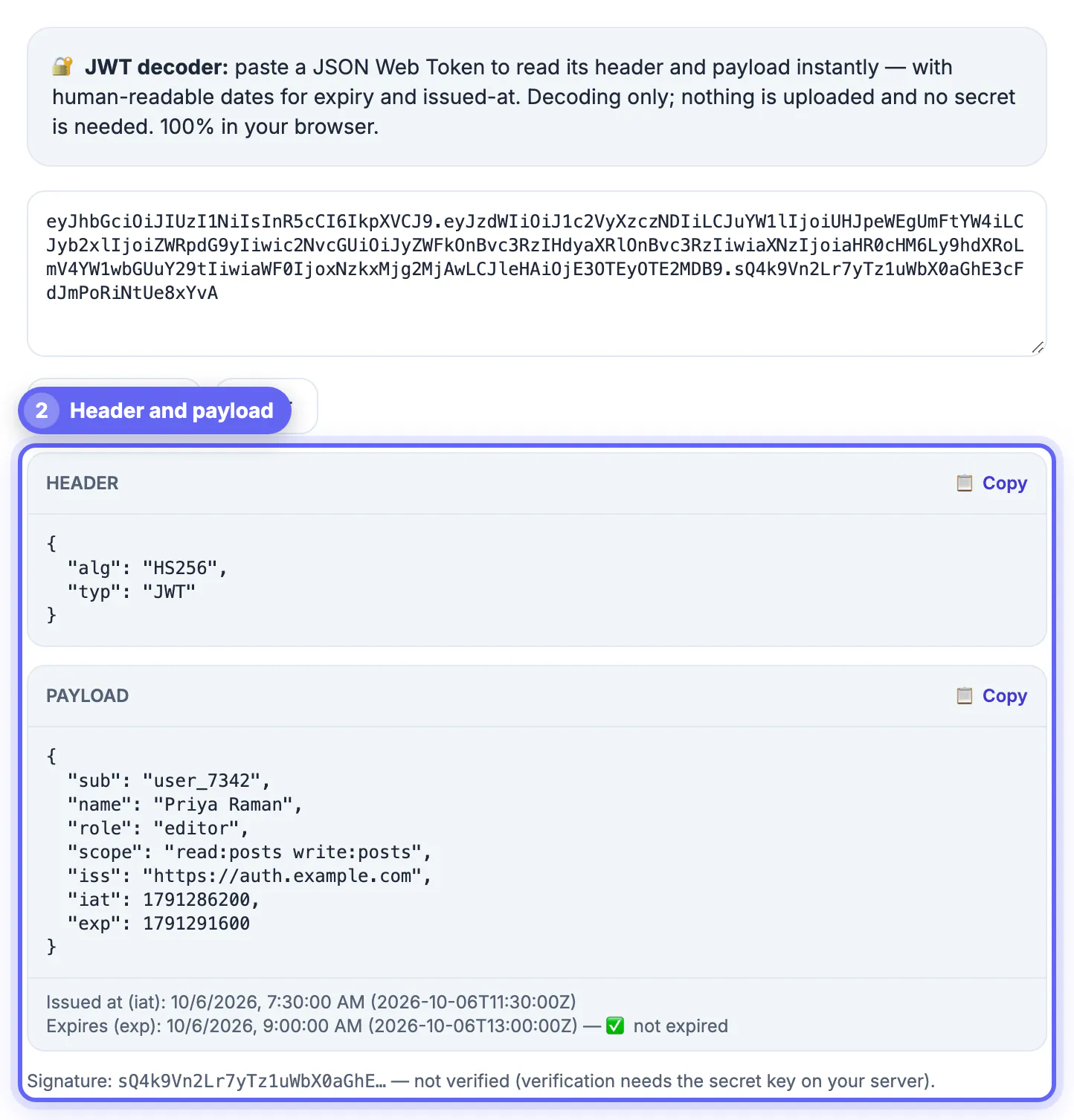
Every JWT is made of three sections joined by dots. Two of them are simply encoded JSON you can read once decoded.
- The header names the signing algorithm and token type
- The payload holds the claims about the user and session
- The signature verifies the token was not tampered with
- Dots separate the three base64url-encoded parts
Decode a JWT token in your browser
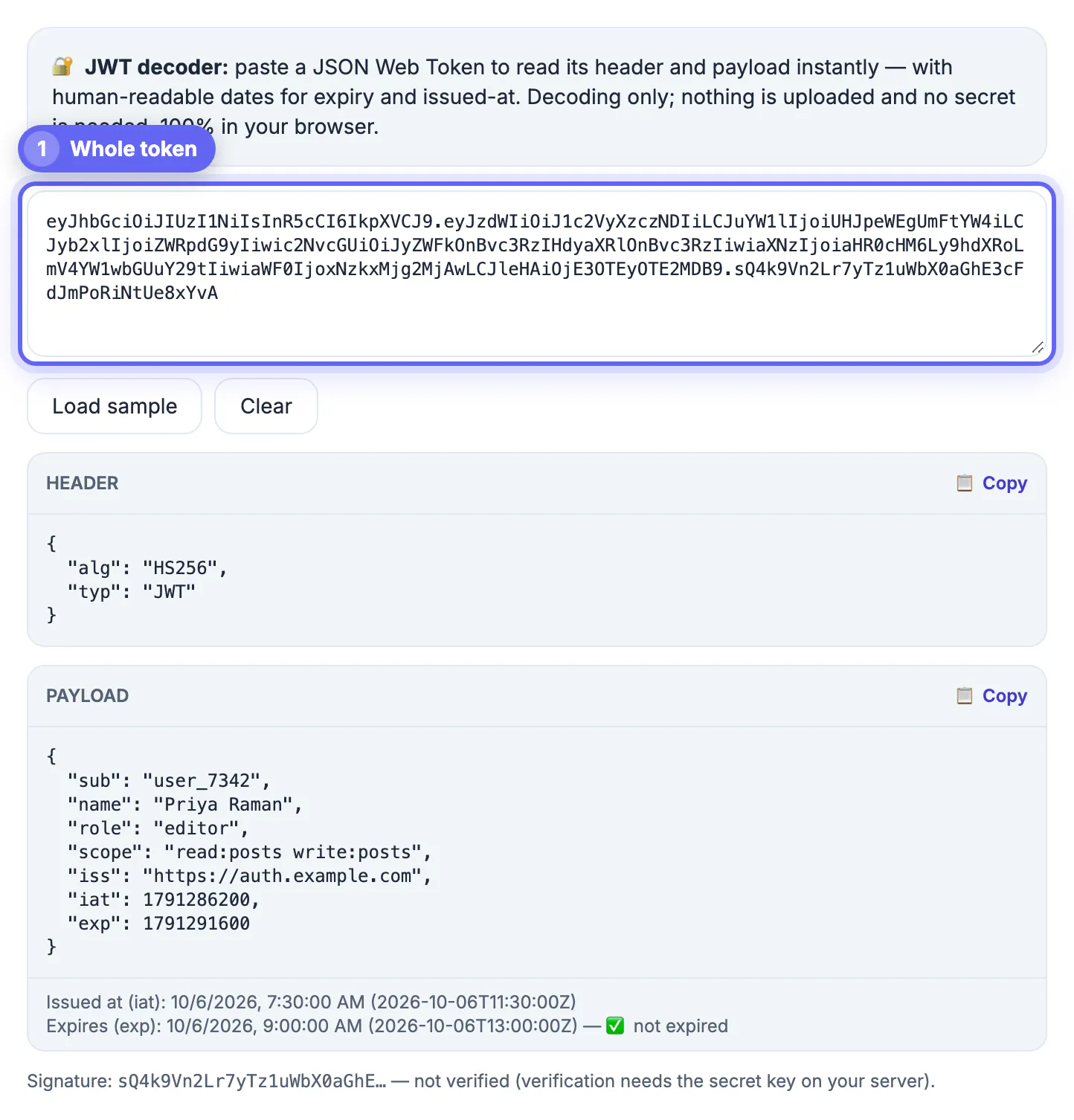
The fastest way to decode a token is to paste it into a browser tool that does the base64url decoding locally and shows both readable sections.
Copy the token from your header, cookie or logs, drop it in, and read the decoded header and payload side by side. A local tool never uploads the token, which matters when it is a live credential.
Read the standard claims
The payload uses short, standard claim names. Knowing them makes any token instantly meaningful.
- sub identifies the subject, usually the user
- iss and aud name the issuer and intended audience
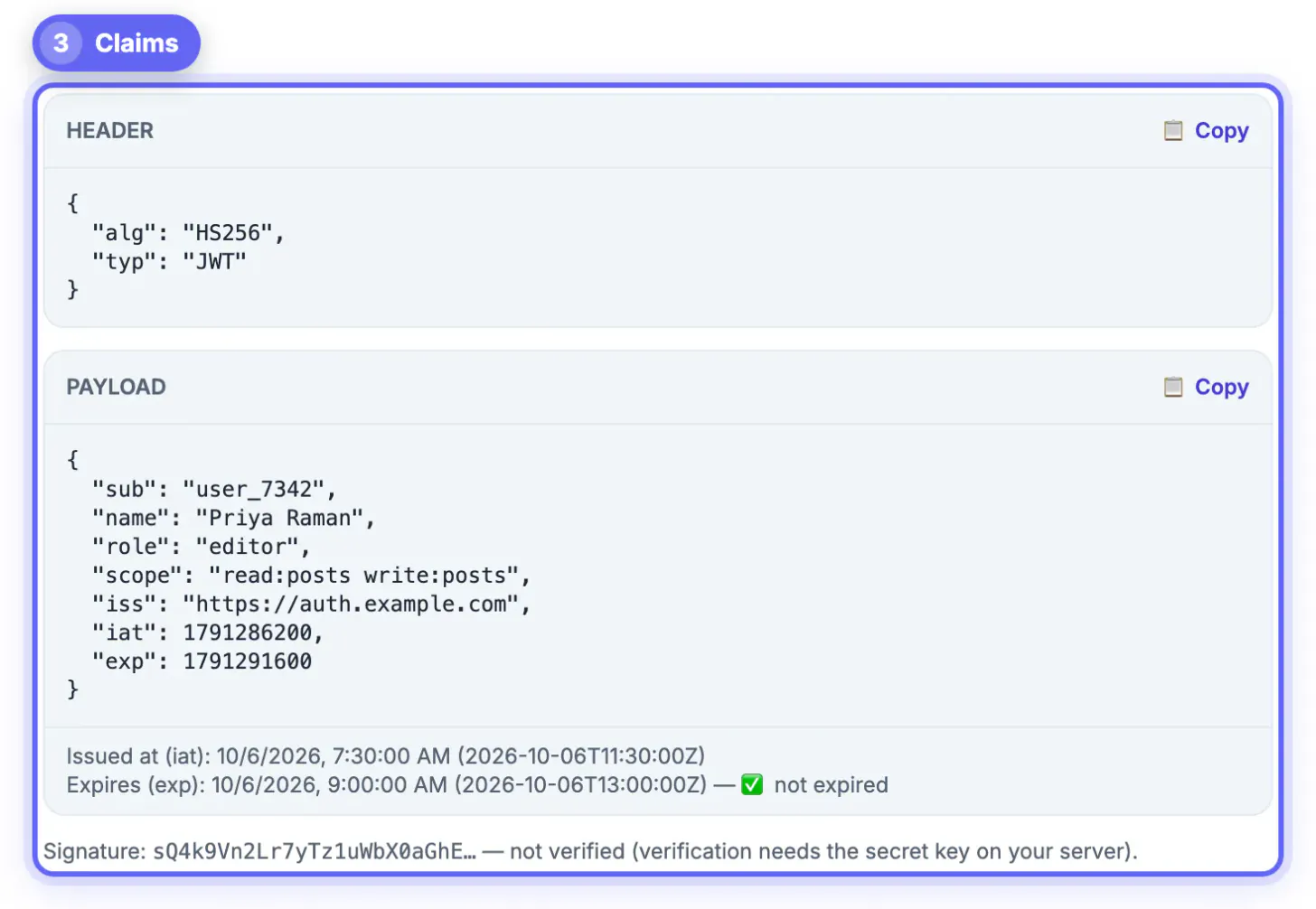
- exp and iat are the expiry and issued-at timestamps
- Custom claims carry roles, permissions and app data
Keep the token private
A JWT is only encoded, not encrypted, so anyone who reads it sees its contents. Treat a real token like a password.
Decode production tokens only in a local, browser-only tool, never paste them into an untrusted site, and rotate any token you suspect has leaked. Never store passwords or secrets inside a JWT payload.
When the decoder refuses a token, and what that tells you
GrabCast's JWT Decoder splits what you paste at the dots, base64url-decodes the first two parts and parses each as JSON. When that fails, the red message names the stage that broke, which usually points straight at the cause.
- Does not look like a JWT: there is no dot at all, so you probably copied a session ID, an opaque access token or only one segment.
- Could not decode the header: often a leftover
Bearerprefix, surrounding quotes from a JSON log line, or the cookie name and equals sign copied along with the value. - Could not decode the payload: the header was fine but the second part is not JSON. Encrypted tokens (JWE) have five parts and their second part is an encrypted key, so this is expected; a truncated copy from a log also ends here.
- Signature shown as (none): the token ends after the payload, which is typical of unsigned tokens with
algset tonone. Your backend should reject those.
If the payload decodes but exp is flagged EXPIRED while the server still accepts the token, compare your computer's clock and time zone with the server's before blaming the token. The decoder converts timestamps using your local clock.
Where to find the token you need to decode
Before you can decode a JWT, you have to grab it, and it hides in a few predictable places depending on how your app moves it around.
- The Authorization header, after the word Bearer
- A cookie set at login, often named access or id token
- Application logs that record outgoing requests
- Browser developer tools, under storage or network
Turn decoded claims into a debugging habit
Decoding is most useful as a reflex, not a last resort. When something authentication-related misbehaves, the token usually holds the explanation.
Check the sub to confirm the right user, scan the roles or scopes for the permission in question, and read the exp to rule out an expired session. Three glances at the payload replace a lot of speculative logging.
Decoding is not the same as verifying
Reading a token's claims tells you what it says, not whether it can be trusted. Only the server holding the signing key or public key can verify the signature, so a decoded payload should never be used to make a security decision on its own.
- Decoding shows header and payload, which anyone can read.
- Verifying checks the signature, algorithm, issuer, audience and expiry against known values.
- Never trust the alg header from an unverified token to choose how to validate it.
If a token fails with an expiry message, reading the exp claim and fixing 401 errors explains the timestamp, and how Base64 works under the hood explains why the first two parts decode without any key.
Step-by-step
Common mistakes to avoid
Pro tips
Frequently asked questions
Is a JWT encrypted?
No, it is only encoded, so the header and payload are readable without any secret; treat a real token like a password.
How do I decode a JWT token?
Paste it into a decoder that base64url-decodes the parts locally, then read the header and payload it reveals.
Is it safe to decode a token online?
Only in a browser-only tool that never uploads the token; avoid pasting live tokens into servers you do not trust.
What is in the payload?
Claims such as sub, iss, aud, exp and iat, plus any custom fields your app adds like roles or permissions.
Where do I find a JWT to decode?
Look in the Authorization header after Bearer, in a login cookie, in application logs, or in your browser's developer tools under storage or network.
Decoding a JWT reveals its header and payload instantly, and a local, browser-only tool keeps that sensitive token private while you inspect the claims.
Related guides
Browse more: all text and developer guides · JWT Decoder