Create a QR Code in 4 Steps: Type, Style, Test, Save
To create a QR code, open GrabCast QR Code Generator, pick what the code should do (open a link, join Wi-Fi, save a contact, start an email or text, or call a number), fill in the fields, scan the live preview with your phone, and download it as PNG or SVG. It takes about a minute, needs no account, and the code is generated in your browser, so even a Wi-Fi password never leaves your device. The codes are static: the information sits inside the pattern, so they keep working without a subscription and never expire. This guide walks through each of the six code types, the style settings that affect scanning, when to add a logo, and the print sizes that work on business cards, flyers and posters.
🔳 Try the QR Code tool now — freeOpen →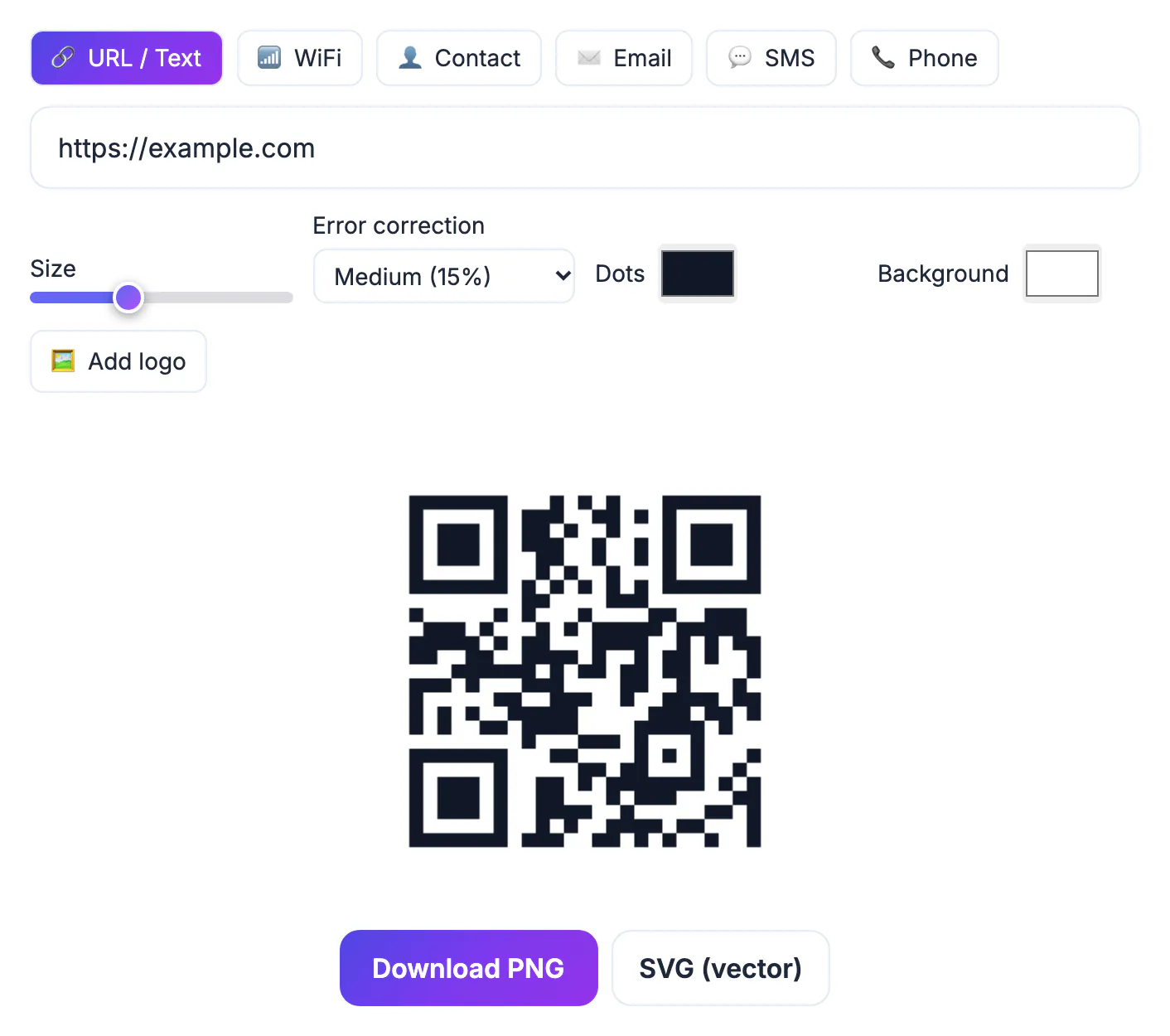
Many QR sites give you a dynamic code: the pattern points to their short link, which then redirects to your page. That lets you change the destination later, but it also means every scan passes through their servers, and if the free trial ends or the account lapses, the codes already printed on menus and packaging can stop working. A static code has no middleman. What you encode is what the phone reads, today and in ten years. The only rule is to point it at something you control, such as your own domain, because the code itself cannot be edited after printing.
Choose what the code should do
The generator offers six types, and each one fills in the format a phone camera expects, so scanners react correctly.
- URL / Text: a web address opens in the browser; any other text is shown on screen. Use a short URL you own.
- WiFi: enter the network name (SSID) and password, pick WPA/WPA2/WPA3, WEP or None, and tick Hidden network if the SSID is not broadcast. Guests join by scanning instead of typing.
- Contact: full name, company, job title, phone, email and website become a vCard that the phone offers to save to its contacts.
- Email, SMS and Phone: pre-fill a message with recipient, subject and body, pre-write a text to a number, or open the dialer, ready for the person to send or call.
Pick the type that matches the action, rather than pasting everything as text. A contact typed as plain text shows up as a block of words; the same details in the Contact type become a one-tap Save contact button.
Style settings that affect scanning
Every setting changes the preview immediately, so you can see the effect before downloading.
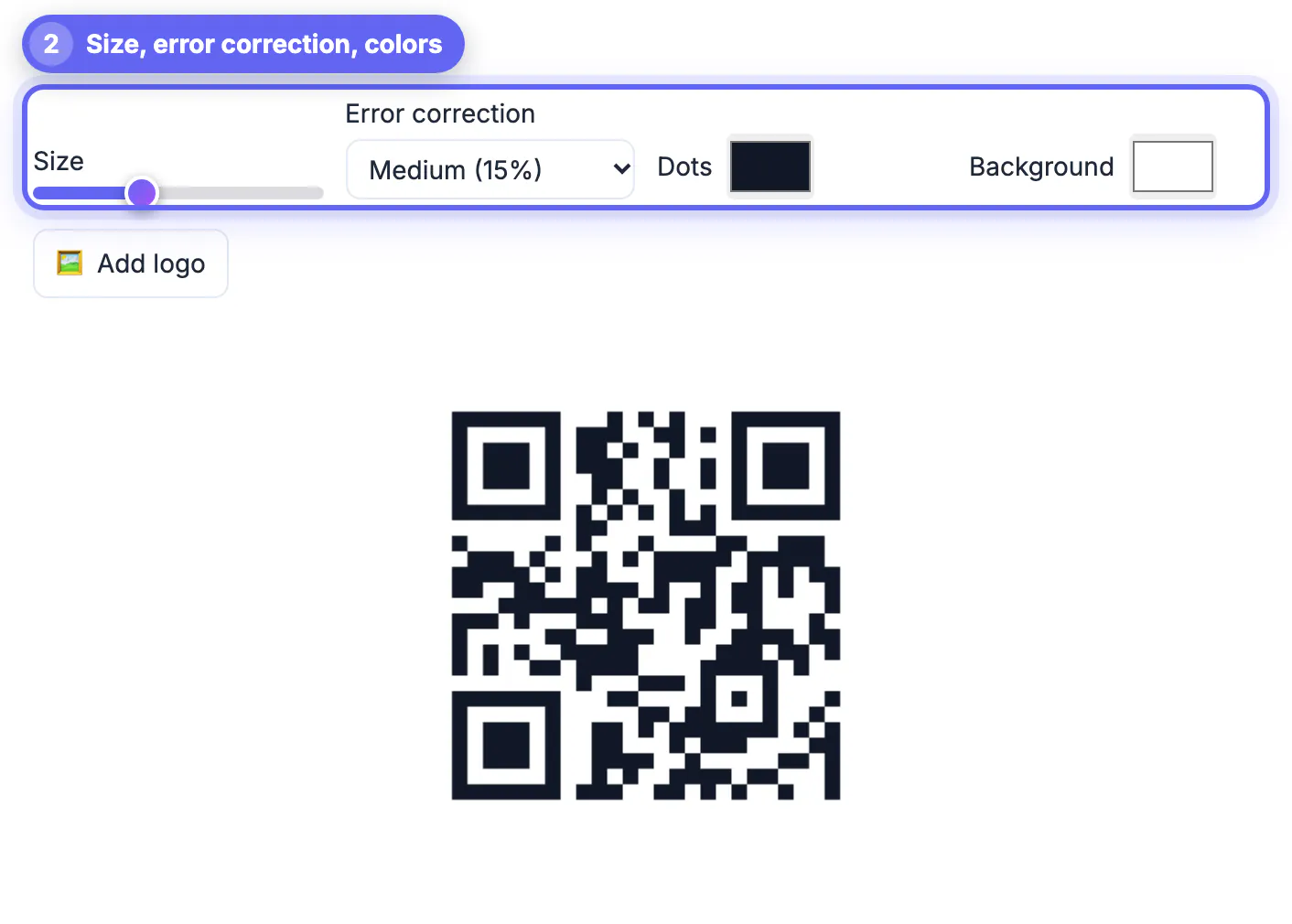
- Size: the slider sets how many pixels each grid cell gets in the PNG, from small web images to large print files.
- Error correction: Low (7 percent), Medium (15 percent, the default), Quartile (25 percent) or High (30 percent). Higher levels survive scratches and smudges but make the grid denser.
- Colors: Dots and Background accept any color. The tool warns when contrast is too low or when light dots sit on a dark background, which some phones cannot read.
- Add logo: places your image in the center, about a fifth of the code's width, on a small background patch, and locks error correction to High while the logo is on, so the covered area can be recovered.
Keep designs restrained. A dark navy or deep green on white scans as well as black; pastel dots, busy photo backgrounds and inverted colors are the most common reasons a branded code fails.
Test it, then pick PNG or SVG
Always scan the on-screen preview with your own phone before saving, and check that it does exactly what you meant: the right page, the right network, the right phone number.
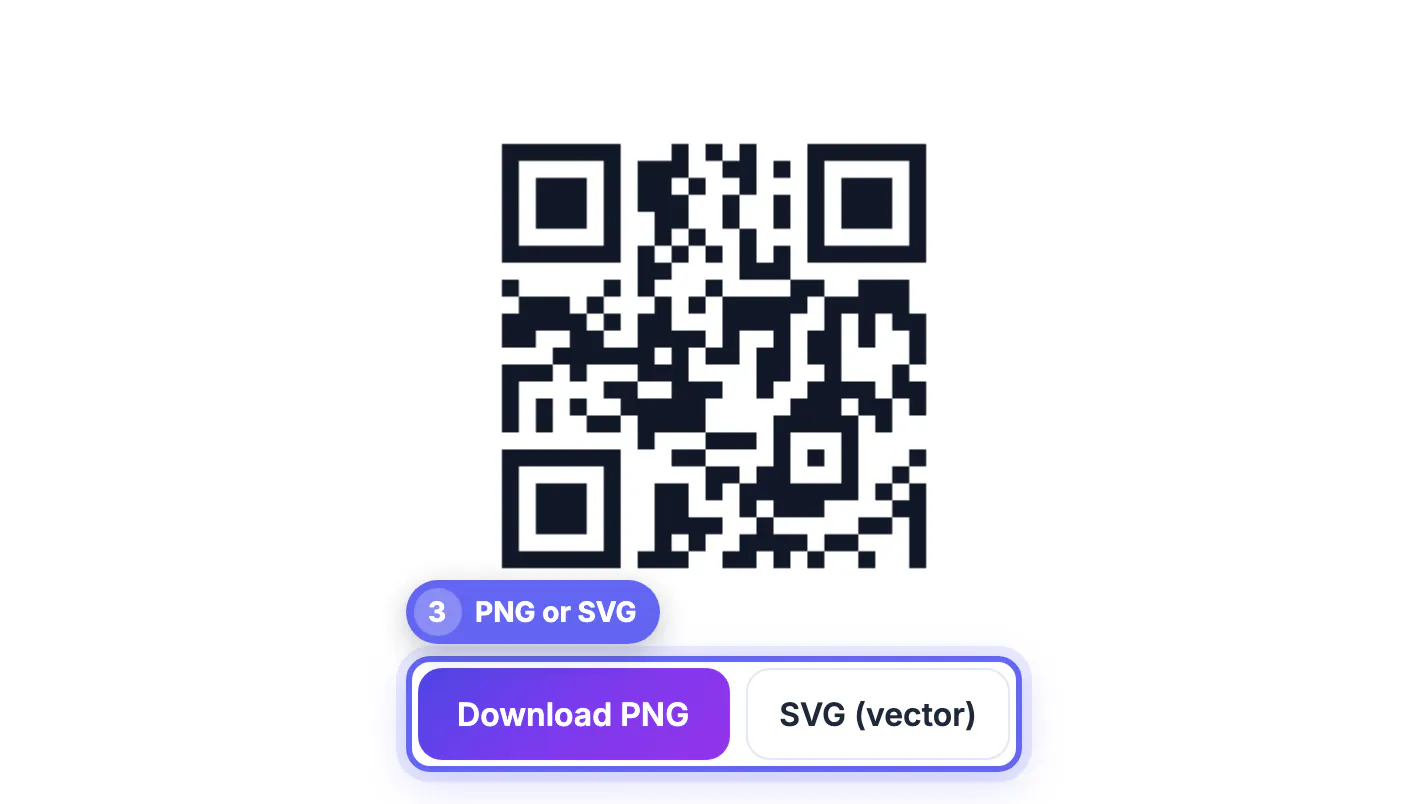
- PNG: a pixel image for websites, slides, social posts and documents. Raise the Size slider first if it will be displayed large.
- SVG (vector): stays perfectly sharp at any size, which suits flyers, posters, menus, packaging and anything sent to a print shop.
- Logos: an added logo is embedded in the SVG too; an SVG logo stays vector, while photo and PNG logos are embedded at up to 1024 pixels, so start from the sharpest file you have.
- Keep a copy of the file and a note of what it encodes, so you can reprint the same code later instead of making a new one.
Test again on the printed proof, ideally with an iPhone and an Android phone, in the lighting where people will actually scan it.
Before printing, read the saved file back with the QR Code Scanner. If you used brand colors, the Color Contrast Checker shows whether the dots stand out enough.
How big to print a QR code
Scanning distance matters more than paper size. A common rule of thumb is a code width of at least one tenth of the distance people stand from it.
- Business cards and product labels, scanned from about 8 inches: at least 1 inch (2.5 cm) wide, which is the tool's own minimum recommendation.
- Flyers and table tents, scanned from 1 to 2 feet: roughly 1.5 to 2.5 inches.
- Posters and shop windows, scanned from 6 to 10 feet: 8 inches or more.
- Long URLs or lots of text make the grid denser, so shorten the content before shrinking the code, and never trim the white border around it.
Matte paper avoids glare under shop lights, and a flat surface avoids the distortion that curved bottles and folded brochures introduce. Everything here happens in your browser: GrabCast does not track scans or store what you encode.
▶ Watch: How to make a QR code (0:39)
Video transcript
- Choose URL / Text. Pick what the code should open: a link, Wi-Fi login, contact, email, text or phone.
- Type your link. The QR code updates as you type, so you can see it right away.
- Pick a color. Dark dots on a light background scan best. Here: deep indigo.
- Set error correction. Quartile still scans when the print gets a little scratched or folded.
- Download the PNG. Test it with your phone camera, then print it or add it to your flyer.
Step-by-step

Common mistakes to avoid
Pro tips
Frequently asked questions
How do I create a QR code for free?
Open GrabCast QR Code Generator, pick a type, fill in the fields, test the preview with your phone and download PNG or SVG. There is no sign-up and no watermark.
Do the codes expire?
No. They are static codes with your data stored in the pattern, so they keep working with no account and no scan limits. You cannot edit one after printing, though.
Can I add a logo without breaking the code?
Yes. Add logo places it in the center and locks error correction to High while it is on, so the code still scans. Always test before printing; the logo is included in both the PNG and the SVG download.
Should I download PNG or SVG?
PNG for websites, slides and social posts; SVG for anything printed, because a vector stays sharp at every size.
Is what I type sent to a server?
No. The code is generated in your browser, including Wi-Fi passwords and contact details, and scans go straight to your content with no GrabCast redirect.
To create a QR code that keeps working, pick the type that matches the action, point links at a domain you own, keep dark dots on a light background, and test the preview and the printed proof on real phones. Download SVG for print and PNG for screens, size the code for the scanning distance, and it will do its job for years with nothing to renew.
Related guides
Browse more: all text and developer guides · the QR Code tool