Instagram QR Code: Turn Offline Scans Into Followers
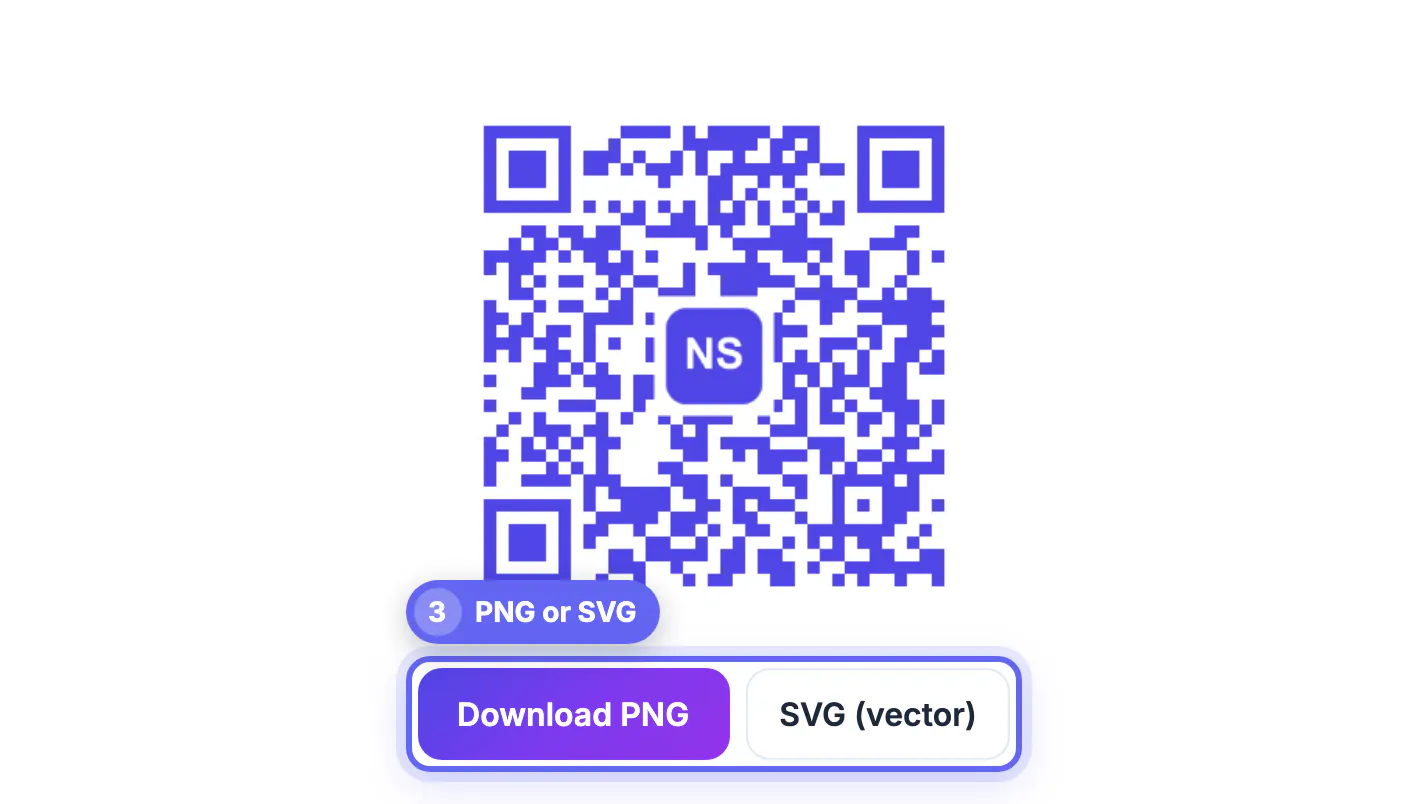
To make a QR code for Instagram, copy your profile link (instagram.com/yourhandle) or the share link of one post, paste it into a free generator, and download the square as PNG for screens or SVG for print. That takes about a minute. The harder part is getting strangers at a market stall, a gig, or a checkout counter to point a camera at it and actually follow. This guide covers the link choice, the print size that scans from real distances, the color mistakes that quietly kill scans, and a no-cost way to see whether the square on your flyer is pulling its weight. The examples come from small shops, photographers, and event booths, the places where an offline glance turns into an online follow or never happens at all.
📸 Try the QR Code tool now — freeOpen →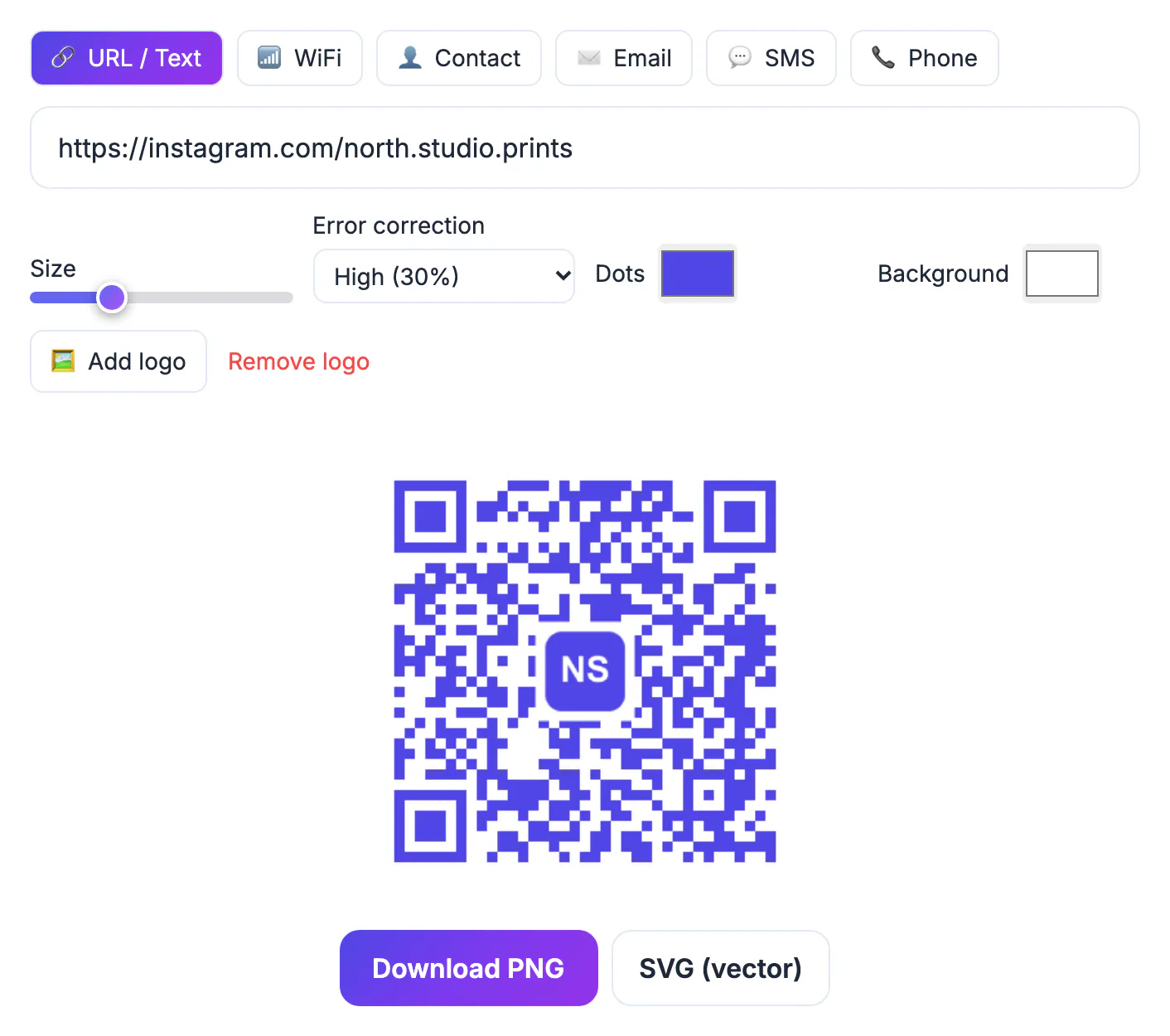
Ask someone to search for an Instagram handle and you lose them at the spelling. Underscores, doubled letters, and look-alike accounts all get in the way, and most people will say they will do it later and never do. A scan removes every one of those steps: camera up, tap the banner, land on your page with the Follow button in reach. Modern iPhone and Android cameras read codes natively, so nobody needs a special app. The catch is that a code is only as good as the reason next to it and the conditions it is printed in. A tiny square on a glossy menu under dim bar lighting will fail no matter how clever the campaign, which is why the practical details below matter more than design flourishes.
Pick the right Instagram link before you make the QR code
Everything the code does is locked in at the moment you generate it. GrabCast makes static codes, which means the link is written straight into the pattern: there is no redirect server, no expiry date, and no subscription that can lapse and break your printed flyers. The trade-off is that you cannot edit the destination later, so choose it carefully.
- Profile link: the safest choice for long-lived print such as business cards, shop windows, and packaging. Copy it from your profile or type instagram.com/ followed by your handle, with no trailing tracking junk.
- A single post or reel: good for a short campaign, like a giveaway post or a product demo, but it ages fast and points to a dead end if you archive the post.
- Your own landing page: if you run a website, pointing the code at a page such as yoursite.com/ig that links onward to Instagram lets you change the final destination later without reprinting anything.
- Watch the handle: the profile address contains your username, so if you rebrand, every printed code sends people to an empty page or, worse, to whoever grabs the old name.
Size, contrast and placement that scan on the first try
A good rule of thumb from print designers is a ratio of about ten to one between scanning distance and code width. Someone standing a foot away can scan a square just over an inch wide, while a poster read from ten feet needs roughly twelve inches. Never go below about 0.8 inch (2 cm) for anything handheld.
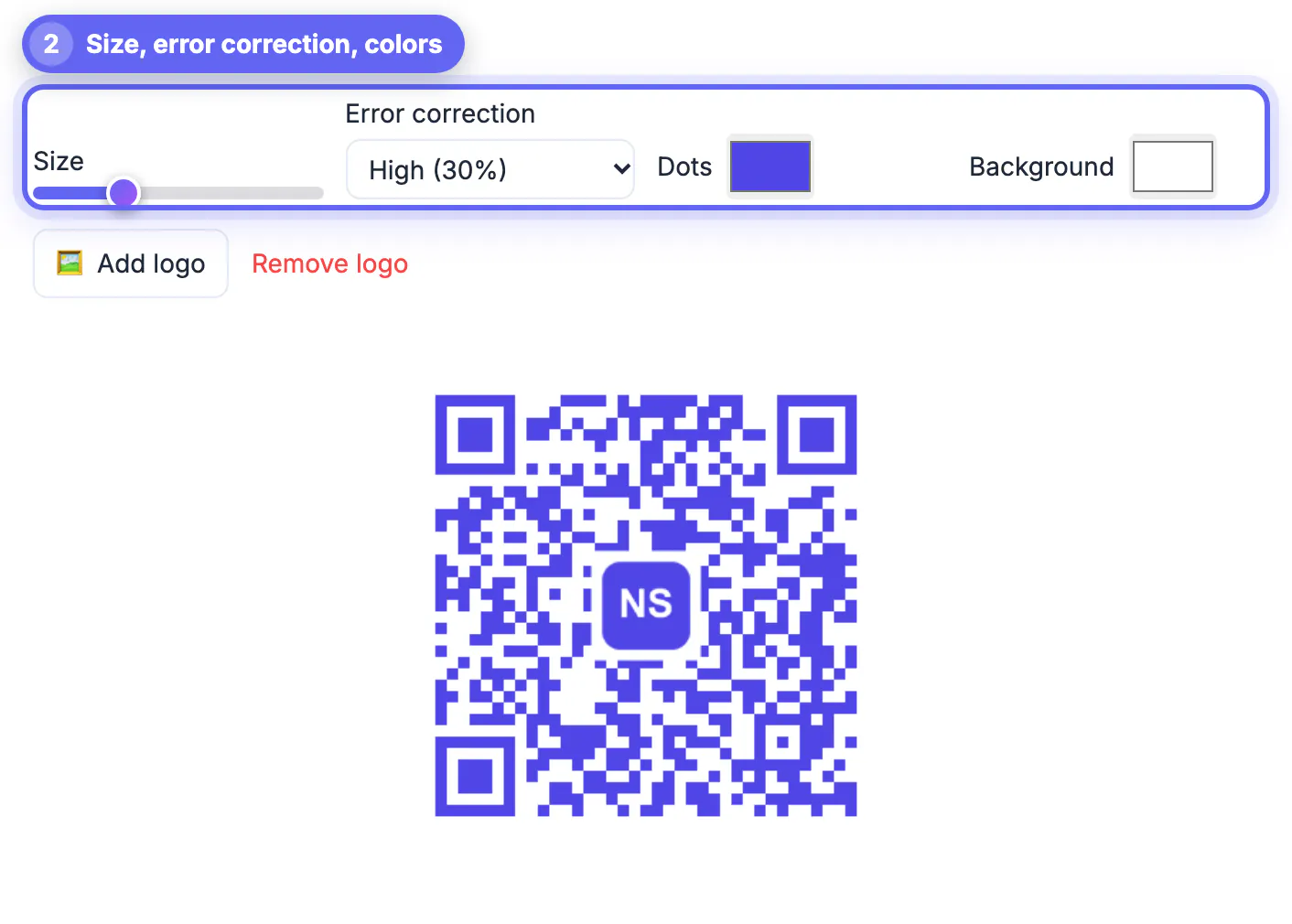
- Keep dark dots on a light background. GrabCast shows a warning when contrast drops too low or when you pick light dots on a dark fill, because some phone cameras refuse inverted codes.
- Leave the quiet zone alone. The tool adds a four-module white border around the pattern; cropping it off to save space is a classic reason codes stop working.
- Use error correction wisely. Medium (15 percent) is the default and fine for most print; if you add a logo in the middle, the tool switches to High (30 percent) so the covered area can be rebuilt.
- Avoid curved or glossy surfaces such as bottles and laminated cards under spotlights, where glare hides whole blocks of dots.
Give people one clear reason to scan
A bare square gets ignored. The codes that pull followers pair the pattern with a short, specific promise printed right beside it, in words a passer-by reads in two seconds.
- A coffee shop might write: Scan for Friday latte-art videos and our weekly pastry drop.
- A wedding photographer at a bridal fair: See 40 real weddings from this season, scan here.
- A band at a merch table: Follow for the tour dates and the setlist from tonight.
- Put the call to action above or beside the code, not below a fold or on the back of a menu where nobody looks.
Measure scans without paid tracking software
Static codes cannot count scans on their own, and a direct instagram.com link gives you no analytics outside the app. There are two honest, free workarounds.
- Watch your Instagram insights for profile visits and follows in the days after an event, and compare them with a normal week. It is rough, but a stall that drives 60 extra profile visits on a Saturday is easy to spot.
- If you have a website, point the code at your own page with UTM parameters such as ?utm_source=flyer&utm_medium=qr, then let your site analytics count the visits before the visitor taps through to Instagram.
- Make one code per placement, for example one for the counter and one for the window, so you can tell which spot works.
- Instagram itself has offered a built-in profile QR code in its share menu; it is handy for quick sharing, though menus move between app versions and you get fewer design and file-format choices.
Tag the link first with the UTM Builder, and keep campaign names tidy using this guide to UTM parameters.
Step-by-step

Common mistakes to avoid
Pro tips
Frequently asked questions
Does an Instagram QR code expire?
Not when it is static. The link is stored inside the pattern itself, so the square keeps working as long as the destination page exists. Codes from subscription services that redirect through their own servers can stop working if the plan ends.
Can I change where the code points after printing?
Not with a static code. If you expect to change the destination, point the code at a page on your own website and update the onward link there instead.
Why will my code not scan?
The usual causes are low contrast, light dots on a dark background, a cropped white border, a code printed too small for the viewing distance, or glare on a glossy surface. Fix those before blaming the phone.
Is a logo in the middle safe?
Usually, yes. The generator raises error correction to High so the covered center can be rebuilt, but keep the logo modest and always test a printout.
Can I see how many people scanned it?
A static code does not report scans. Compare your profile visits in Instagram insights before and after, or route the code through your own page with UTM tags so your site analytics count the visits.
A QR code for Instagram works when three things line up: a destination that will still exist next year, a square printed large and dark enough for the real scanning distance, and a one-line reason to follow printed beside it. Generate a static code for free, test a physical proof on two phones, and use insights or your own tagged landing page to learn which placements earn followers.
Related guides
Browse more: all all guides · the QR Code tool