Google Form QR Codes for Surveys and Check-Ins
To make a QR code for a Google Form, copy its responder link (the one that ends in viewform or starts with forms.gle), paste it into a QR generator's URL tab, and scan it on a phone that is signed out of Google before printing or projecting it. That last check matters because the most common failure is not the code at all; it is a survey that asks people to sign in, is still unpublished, or has stopped accepting responses. This guide is for teachers, event organizers, HR teams and site managers who need a room full of people to answer quickly, and it covers pre-filled links that tell you which room or table each reply came from.
📝 Try the QR Code tool now — freeOpen →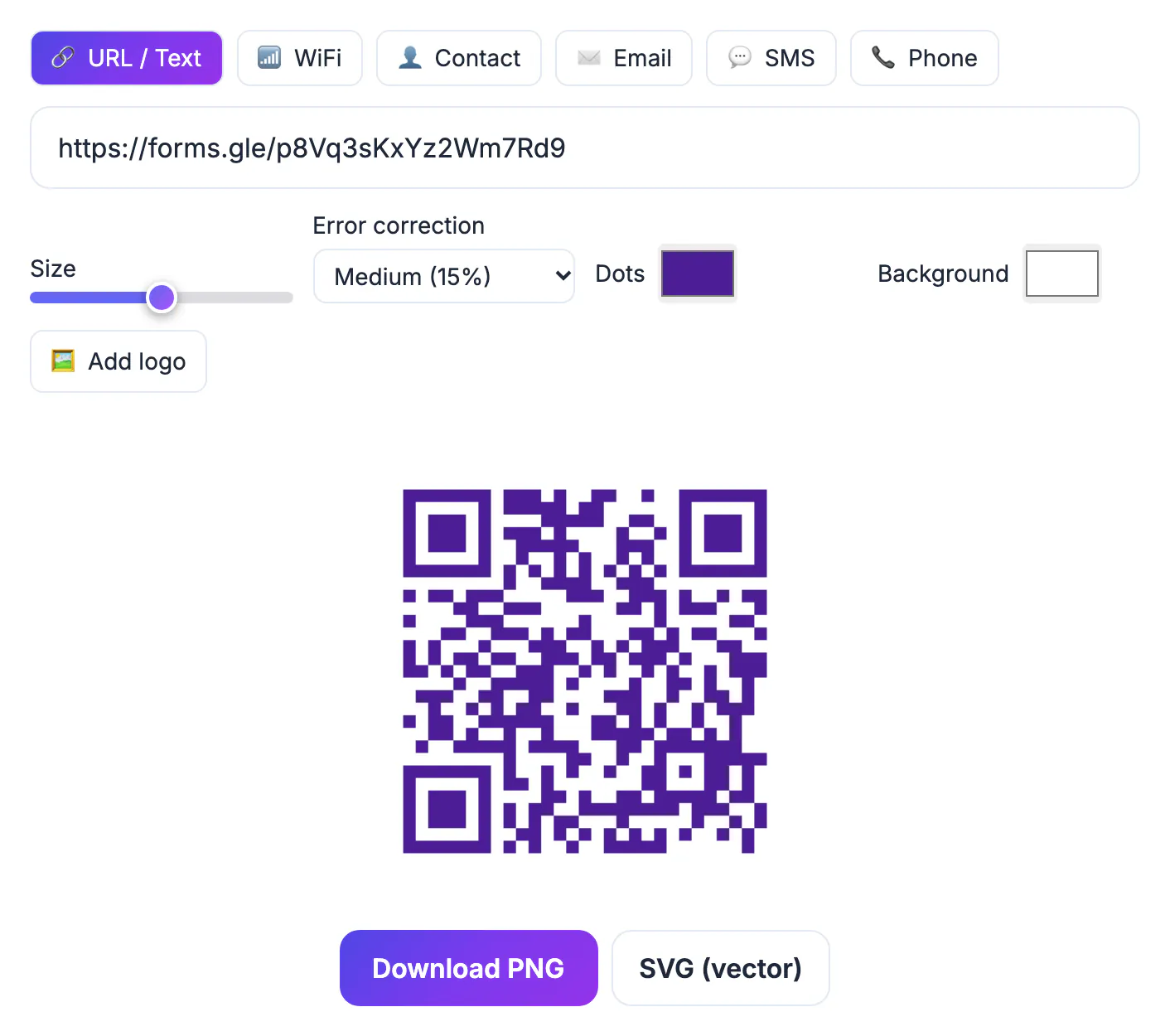
A form link read aloud or shown on a slide loses people at every step: the long address gets mistyped, the short one gets forgotten, and by the time a phone browser is open the speaker has moved on. A projected or printed code turns that into a three-second action, which is the difference between 20 percent and 80 percent of a room responding. It also removes the awkward moment where someone asks you to repeat the link. The risk is that a code makes a broken link fail faster, so the checks in this guide matter more than the drawing.
Copy the right Google Form link
Google gives the same survey several addresses, and only one belongs in the square.
- The editor address ends in /edit. Respondents who scan it see a request-access page, or worse, collaborators get the editor. Never use it.
- The responder link ends in /viewform. In recent versions you get it from the Publish button or the Copy responder link option; older versions show it under Send and the link icon.
- Tick Shorten URL where it is offered to get a forms.gle address. It is shorter, so the pattern is lighter and scans from farther away.
- New surveys start as drafts until you publish them. An unpublished draft shows an error to anyone who scans.
Paste the link into a private or incognito browser window first. If it opens the questions without asking you to sign in, it is the right one.
Settings that quietly block respondents
Several settings require respondents to sign in to a Google account. That is fine inside a school or company domain and a problem at a public event.
- Limit to 1 response requires sign-in, because Google needs an account to count responses per person.
- Collect email addresses set to Verified requires sign-in; Responder input lets people type an address without signing in.
- File upload questions require a Google account and store files in the owner's Drive.
- Surveys restricted to your organization reject anyone outside it, including parents and guests.
- The Accepting responses switch in the Responses tab must be on. Turn it off after the event so late scans get a polite closed message rather than stray answers.
Pre-filled links: one survey, a code per room
If the same questionnaire is used in several places, you can make each printed code tell you where the answer came from without adding a question people must answer.
- Add a short-answer or dropdown question like Session room.
- In the three-dot menu choose Get pre-filled link, pick Room B for that question and click Get link, then copy it.
- Repeat for each room or table and make one code per link, labeled clearly so they do not get swapped.
- Pre-filled links contain entry numbers and are much longer than a shortened address, so print them a bit larger, or point the code at a short redirect on a site you control.
In the responses spreadsheet, the room column fills itself, so you can compare Room A and Room B satisfaction with a single filter.
Make the Google Form QR code in GrabCast
Open the QR Code tool and stay on the default URL / Text tab. Paste the responder link and the preview appears; it is built in your browser, so the link is not uploaded.
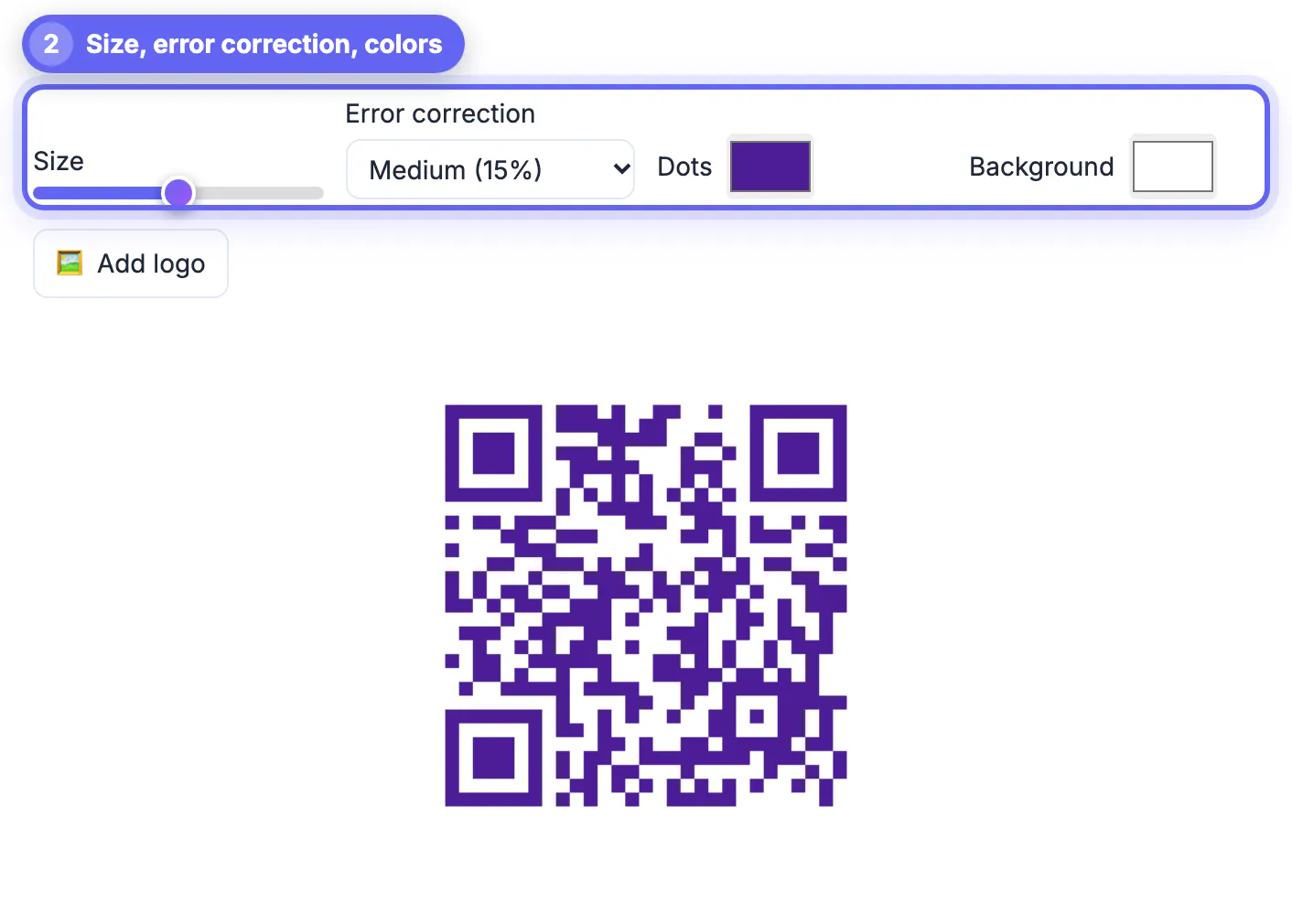
- For a projected slide, a Size of 10 or more gives a crisp PNG, and leave it on screen for at least 30 seconds so the back row can scan.
- Projectors wash out contrast. Keep black modules on white and ignore brand colors for this use; the tool warns when contrast is too low.
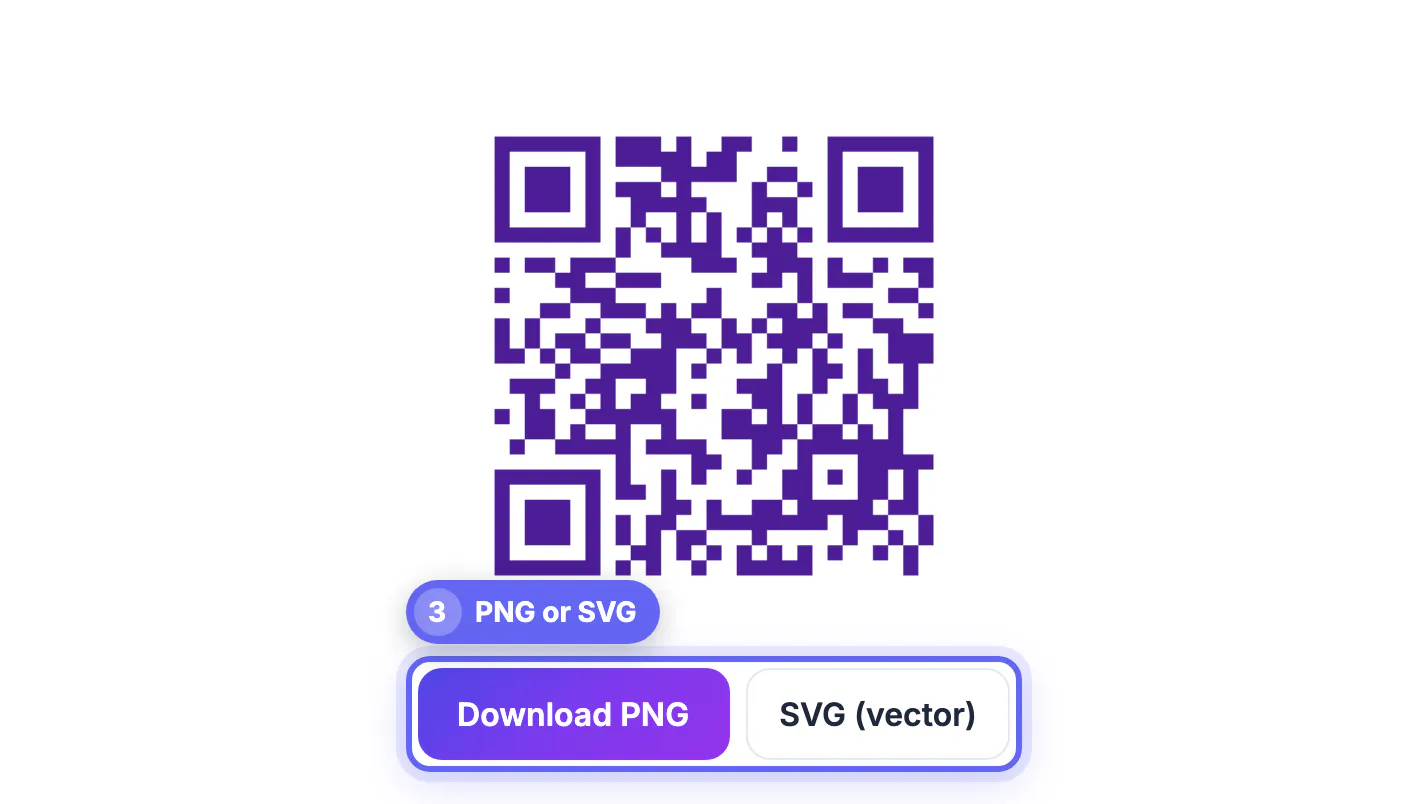
- For posters, handouts and table cards, download SVG so the print shop can scale it without blur.
- Show the forms.gle address in text under the code for anyone whose camera will not cooperate.
- For name badges or lanyards, a 1 inch square is enough for a forms.gle link; pre-filled links need closer to 1.5 inches.
Chrome's own share menu can also make a QR code for any page, and it works, though it puts a dinosaur in the middle and gives you fewer controls over size, color and error correction.
To tell printed codes apart, tag each link with the UTM Builder. Once saved, check the image with the QR Code Scanner before it goes on a slide.
Step-by-step

Common mistakes to avoid
Pro tips
Frequently asked questions
Which link do I put in the QR code?
The responder link, which ends in viewform or starts with forms.gle. Never the /edit address from the browser bar, which is for editors and asks respondents for access.
Do people need a Google account to answer?
Not by default. Sign-in is only required if you turn on Limit to 1 response, verified email collection, file upload questions or restrict the form to your organization.
Can I edit the questions after printing the code?
Yes. Edits to questions do not change the responder link, so the printed code keeps working. Only deleting the form or turning off responses breaks it for respondents.
How do I know which location a response came from?
Use Get pre-filled link to create a version of the link with a location answer already set, then make a separate code for each location. The answer appears in the responses sheet automatically.
Is the form link uploaded to GrabCast?
No. The QR Code tool draws the square in your browser from the link you paste. Google still hosts the form and its responses as usual, under the privacy settings of the account that owns it, so check those settings before collecting names or student details.
A Google Form QR code works when the link inside it is the published responder link and the form does not demand a sign-in you did not intend. Copy the viewform or forms.gle address, check it in a private window, use pre-filled links to tag rooms, and give the code enough size and screen time. GrabCast draws it free in your browser.
Related guides
Browse more: all all guides · the QR Code tool