Make a Transparent Logo: Remove the White Box for Good
To make a transparent logo, remove the white or colored box around the mark and save the result as a PNG, because JPG cannot store see-through pixels. The fastest free route is GrabCast's AI Background Remover, which works in your browser in a few seconds; the part that deserves your attention is checking letter holes and edges on a dark color before the file goes anywhere. Before any of that, it is worth five minutes of searching, because the best transparent logo is often one your designer already made.
🪄 Try the Remove Background tool now — freeOpen →
Most logos people have on hand are JPG files pulled from an email signature, a website header or a print proof. JPG fills every pixel of the canvas with solid color, usually white, so the moment that file lands on a navy footer, a colored slide or a T-shirt mockup, the rectangle behind the mark becomes obvious. A transparent logo has an alpha channel that marks the area around the letters as empty, so only the mark itself appears on light backgrounds, dark ones and photos alike. It is one of the cheapest brand upgrades there is, and it is the version printers, event organizers and web developers will ask you for first.
First check whether a transparent logo already exists
Designers normally deliver an SVG, AI, EPS or PDF master along with PNG exports, and those vector files are transparent by default and sharp at any size. Search your email for the designer's name plus the word logo, or look in the brand folder on your shared drive.
- SVG or PDF from the designer: already transparent and the best possible source
- PNG that shows a checkerboard in a preview app: already transparent, no work needed
- PNG with a solid white box: saved without transparency, so it needs cutting out
- JPG of any kind: never transparent, always needs cutting out
If all you can find is a 200-pixel JPG copied from your own website, expect a rougher result, because compression noise around the letters gets baked into whatever you cut out.
How to make a transparent logo with in-browser AI
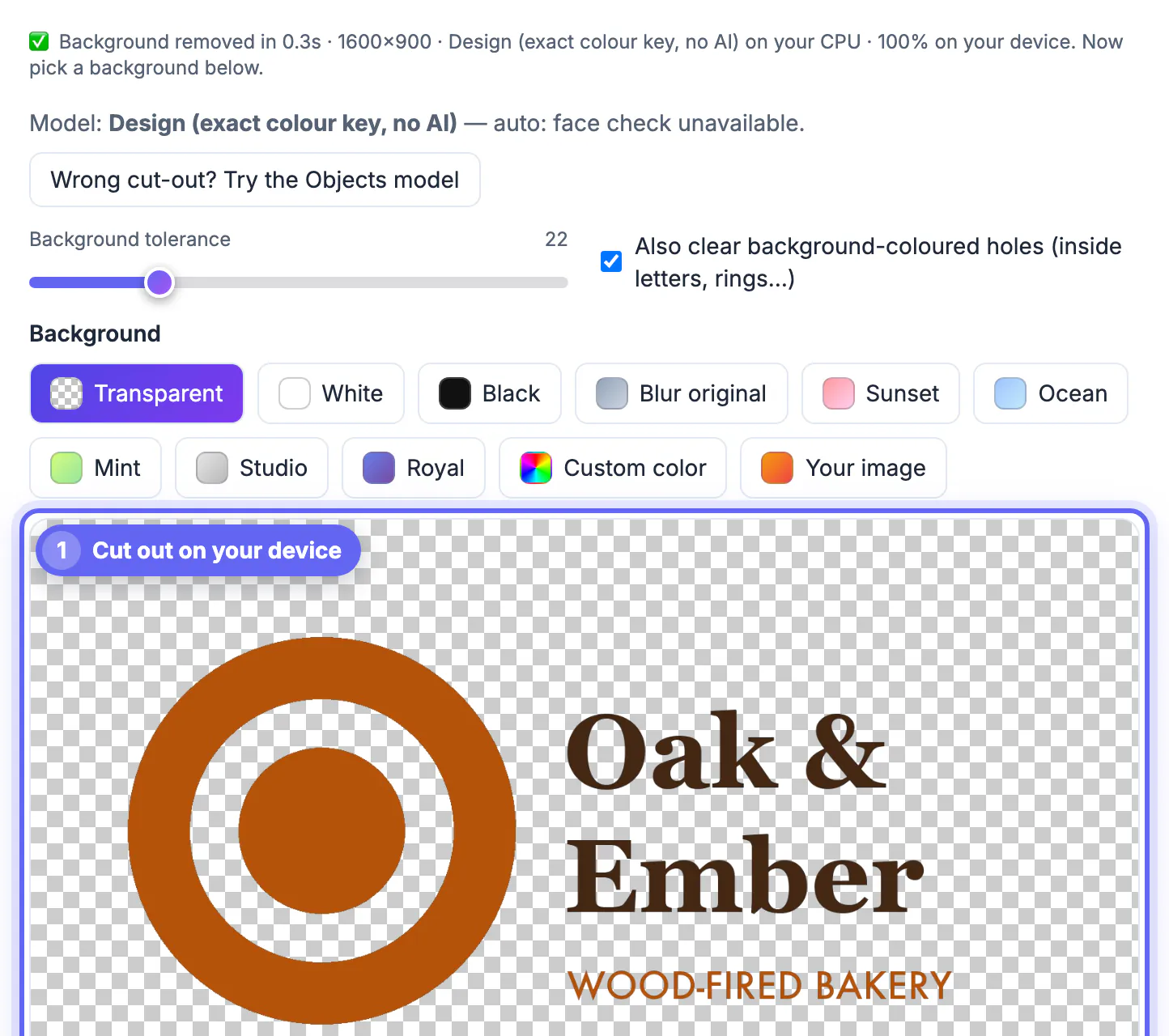
Open the AI Background Remover and drop the logo file in. The first run downloads the model, which your browser caches for next time; Chrome and Edge with WebGPU are quickest. Keep the Transparent option selected and click Download PNG. The file never leaves your computer, which matters for an unreleased rebrand or client work under NDA.
Be realistic about the model: it was built for portrait matting, so flat graphic marks are not its home turf. Bold logos on plain white usually come out well, and a logo sitting on a colored band is often treated as the subject while the band disappears. Thin script lettering, hairline strokes and tiny taglines are where it struggles.
- Bold wordmark on white: usually clean on the first try
- Icon plus wordmark: check that the small text under the icon survived
- Script or handwritten logo: compare against a vector trace before you commit
- Logo with a drop shadow: expect the shadow to be clipped; add it back in your layout app
Fixing letter holes, halos and thin strokes
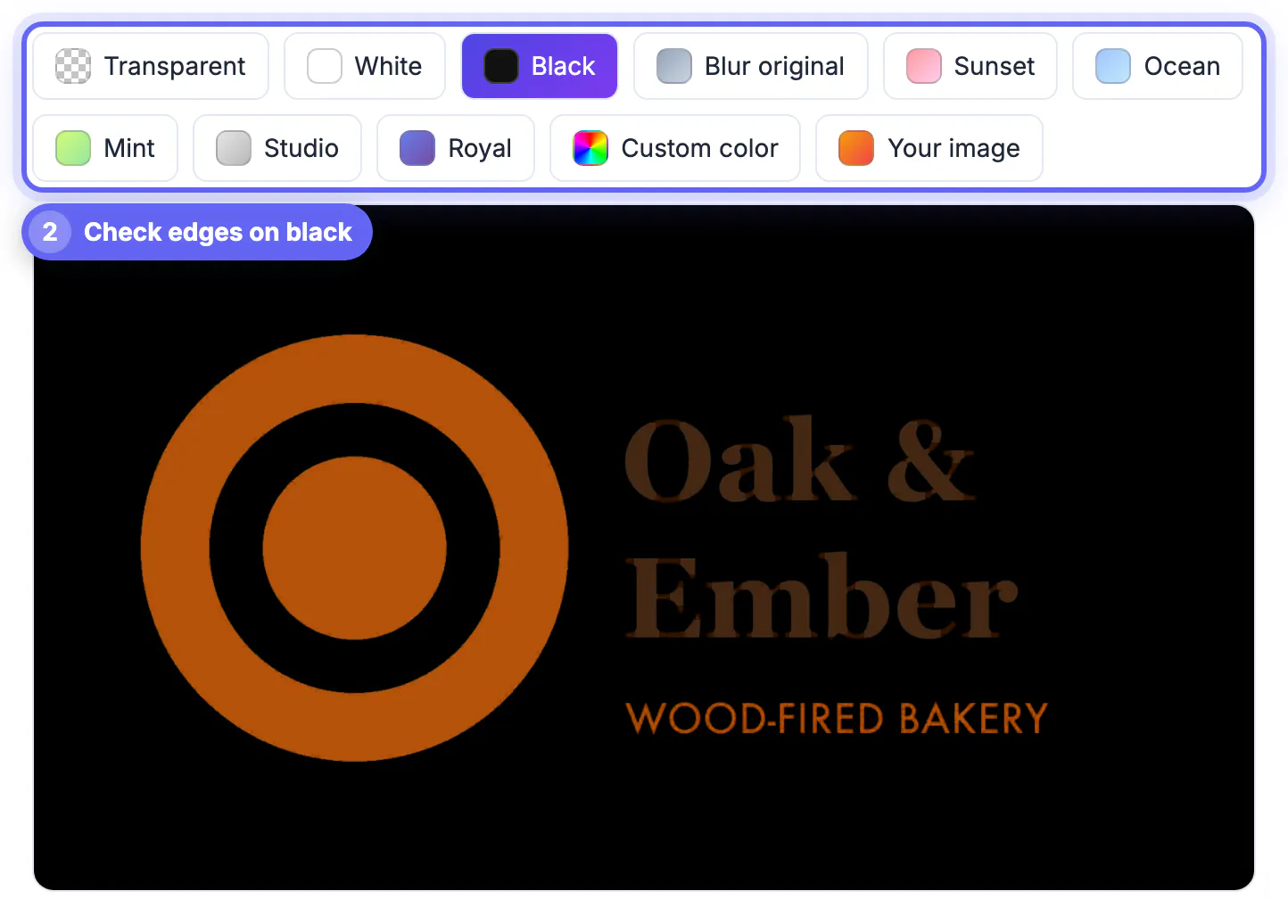
Zoom the result to 400 percent and look at three trouble spots. Enclosed spaces inside letters such as o, a, e and B, called counters, sometimes stay filled with the old white. Soft gray fringes, or halos, can ring the edges where the original JPG blended the mark into its background. Hairline strokes can thin out or break.
- Test the PNG on black and on a mid-tone brand color, not only on white
- Filled counters: trace the mark with Image to SVG, or ask the designer for the vector file
- Pale halos on dark pages: start again from the largest, least compressed source you can find
- Broken thin strokes: upscale the source 2x with the AI Image Upscaler first, then remove the background
For one- or two-color logos, a vector trace is frequently the better fix altogether. It turns shapes into paths, so counters are genuinely empty and curves stay crisp on a trade-show banner.
Exporting the right transparent logo for each use
Keep one transparent master PNG around 2000 pixels wide and make smaller copies from it, rather than stretching a small file up.
- Website header: 400 to 600 pixels wide, or the SVG if your site builder accepts it
- Slides and documents: 1000 to 1500 pixels so it stays crisp on a projector
- Email signature: 200 to 300 pixels to keep every message light
- Social profile images: square it up with padding so the mark is not clipped by a circle crop
- Print, merch and signage: always the vector original, never a PNG
Make a second version in white or a light tint for dark backgrounds. A transparent dark logo on a navy footer still disappears, so both variants belong in the brand folder, named clearly, such as logo-dark-2000px.png and logo-light-2000px.png.
Step-by-step
Common mistakes to avoid
Pro tips
Frequently asked questions
How do I make a transparent logo for free?
Load it into the GrabCast AI Background Remover, keep Transparent selected and click Download PNG. It runs in your browser with no upload, account or watermark. For flat single-color marks, compare the result with a vector trace from Image to SVG and keep whichever edge looks cleaner.
Why does my transparent logo still show a white box?
Either the file was saved as JPG, or the app you are placing it in ignores transparency. Re-download as PNG and make sure you are inserting that new PNG, not an older JPG with the same name.
The inside of my letters is still white. How do I fix that?
The model sometimes treats a letter and its hole as one object. Trace the mark with Image to SVG or request the vector file from the designer, which has genuinely empty counters and sharp curves at any size.
Is PNG or SVG better for a transparent logo?
SVG is better when a tool accepts it: tiny, transparent and sharp at any size. PNG is the universal fallback for email clients, many slide apps and social profile uploads, so keep both.
Will a transparent logo work on merch and print?
For small items such as stickers a high-resolution PNG can work, but screen printing, embroidery and signage shops usually want vector artwork. Send the SVG, PDF or EPS whenever you have it.
To make a transparent logo, start from the best original you can find, cut out the background with the in-browser AI tool and export a PNG, never a JPG. Always check the result at 400 percent on a dark color, keep a light variant for dark pages, and switch to a vector trace when letter holes or thin strokes will not come out clean.
Related guides
Browse more: all image guides · the Remove Background tool