What Is a Transparent PNG? The Alpha Channel, Explained
A transparent PNG is an image file that stores, for every pixel, how see-through it is, so the area around a logo, product or person shows whatever sits behind it instead of a white rectangle. That extra layer of data is called the alpha channel, and it is why a transparent PNG can sit on a dark website header, a colored slide or a photo with soft, natural edges. This guide explains how that works in plain English, why some files labeled transparent are not, which other formats can carry transparency, and how to make a genuine transparent PNG free in your browser.
🪄 Try the Remove Background tool now — freeOpen →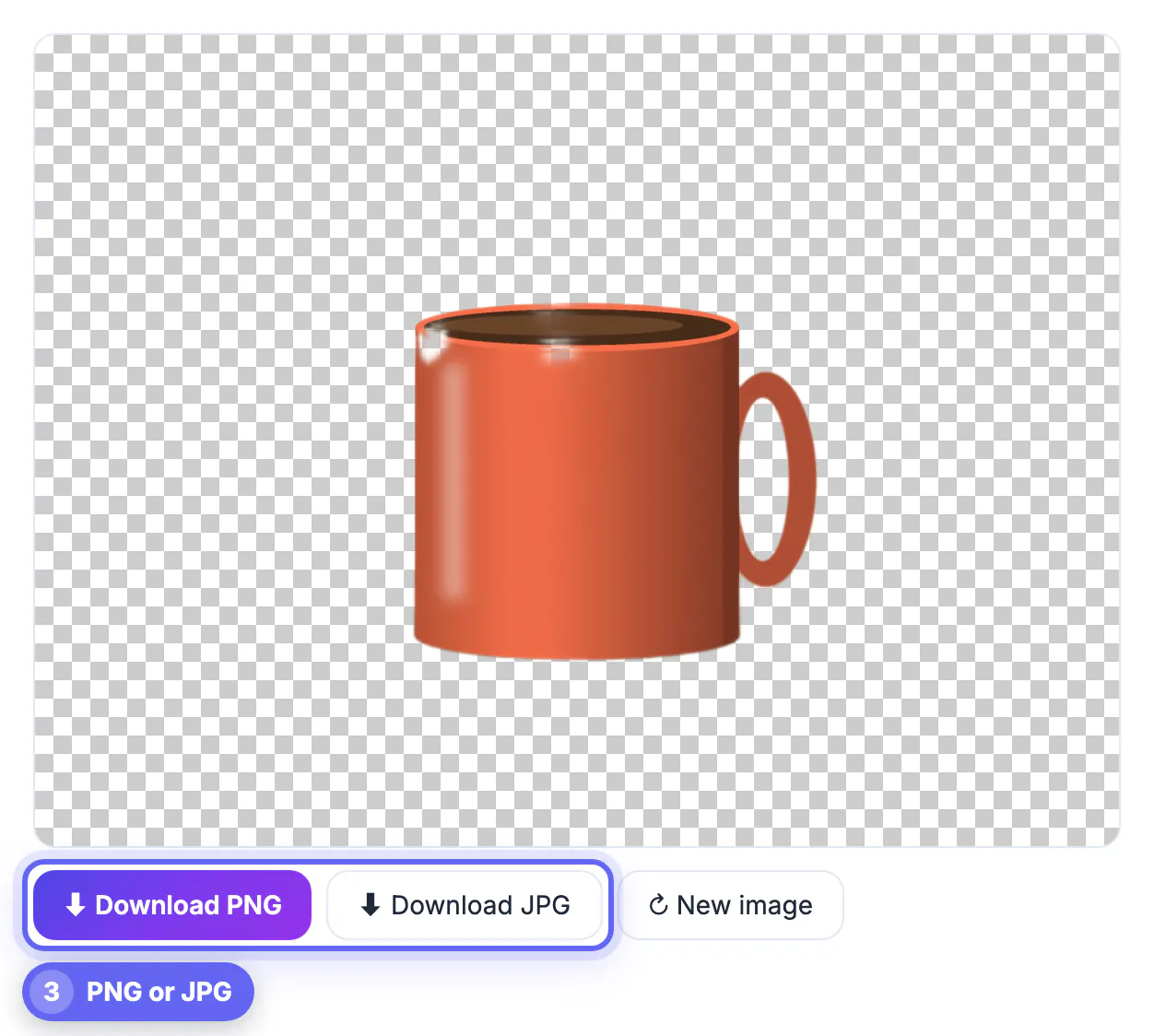
A white background and a transparent background look identical on a white page, which is exactly why people get caught out. The problem shows up later: the logo on the dark footer has a box around it, the cut-out on a slide sits in a white rectangle, the product mockup looks pasted on. Knowing what transparency is, and how to check for it in ten seconds, saves you from sending a client or printer the wrong file. It also explains a handful of confusing behaviors, such as a file that turns white when you save it or a transparent image that suddenly weighs five times as much as the JPG.
How a transparent PNG stores see-through pixels
An ordinary photo stores three numbers per pixel: red, green and blue. A transparent PNG adds a fourth, alpha, that runs from 0 for fully clear to 255 for fully solid in a standard 8-bit channel.
- Alpha 255: the pixel is solid and hides whatever is behind it
- Alpha 0: the pixel is invisible, so the page or slide shows through
- Values in between: partial see-through, used for soft hair, shadows, glows and anti-aliased edges
- The gray-and-white checkerboard in editors is not in the file; it is how apps display empty pixels
Those in-between values are what make a cut-out look natural. A mask with only fully solid or fully clear pixels produces a hard, stair-stepped outline, while a smooth alpha ramp of a few pixels lets a curl of hair fade into any backdrop.
PNG-8, PNG-24 and the formats that can be transparent
Not every image format carries transparency, and not every PNG does either.
- PNG-24 or PNG-32 with full alpha: smooth partial transparency, the usual choice for cut-outs and logos
- PNG-8: a limited palette of up to 256 colors where some entries can be marked clear; tiny files, but edges can look jagged
- WebP and AVIF: support full alpha with smaller files, though older apps and some print shops may not open them
- GIF: only on-or-off transparency, so soft edges get a rough fringe
- SVG: vector shapes with no background at all, ideal for logos and icons
- JPG: no alpha channel at all, so transparent areas are always filled, usually with white
This explains the most common complaint. When you save or export a transparent image as JPG, the format has nowhere to store alpha, so the app flattens it onto a solid color. The file is not broken; it simply cannot remember what was clear.
Spotting a fake transparent PNG
Stock and clip-art sites are full of images that show a checkerboard in the thumbnail yet paste into your slide with a gray-and-white grid behind them. The checkerboard was drawn into the pixels, so the file is solid everywhere.
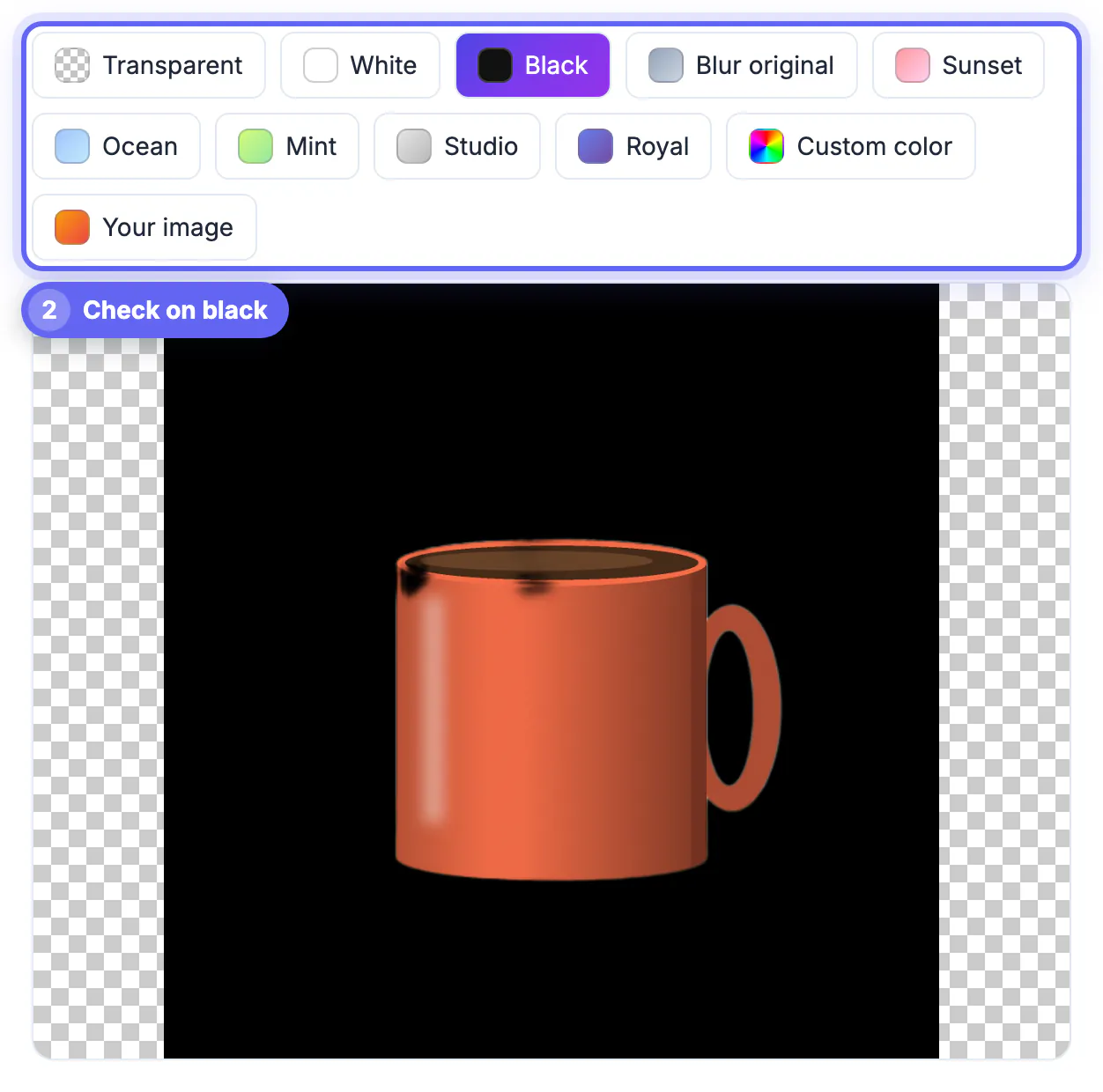
- Open the file in a new browser tab: a real transparent PNG shows the tab's background color through the empty areas
- Drop it onto a dark slide in PowerPoint, Keynote or Google Slides and look for a box
- Check the size: a fake one often weighs about the same as a JPG of the same scene
- In an editor, a real one lists an alpha or transparency layer; a fake has a flat background layer
If you have a fake, treat it like any other photo with a background. Run it through a background remover and export a new PNG, or look for the original vector artwork from the source.
Making a real transparent PNG, and when to skip it
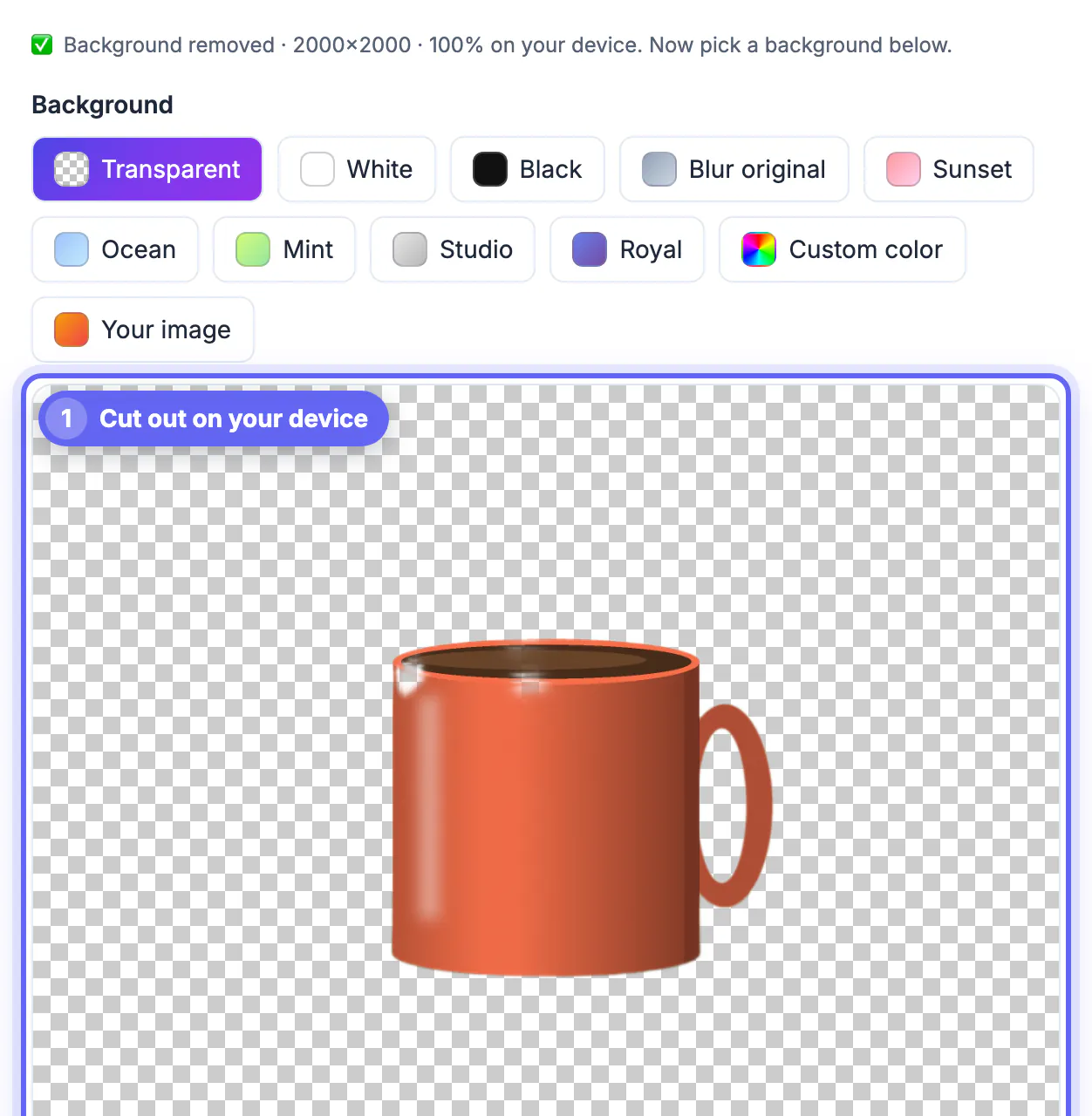
The quickest free route is GrabCast's AI Background Remover. It runs in your browser, cuts out the subject and, with the Transparent option selected, downloads a PNG with a proper alpha channel. It is tuned for people, so portraits come out best; logos and products on plain backgrounds often work, but zoom in on the edges before using them.
Transparency is not always the right choice. A transparent PNG of a photo can be several times larger than a JPG, and some destinations never show what is behind the image anyway.
- Keep transparency: logos, stickers, cut-outs layered on slides, mockups and web graphics over colored sections
- Flatten to JPG: marketplace listings on white, email attachments and anything headed to a print lab that wants a solid background
- Convert to WebP: website images where you want transparency and a lighter page
To clear a flat white box, see making a white background transparent, and for a scalable logo, convert the PNG to SVG.
Step-by-step
Common mistakes to avoid
Pro tips
Frequently asked questions
What is a transparent PNG in simple terms?
It is a PNG image in which some pixels are marked as see-through, so whatever is behind the image shows instead of a solid color. The extra data that makes this possible is called the alpha channel.
Why does my transparent background turn white when I save?
You probably saved or exported it as JPG, which has no alpha channel. Save as PNG, or WebP for the web, to keep the clear areas.
Why is my transparent PNG so much bigger than the JPG?
PNG compresses without loss and stores a fourth value per pixel, so photos in PNG are often several times larger. For web use, WebP keeps transparency at a fraction of the size.
Can a JPG ever be transparent?
No. The JPG format has no way to store transparency, so any tool that saves a JPG fills the empty areas with a color, usually white.
Does making a transparent PNG with GrabCast upload my image?
No. The AI model downloads to your browser once, and the cut-out is computed on your own device. There is no account, watermark or per-image fee.
A transparent PNG is simply a PNG with an alpha channel that marks some pixels as clear, which lets a logo or cut-out sit on any background with soft, natural edges. Check for real transparency on a dark background, never save the result as JPG, and use WebP when a transparent file is too heavy for the web.
Related guides
Browse more: all image guides · the Remove Background tool