Text-to-Speech Converter: 16 Natural Voices, Free MP3
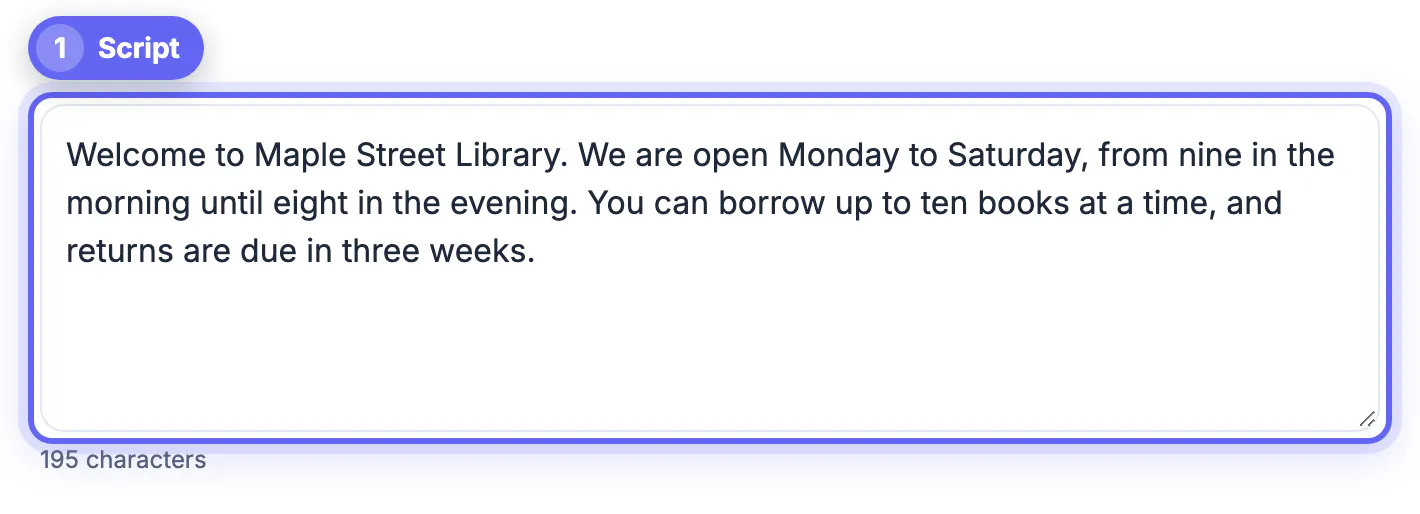
To convert text to speech free, paste up to 20,000 characters into GrabCast's Text to Speech, pick one of 16 natural US or UK English voices, set the speed and click Generate voice; when it finishes you can play the result and download it as an MP3 or a lossless WAV. The AI voice model runs on your own device, so your script is never uploaded, and there is no account, watermark or daily cap. For languages other than English, a second mode uses the voices built into your device or browser, which play instantly but cannot be downloaded. This guide covers which mode to use, how to choose a voice, how to write text that sounds natural, and the honest limits.
🔊 Try the Text to Speech tool now — freeOpen →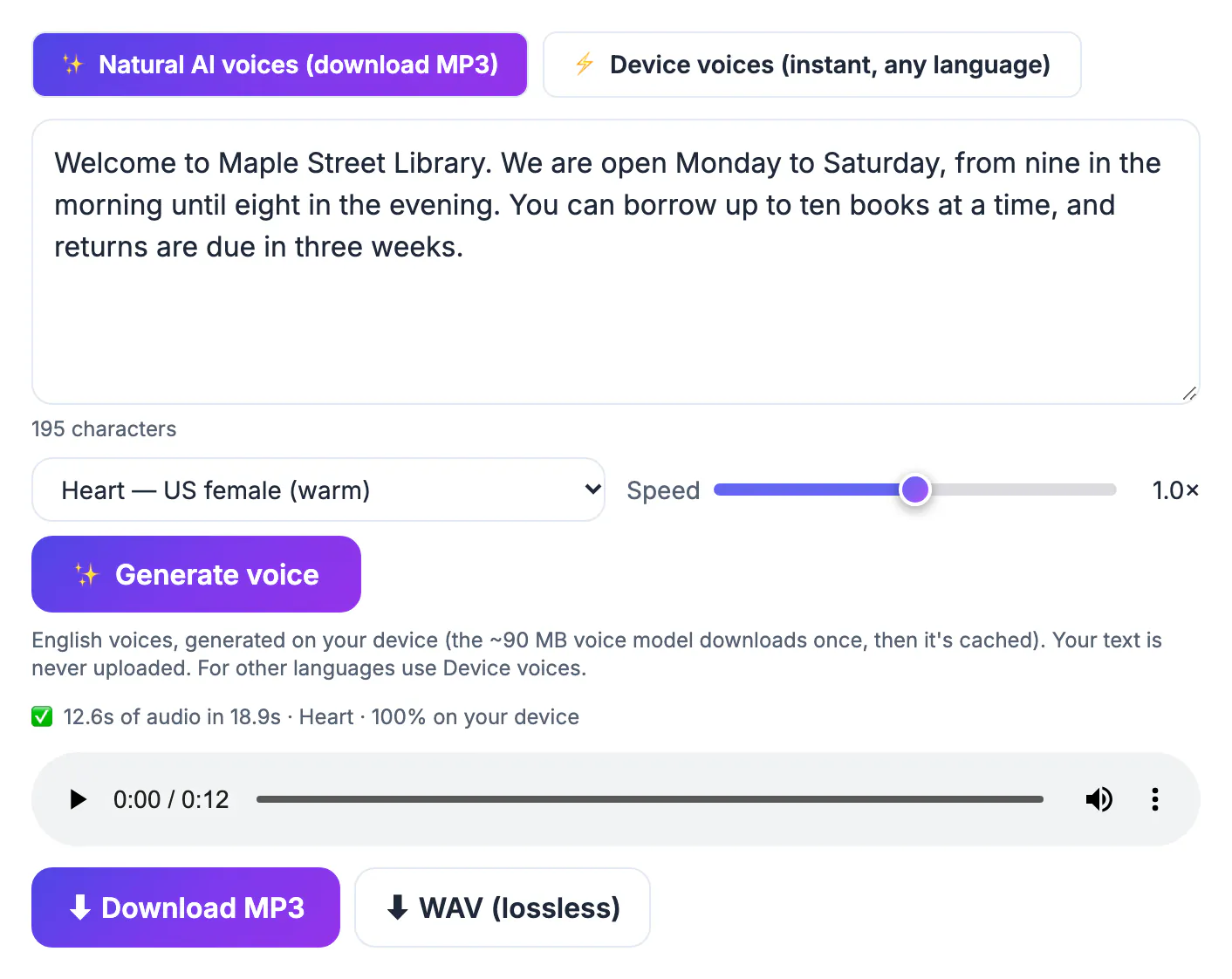
Hearing words catches problems your eyes skip. Writers read drafts aloud to find clunky rhythm, and a synthetic voice does that without self-consciousness. Audio also reaches people and moments text cannot: a colleague with dyslexia, a student who retains more by listening, a commuter who wants the team update in the car. And a spoken track is often the missing piece of a project, such as a narration for a product demo, a slideshow for a class, or a quick placeholder voiceover while you wait for a human narrator. Modern open voice models have closed much of the gap with paid services for everyday narration, which makes a free, private option genuinely useful rather than a robotic novelty.
Two ways to convert text to speech in GrabCast
The tool offers two engines side by side, and choosing the right one saves time.
- Natural AI voices (download MP3): 16 English voices from the open-source Kokoro model, generated in your browser. The model, about 90 MB, downloads the first time and is cached after that. Output can be saved as MP3 or WAV.
- Device voices (instant, any language): whatever voices your operating system and browser provide, often dozens of languages. Playback starts immediately with speed from 0.5 to 1.5 and pitch from 0 to 2, but browsers do not allow these voices to be recorded, so there is no download.
- Privacy differs too: AI voices run entirely on your device; some device voices, such as the Google voices in Chrome, are cloud voices supplied by the browser.
- Rule of thumb: need a file, and the text is English? Use AI voices. Need Spanish, Hindi or Japanese read aloud right now? Use device voices.
Choosing a voice and speed
The 16 AI voices split into 10 American and 6 British options, with a mix of female and male.
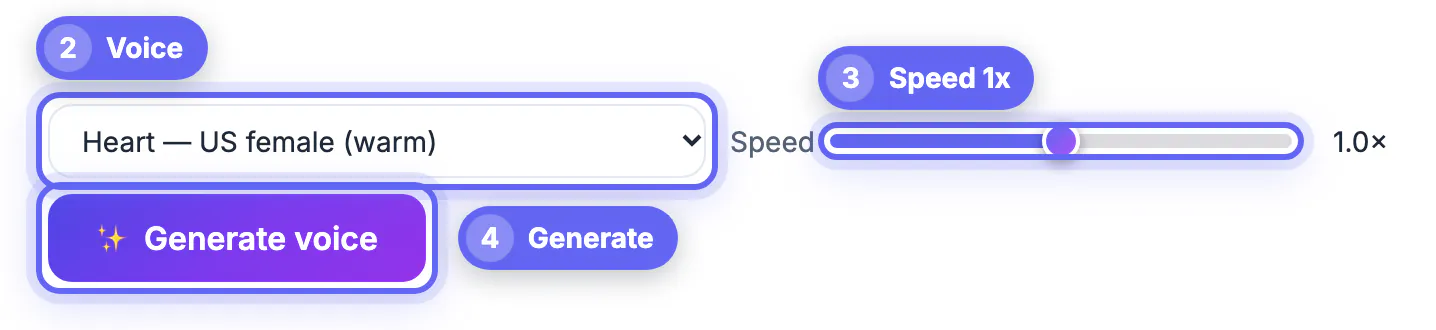
- US female: Heart (warm), Bella (bright), Nicole (soft), Sarah and Sky.
- US male: Michael, Adam, Eric, Liam and Onyx (deep).
- UK female: Emma, Isabella and Alice. UK male: George, Daniel and Lewis.
- Speed runs from 0.7x to 1.3x. Around 0.9x suits instructions and learners; 1.1x suits recaps for busy listeners.
- Test each candidate on the same two sentences from your real script, not on a generic greeting; voices differ most on names, numbers, questions and long lists, which is exactly where listeners notice mistakes.
Heart and Michael are safe defaults for explainers. Onyx adds authority to trailers, and Nicole works for calm, meditation-style reads. Pick one voice per project so episodes and lessons sound consistent, and write the voice name and speed in your project notes so you can match new clips months later.
Writing text that sounds natural when spoken
The voice reads exactly what you give it, so a few edits make a large difference.
- Use punctuation to pace. Commas give short pauses and periods longer ones; the tool also leaves a brief gap between the sentence-sized chunks it generates.
- Spell out what should be said: 3:30 pm may be read oddly, while three thirty in the afternoon never is. Write dollars and percent in words when it matters.
- Expand abbreviations and acronyms you want spoken in full, and write tricky names phonetically, such as Nguyen as Win.
- Keep sentences under about 25 words. Long nested clauses are hard to follow by ear even when read perfectly.
- Remove visual-only items: bullet symbols, emoji, URLs and table layouts either get read literally or skipped.
Generate a short test paragraph first, listen on the speaker your audience will use, then fix the text rather than regenerating and hoping.
Downloads, file sizes and honest limits
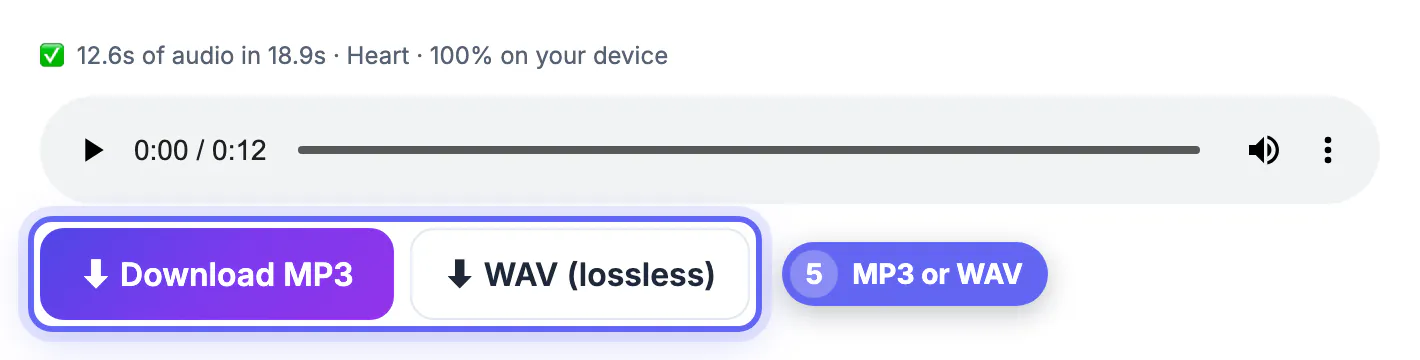
When generation finishes, a status line reports how many seconds of audio were made and how long it took on your device, and you get a player plus two buttons.
- MP3: 128 kbps mono, about 1 MB per minute, fine for sharing, slides and video editors.
- WAV: lossless 24 kHz mono, about 2.9 MB per minute, best if you will edit or add effects.
- Length: the box holds 20,000 characters, roughly 3,000 English words or about 20 minutes of audio. Split longer scripts into parts at paragraph breaks, and name the files in order so they sort correctly in an editor or playlist.
- Stop: the Stop button ends generation early and keeps what was already made, handy for testing a long script.
- Limits: English only for AI voices, no emotion or emphasis controls, no pronunciation dictionary, and speed on older phones can be slow. For heavy commercial voiceover work, a paid studio service or a human narrator is still the stronger choice.
Nothing is uploaded when you use AI voices, and the downloads carry no watermark. Make sure you have the right to narrate the text you paste.
You can turn the finished audio into a video for YouTube or Reels, or combine several audio files into one track.
Step-by-step
Common mistakes to avoid
Pro tips
Frequently asked questions
Is the text to speech really free?
Yes. There is no account, no watermark and no daily limit. The AI voice model runs on your device, so there is no server cost to pass on.
Is my text uploaded?
Not with Natural AI voices: the model runs in your browser. Some device voices, such as Chrome's Google voices, are supplied as cloud voices by the browser.
Which languages are supported?
The 16 AI voices speak American and British English. Device voices cover whatever languages your system and browser have installed, often dozens.
Can I download the audio?
Yes for AI voices, as MP3 at 128 kbps or lossless WAV. Device voices play only and cannot be recorded by the browser.
How long can the text be?
Up to 20,000 characters per run, roughly 20 minutes of audio. For longer scripts, generate in parts and join them in an audio editor.
Use Natural AI voices when you need an English file you can keep, device voices when you need another language instantly. Clean the text, test a paragraph, then download MP3 to share or WAV to edit.
Related guides
Browse more: all text and developer guides · the Text to Speech tool