Count Words in Text: How Counters Decide What Counts
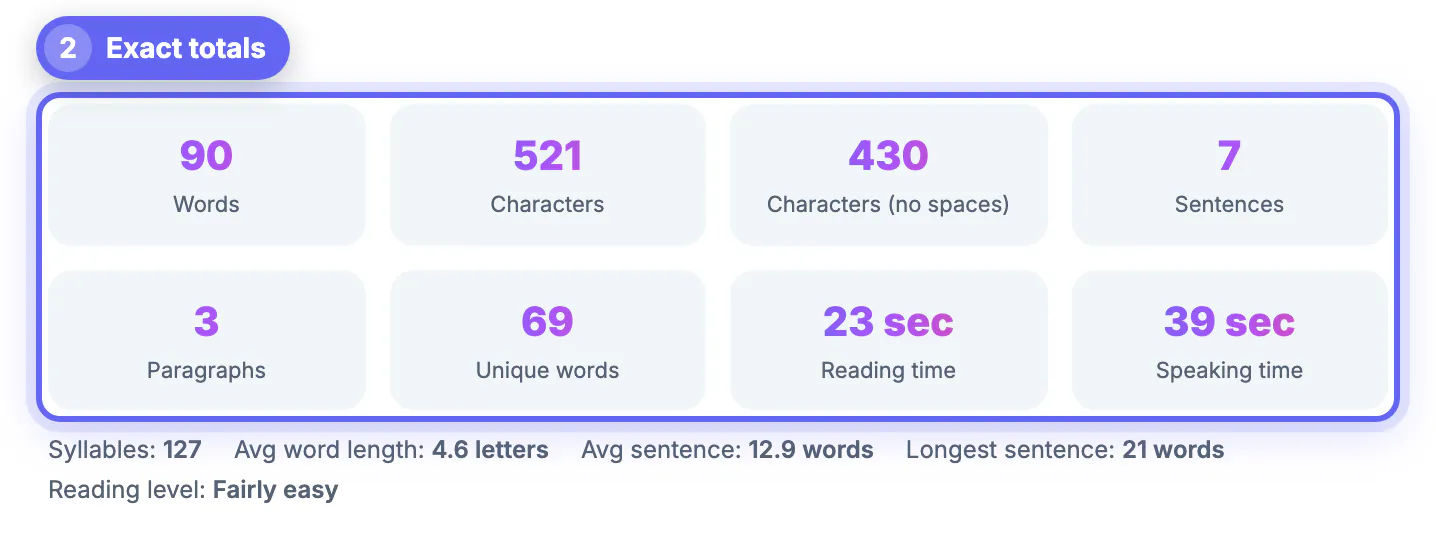
To count words in text, paste it into GrabCast's free Word Counter and read the live totals: words, characters with and without spaces, sentences, paragraphs, unique terms, syllables, and reading and speaking time, all updating as you type. The number is instant; understanding it is the part people get stuck on. Is a hyphenated term one unit or two? Why does a pasted PDF show 40 paragraphs? Why does Microsoft Word report 14 more than a web form? This guide explains the exact rules the tool uses, where other apps count differently, how to clean text copied from PDFs and web pages so the totals are right, and what the extra figures, from readability scores to keyword density, tell you about a draft. Everything runs in your browser, and your draft is kept only in that browser so a refresh does not lose it.
🔢 Try the Word Counter tool now — freeOpen →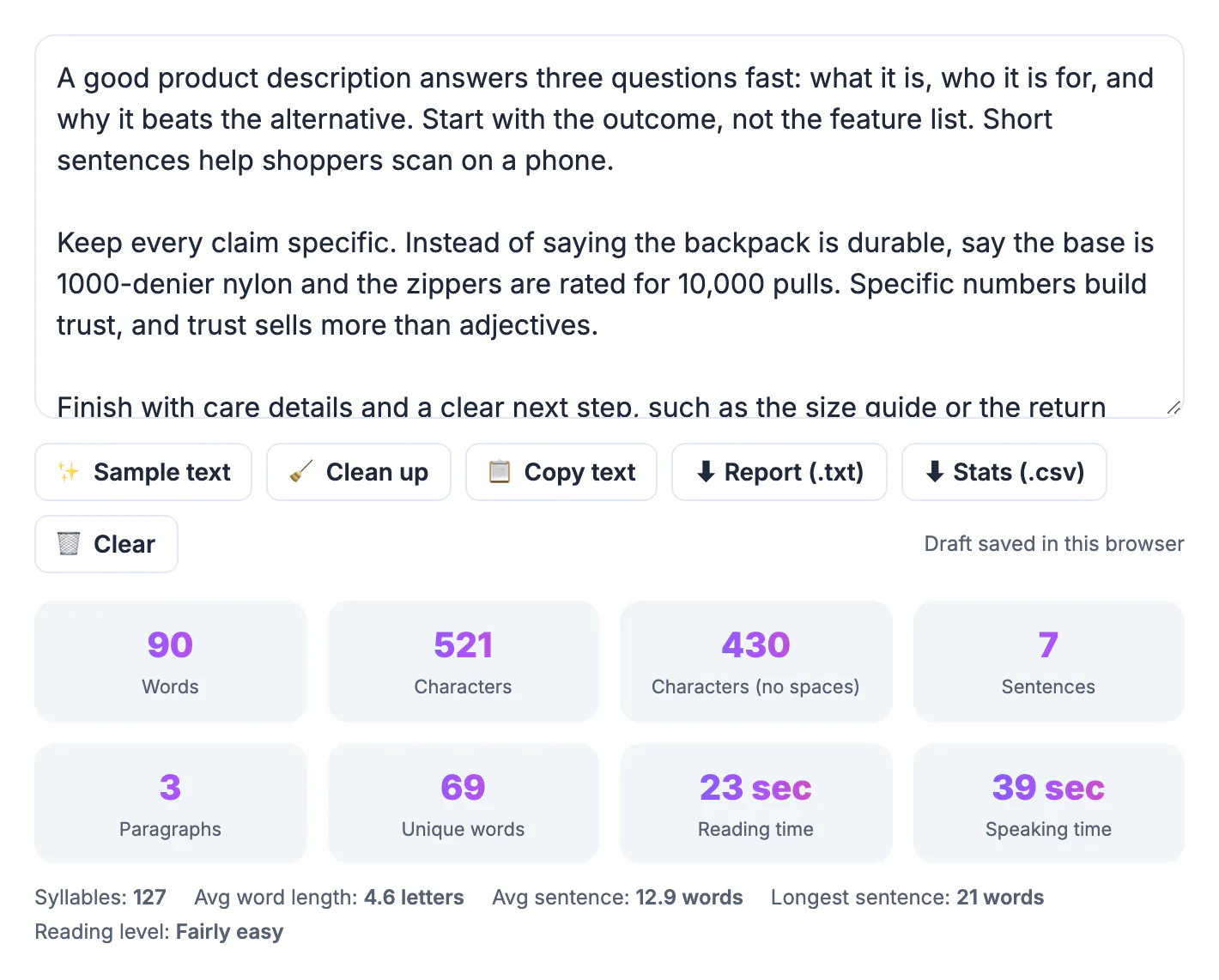
A word count looks objective, but every counter makes choices. Is 9-to-5 one word or three? Does a URL count? Is a line without a period a sentence? Those choices usually move the total by only 1 or 2 percent, and that is exactly the margin that matters when a grant form, a translation quote or a publishing contract sets a hard number. Translators often bill per source word, so a 5,000-word document counted two ways can differ by the price of a lunch. Editors assign columns by length, and a reading-time estimate on a blog sets expectations before anyone scrolls. Knowing how your tool counts lets you explain a gap instead of worrying about it, pick the right figure for each job, and clean up copied text before it inflates the total. The same rules also explain the side statistics: once you know what a sentence is to the counter, the average sentence length and readability score make sense.
How the counter decides what counts as a word
The tool treats a word as a group of characters, separated by spaces or dashes, that contains at least one letter or number. That single rule settles most edge cases:
- Hyphenated terms such as well-known or state-of-the-art are tallied once, and so are contractions such as don't and it's.
- Numbers qualify: 2026, 3.5 and $1,200 each add one to the total.
- A bullet symbol, an ampersand or an emoji standing alone contains no letter or number, so it adds nothing there, though it still adds characters.
- In Chinese and Japanese, where words are not separated by spaces, each character is tallied as one, which is why the character total is often the more useful figure there.
- A web address without hyphens is a single unit because it has no spaces inside it; hyphens in a link can split it into several.
Characters come in two versions. With spaces counts everything you typed, including line breaks; without spaces strips all whitespace, the figure many translators and typesetters quote. A 1,000-word English article typically lands somewhere around 5,500 to 6,500 characters with spaces, depending on vocabulary.
Sentences, paragraphs and pasted text
Sentences and paragraphs follow their own rules, and pasted text is where they go wrong.
- A sentence ends at a period, question mark or exclamation point, but common abbreviations such as Dr., e.g. and U.S. do not end one.
- A line with no end punctuation, such as a heading or a list item, counts as its own sentence, so a bulleted draft shows more sentences than you might expect.
- Each non-empty line is a paragraph. Text copied from a PDF usually has a hard break at the end of every printed line, so a 3-paragraph excerpt can show 30 paragraphs.
- Web copy often carries invisible characters such as non-breaking or zero-width spaces, which can glue two words together or add phantom characters.
Before trusting the totals on copied text, press Clean up, which removes extra spaces, invisible characters and stray blank lines. For PDF text, also rejoin the broken lines in your editor, or simply ignore the paragraph figure and rely on words and characters.
Stray spaces and line breaks can skew counts; the Text Cleaner tidies pasted text first, and the Text Diff Checker compares two versions.
Why Word, Google Docs and web tools count words in text differently
If Word says 1,012 and a submission form says 998, neither is broken; they follow different rules.
- Dashes and slashes: some apps treat and/or or a spaced dash as separate entries, others do not.
- Symbols and numbers: a standalone number, ampersand or bullet may or may not be included depending on the app.
- Hidden parts: Word can include or exclude footnotes, endnotes, text boxes and headers, which explains many gaps on long documents.
- Selections: Word and Google Docs show the count for the highlighted text when something is selected, a common source of a surprisingly low number.
- Web forms: many count characters, not words, and some count a line break as two characters.
Gaps of 1 or 2 percent are normal. When a limit is enforced, the destination's own box, whether a portal, a publishing system or a translation platform, is the final authority, so leave a small buffer below any hard cap.
What the other numbers tell you about a draft
Beyond the raw totals, the counter has tabs that point to specific edits.
- Reading time assumes 238 words per minute and speaking time 140, so a 1,000-word post reads in about 4 minutes and a 1,300-word speech runs a little over 9 minutes aloud.
- Readability shows Flesch Reading Ease plus five grade-level formulas, including Flesch–Kincaid; most web and email copy aims for a Reading Ease of 60 or more. Scores are built for English and are most reliable above about 100 words.
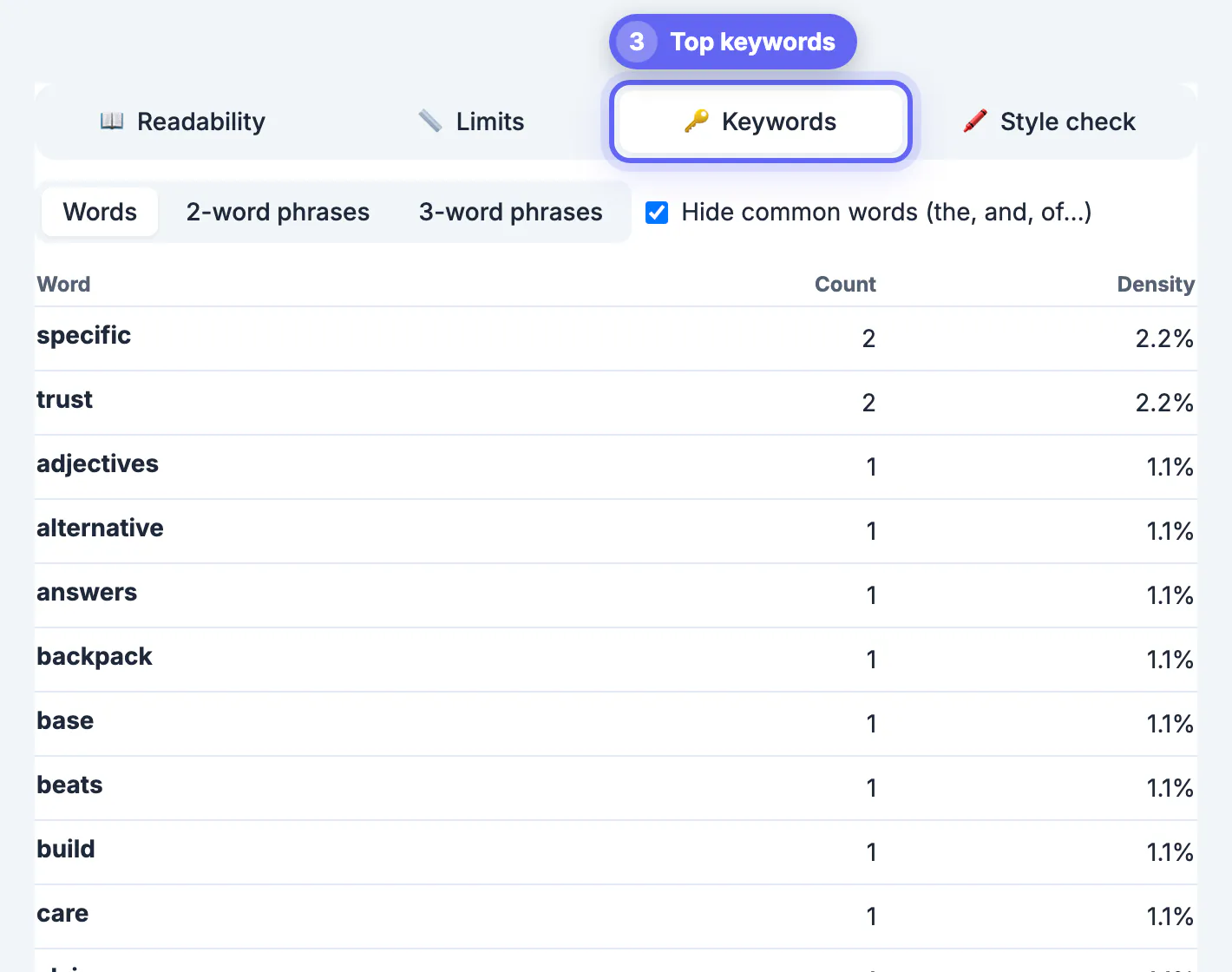
- Keywords ranks single terms or 2- and 3-term phrases by density, with an option to hide filler such as the and and, which exposes a pet phrase you repeat every paragraph.
- Style check highlights sentences over 25 words and possible passive voice; it is a quick heuristic, so some phrases such as was tired get flagged too.
- A Word goal bar tracks progress toward a target, the Limits tab checks platform caps, and you can download a .txt report or .csv of the stats.
Your text is not uploaded to a server. The draft is saved in this browser's local storage so a refresh does not wipe it; press Clear on a shared computer when you are done.
Step-by-step
Common mistakes to avoid
Pro tips
Frequently asked questions
How do I count words in text quickly
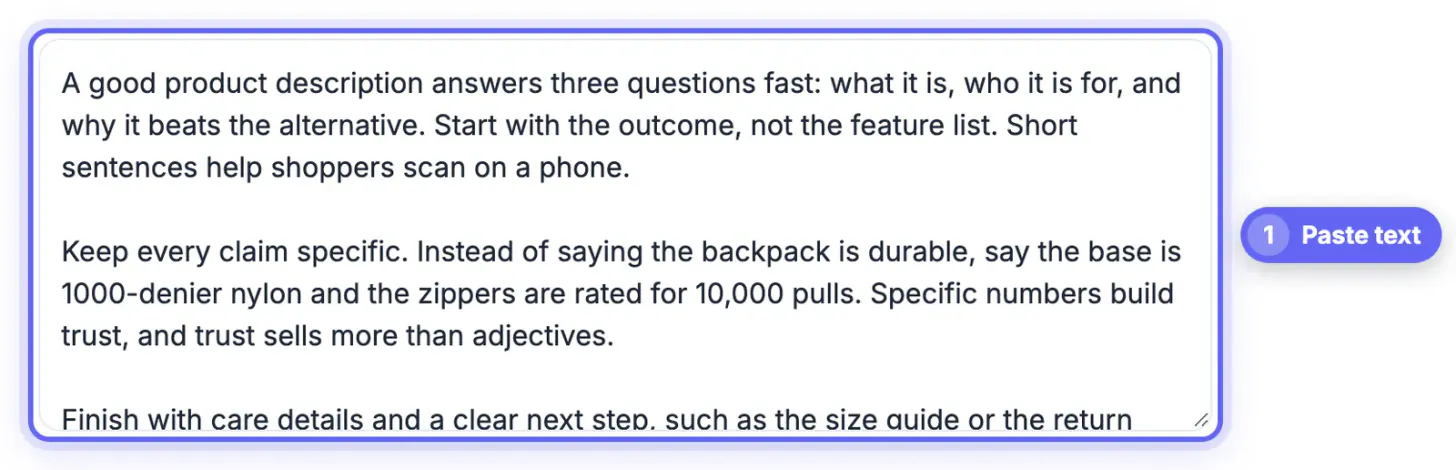
Paste the text into the Word Counter. Words, characters, sentences, paragraphs and reading time update as you type, with no sign-up. For text copied from a PDF or web page, press Clean up first so hidden characters do not skew the result.
Does a hyphenated word count as one or two
In this counter, one. Hyphenated terms such as well-known and contractions such as don't count once. Other apps apply their own rules, so small differences are normal.
Why is my paragraph count so high
The counter treats every non-empty line as a paragraph. Text copied from a PDF has a line break at the end of each printed line, so rejoin those lines or rely on the word and character totals instead.
How is reading time calculated
Reading time divides the word total by 238 words per minute, a common adult silent reading average, and speaking time uses 140 words per minute. Dense technical text will take longer; light copy reads faster.
Is my text uploaded or stored
It is not uploaded; counting happens in your browser. The draft is saved in that browser's local storage so a refresh does not lose it, and pressing Clear deletes it.
A counter's total is only as good as its rules and the text you feed it. Clean pasted text first, know that this tool counts hyphenated words and contractions once and treats every non-empty line as a paragraph, and expect 1 to 2 percent gaps against Word or Google Docs. Then use reading time, readability and phrase density to improve the draft, not just measure it.
Related guides
Browse more: all text and developer guides · the Word Counter tool