How to Change Text Case: Title, Sentence, UPPER (Free)
To change text case online, paste your text into a case converter, click the style you want (Title Case, Sentence case, UPPERCASE, lowercase, camelCase or snake_case) and copy the result. GrabCast's free Case Converter does this in your browser, keeps line breaks so you can convert a whole list at once, and lets you pick the style guide for title case, because AP, Chicago, APA and MLA do not agree on which small words to capitalize. This guide covers when to use each case, how the title-case rules differ, how to fix text typed in ALL CAPS and how to produce developer formats, with screenshots of the real tool.
🔠 Try Case Converter now — freeOpen →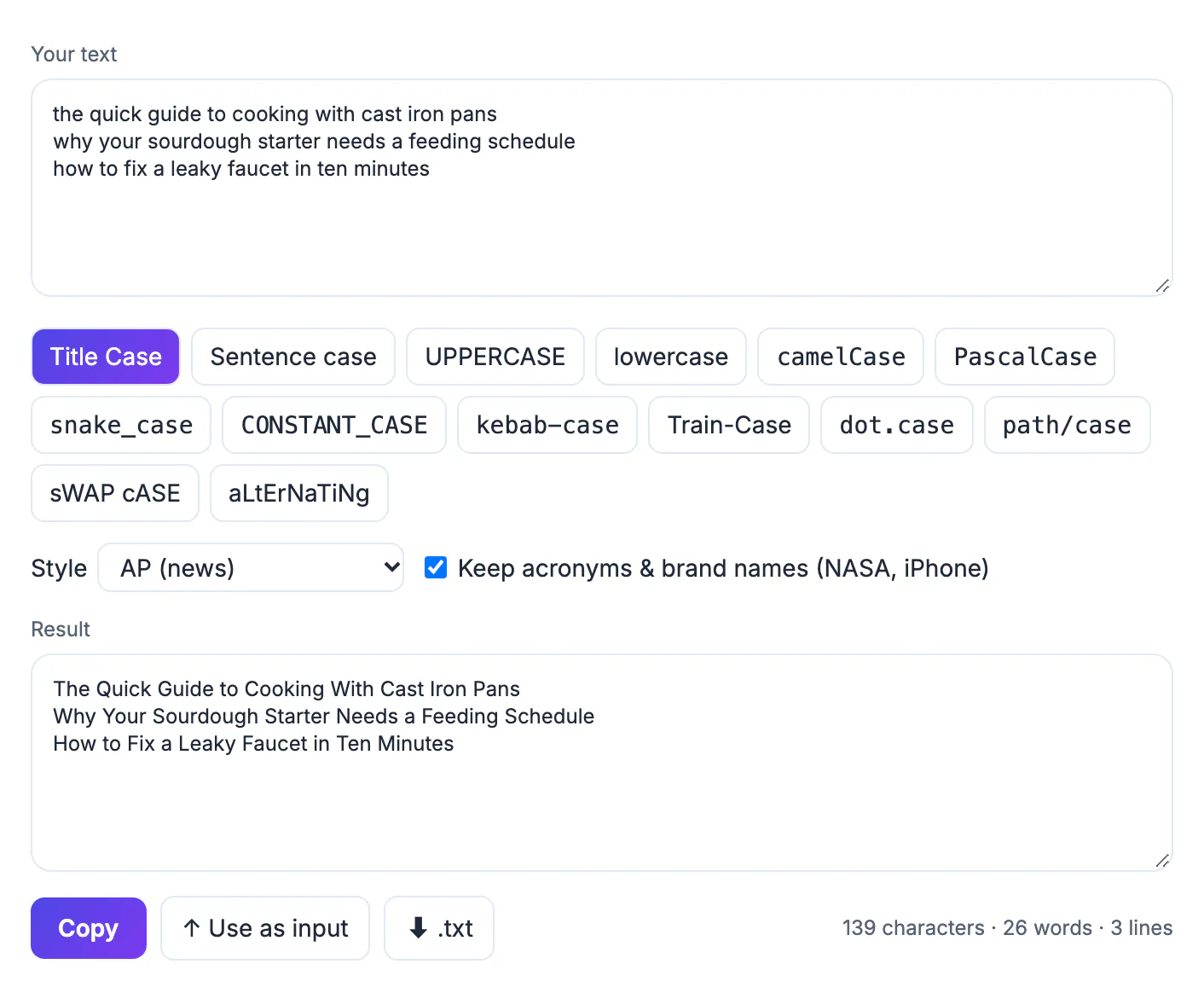
Capital letters carry meaning: they signal a title, the start of a sentence or a name, and they affect how professional a page looks. Retyping a headline that was pasted in lowercase, or a paragraph left in caps by accident, is slow and easy to get wrong, especially with proper nouns and acronyms. A converter does it in one click, and consistent case across a whole list of headings, product names or column labels makes documents look edited rather than assembled.
The cases and when to use them
- Title Case: headlines, book and article titles, slide titles, menu items.
- Sentence case: body text, UI labels, most modern headings and subject lines; only the first word and proper nouns are capitalized.
- UPPERCASE: short warnings, acronyms, labels; hard to read in long text.
- lowercase: usernames, tags, URLs and hashtags.
- camelCase and PascalCase: variable and class names in most programming languages.
- snake_case, kebab-case, CONSTANT_CASE: file names, database columns, URL slugs and constants.
Pick one style per document and stay with it. Mixing Title Case and Sentence case in the same set of headings is the most common inconsistency.
Title case: why the style guide matters
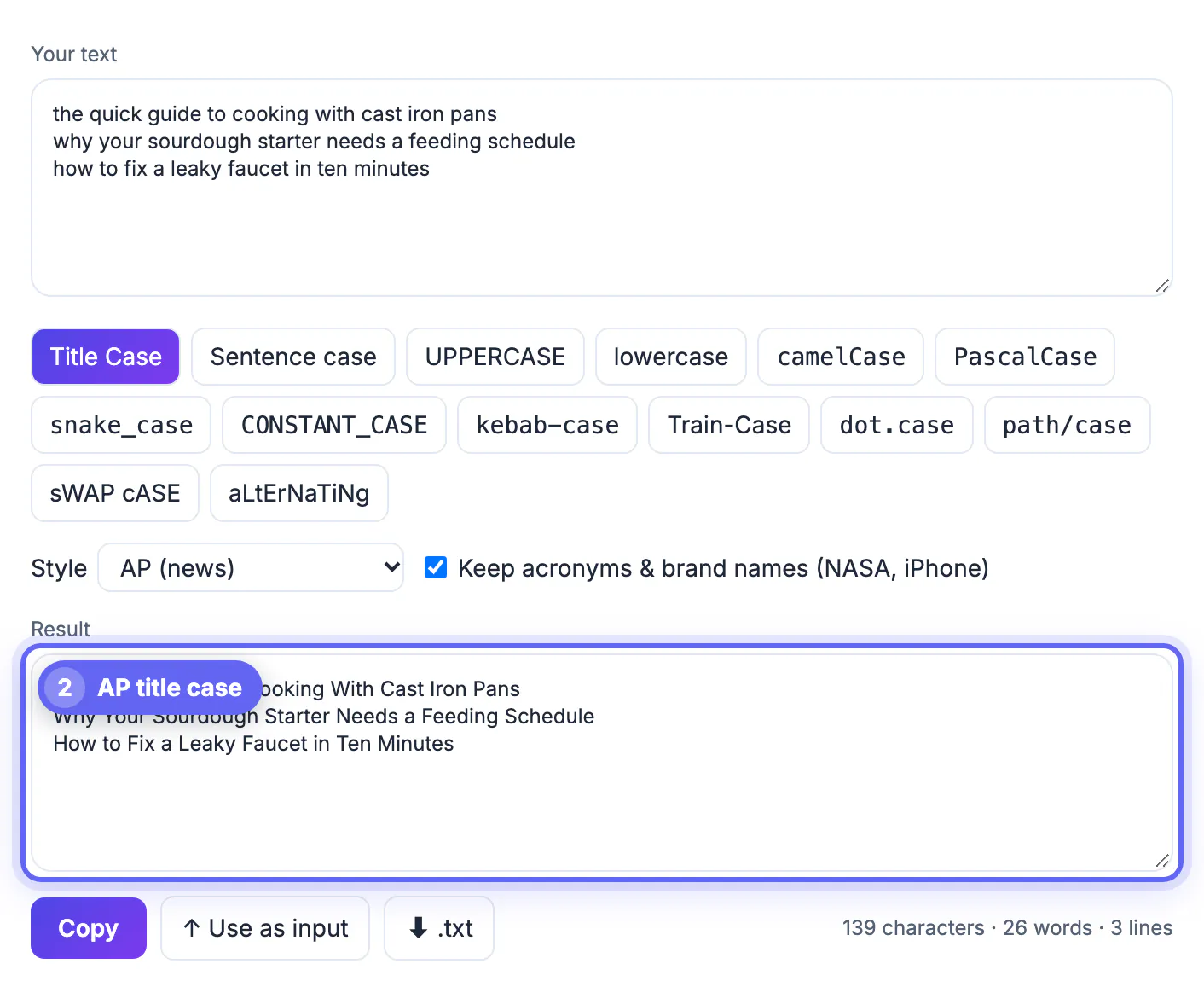
Every guide capitalizes the first and last word and the important words in between. They differ on small words. In the screenshot in step 2, AP style turned "the quick guide to cooking with cast iron pans" into The Quick Guide to Cooking With Cast Iron Pans: "With" is capitalized because AP capitalizes any word of four or more letters, while "to" stays lowercase. Chicago and MLA lowercase all prepositions, so they would write "with" in lowercase. APA, like AP, capitalizes words of four letters or more.
If you are not bound by a guide, choose AP for news-style headlines or Chicago for books and essays, and apply it to every heading. The converter's Keep acronyms and brand names option leaves NASA and iPhone as written.
Fixing text typed in ALL CAPS
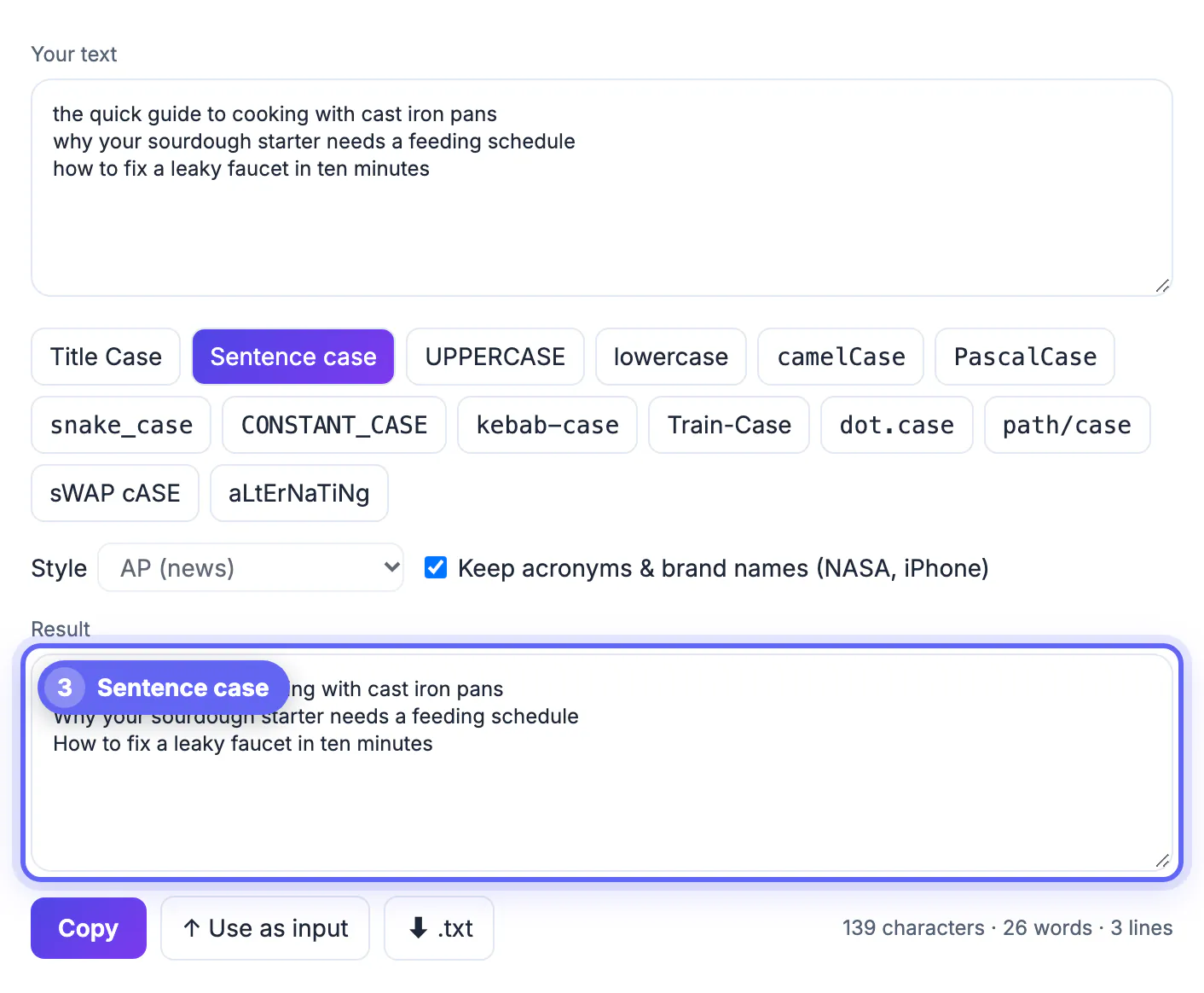
Text in all caps is hard to read and often reads as shouting. Paste it in, click Sentence case, and only the first letter of each sentence is capitalized. You will still need to restore proper nouns and acronyms (names, places, the word I), so read the result once. For a list of headlines, choose Title Case instead and the tool applies the style guide to each line. See also the dedicated guide on fixing ALL CAPS text.
Developer cases: camelCase, snake_case and friends
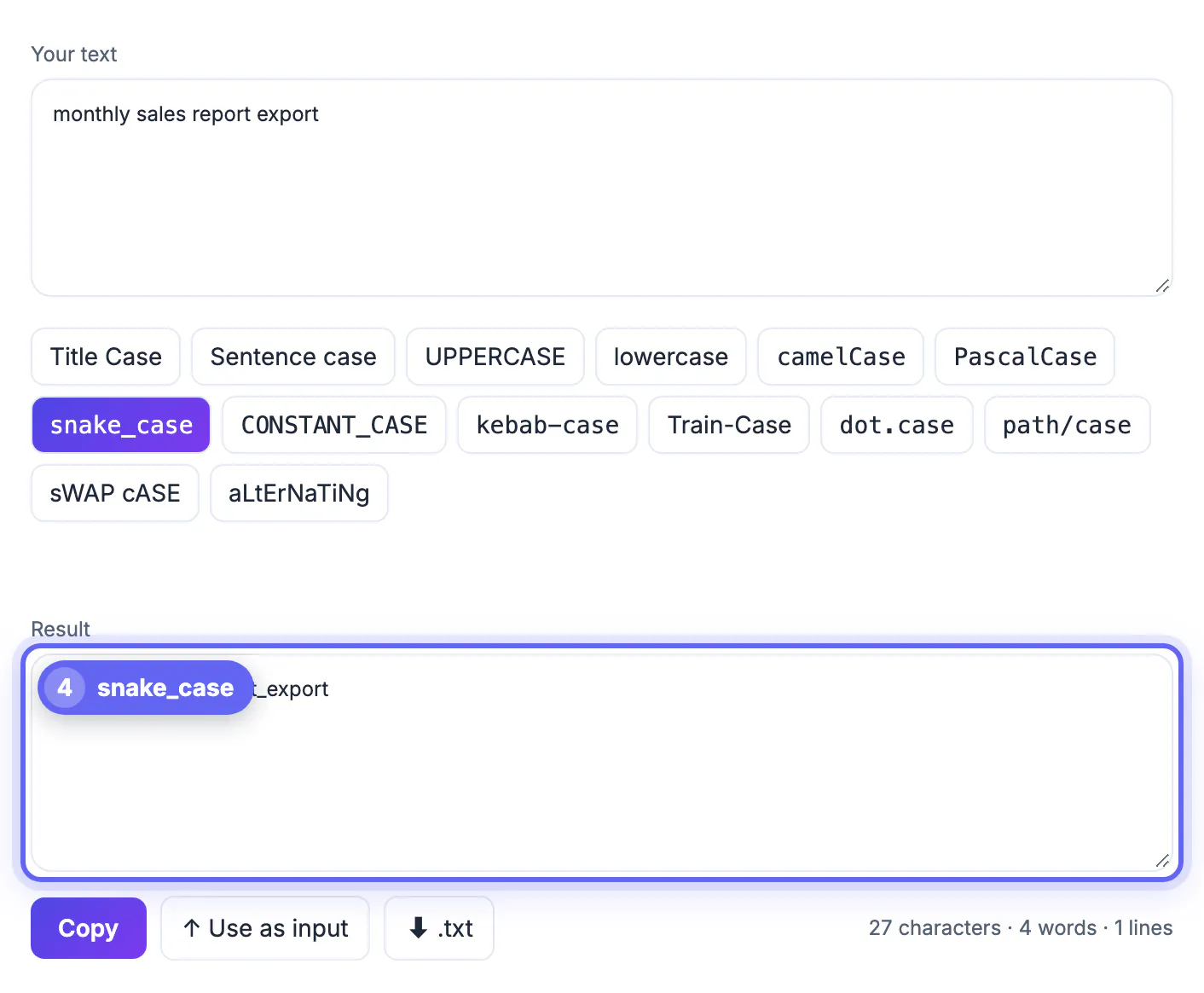
Type a phrase such as "monthly sales report export" and click camelCase for monthlySalesReportExport, PascalCase for MonthlySalesReportExport, snake_case for monthly_sales_report_export, kebab-case for monthly-sales-report-export or CONSTANT_CASE for MONTHLY_SALES_REPORT_EXPORT. This is faster than renaming by hand and avoids typos in identifiers. Check your language's convention: Python uses snake_case for variables, JavaScript uses camelCase, and CSS classes and URL slugs favour kebab-case.
Conversions in the tool run entirely in your browser; nothing you paste is uploaded.
Where each style fits in everyday writing
Emails, reports and web pages each prefer a different convention. Headlines in newspapers follow AP rules, academic papers follow the citation manual their department uses, and app interfaces mostly follow sentence style because it reads naturally and translates cleanly. Marketing teams often choose one style for headings across a whole website so pages feel uniform.
- Subject lines: sentence style looks personal and avoids the shouting effect.
- Slide headings: pick one rule and apply it everywhere.
- File names and URLs: lowercase with hyphens avoids broken links on servers that respect capitals.
- Programming: follow the language community's naming habits.
After tidying capitals, counting words and a free proofreading routine help you finish a draft.
Capitals and accessibility
Screen readers may spell out long runs of capitals letter by letter, and readers find them slower to scan. Reserve all-caps for short labels or acronyms, and use bold or size to add emphasis instead.
Cleaning up copied material
Content pasted from PDFs, emails and spreadsheets often arrives in a mess of capitals, odd line breaks and double spaces. Fix the capitalisation first, then remove extra spaces, then check names, acronyms and product names by eye, because automated rules cannot know which words must stay capitalised. When working through a long list, such as a catalogue or a set of headings, process a small batch, review it and only then run the rest, which keeps errors from spreading across hundreds of lines.
Step-by-step
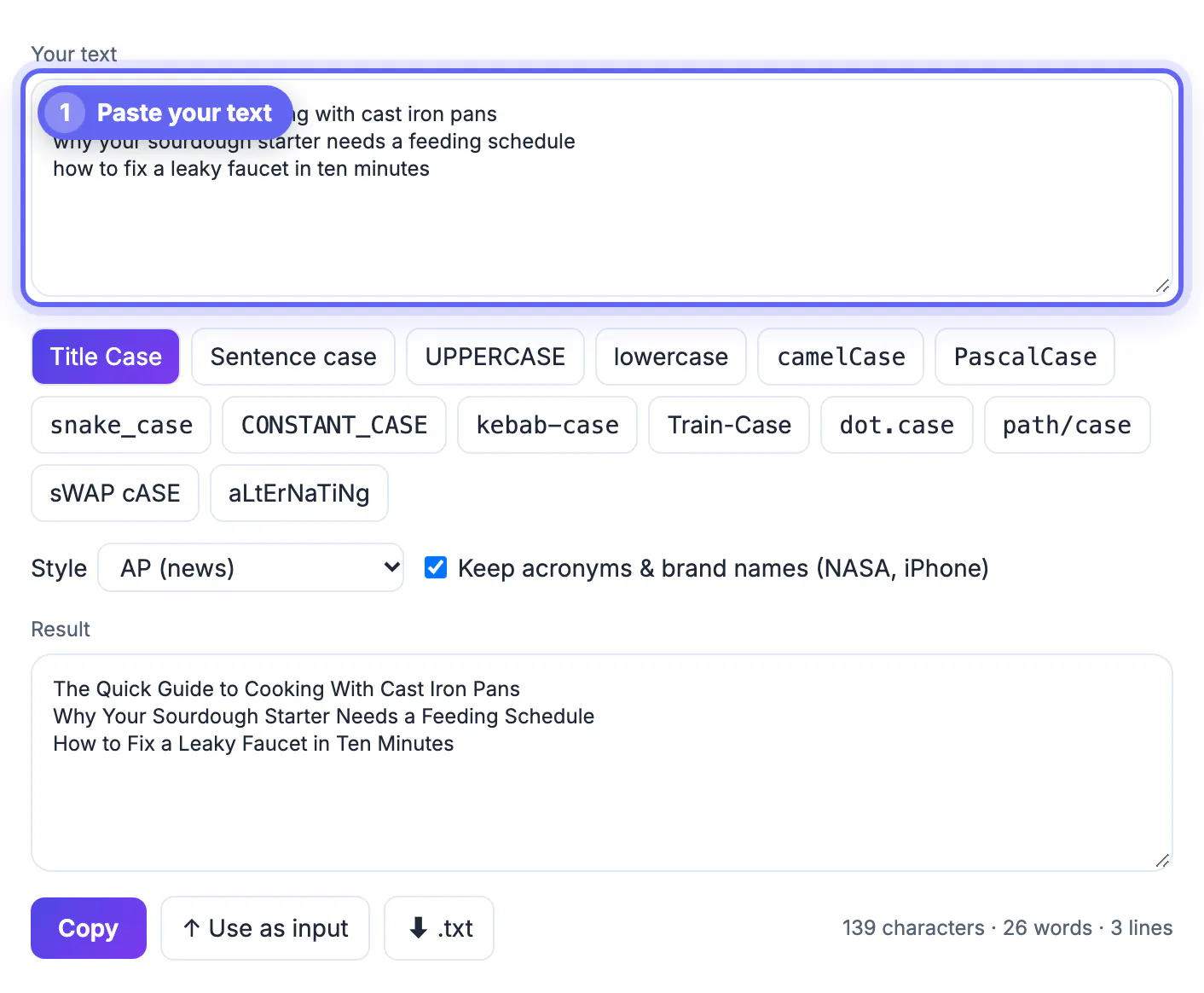
Common mistakes to avoid
Pro tips
Frequently asked questions
How do I change text to title case?
Paste it into the Case Converter, choose the style guide and click Title Case. The tool capitalizes the first and last words and the important words and leaves small words like a and to in lowercase.
What is the difference between AP and Chicago title case?
AP capitalizes words of four letters or more, including prepositions such as with. Chicago lowercases all prepositions regardless of length.
How do I fix text typed in all caps?
Paste it in and click Sentence case, then restore proper nouns and acronyms.
How do I convert text to camelCase or snake_case?
Type the phrase and click camelCase or snake_case. Spaces are removed or replaced and the case of each word is set.
Is the Case Converter free and private?
Yes. It is free, needs no account and runs in your browser, so your text is not uploaded.
Changing case is one click, but the right case depends on the job. Choose a style guide for titles, Sentence case for body text and a developer format for code, and check names and acronyms once before you copy.
Related guides
Browse more: all text and developer guides · Case Converter