How to Transcribe a Voice Memo to Text (Free)
To transcribe a voice memo, get the recording off your phone as an .m4a or .mp3 file, drop it into an on-device speech-to-text tool and read the result. GrabCast's free AI Voice-to-Text Studio runs a Whisper model in your browser, so a private memo is never uploaded: a 35-second phone memo recorded near a fan was transcribed in 2.6 seconds and came out almost word-perfect. This guide shows how to export a memo from iPhone or Android, the settings to use, how to deal with background noise and how to turn the transcript into notes, tasks or an article draft.
🎙️ Try AI Voice-to-Text Studio now — freeOpen →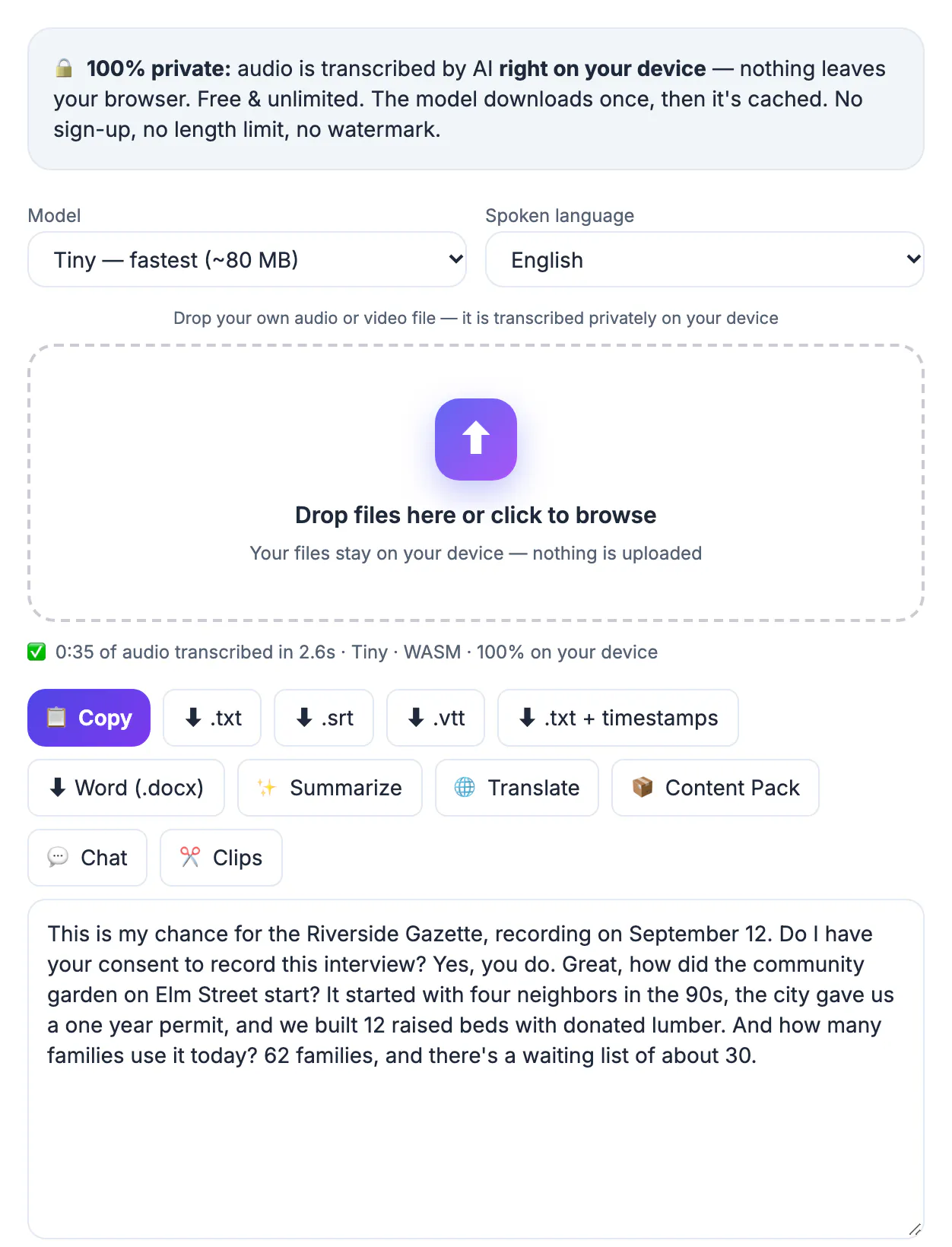
Speaking is faster than typing, so people record ideas, interviews, meeting notes and reminders as voice memos. But audio is hard to search and skim, and an hour of memos is a pile you never revisit. Text can be searched, edited, shared and summarized. Doing the conversion on your device also means personal or confidential recordings stay private.
Get the memo onto your computer
On an iPhone, open Voice Memos, tap the recording, choose Share and save it to Files or send it to yourself. It is an .m4a file. On Android, recordings are often .m4a, .mp3 or .amr in the recorder app's folder or under Share. Move the file to your computer or use the studio in your phone's browser. No conversion is needed; the studio reads m4a and mp3 directly.
Transcribe it
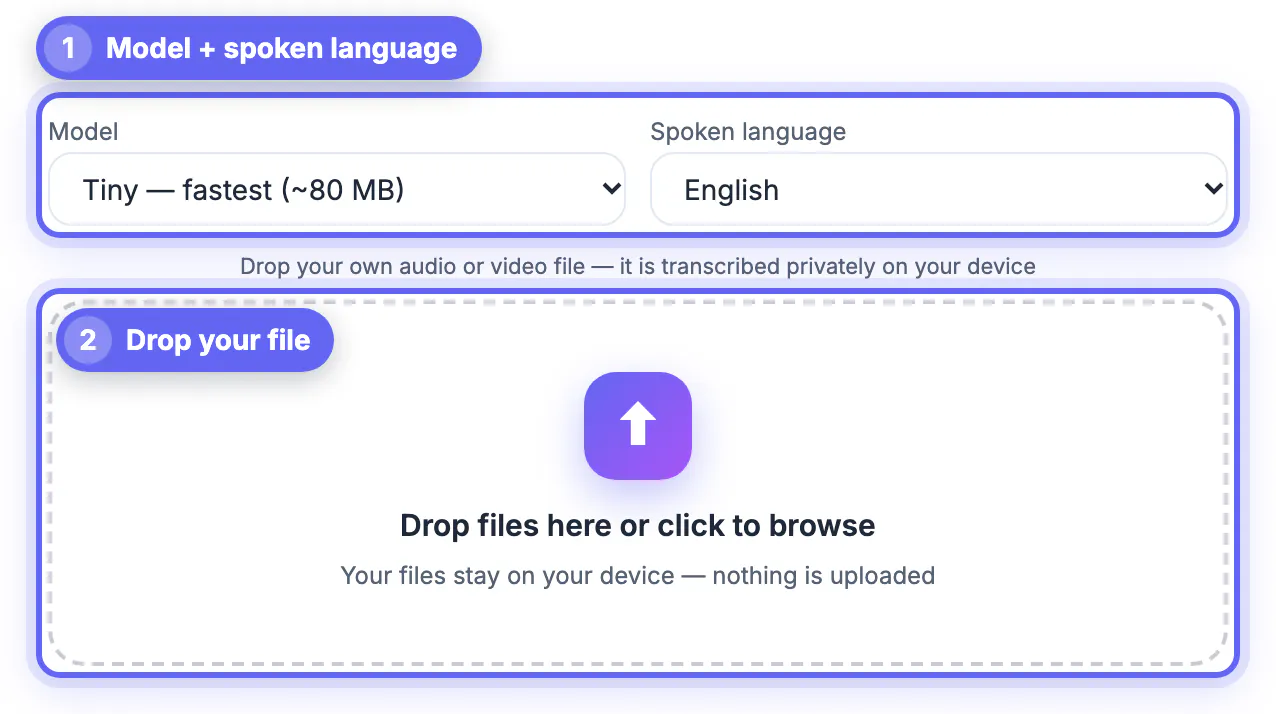
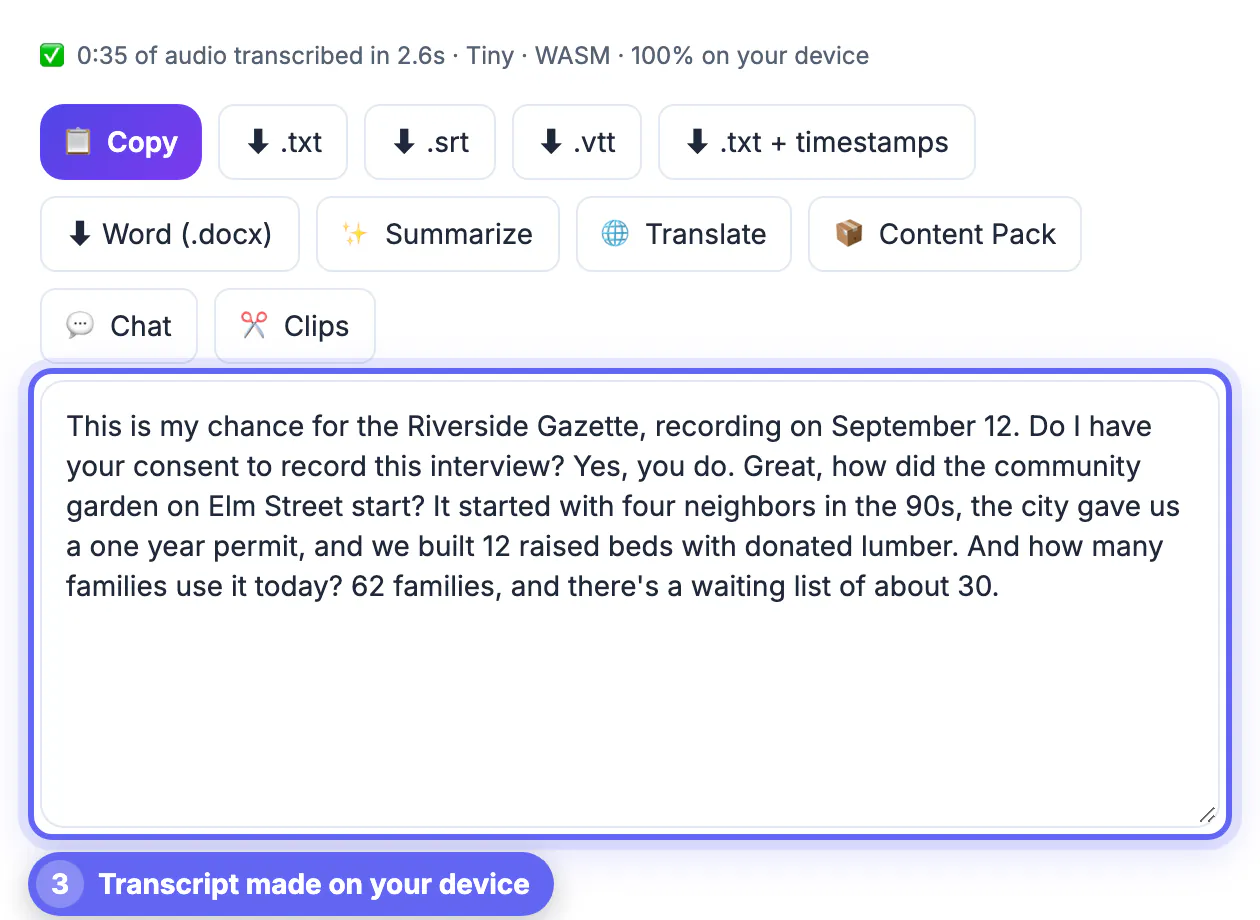
Open the Studio, choose the Tiny model and the spoken language, and drop the memo. The status line reads 0:35 of audio transcribed in 2.6s for the example. The transcript was an interview memo ("Do I have your consent to record this interview?") and came out correct: the number of raised beds, the families using the garden and the waiting list. If you speak with an accent or in a second language, choose the language explicitly and consider a larger model; the tool offers faster and more accurate options.
Handle noise
The example was recorded near a fan and still worked, but noise, wind and music reduce accuracy. Record close to the mouth, cover the microphone from wind and avoid speaker phone. If a memo is very noisy, clean it first with audio noise reduction, then transcribe. Listen to any unclear passage in the original rather than guessing.
From transcript to something useful
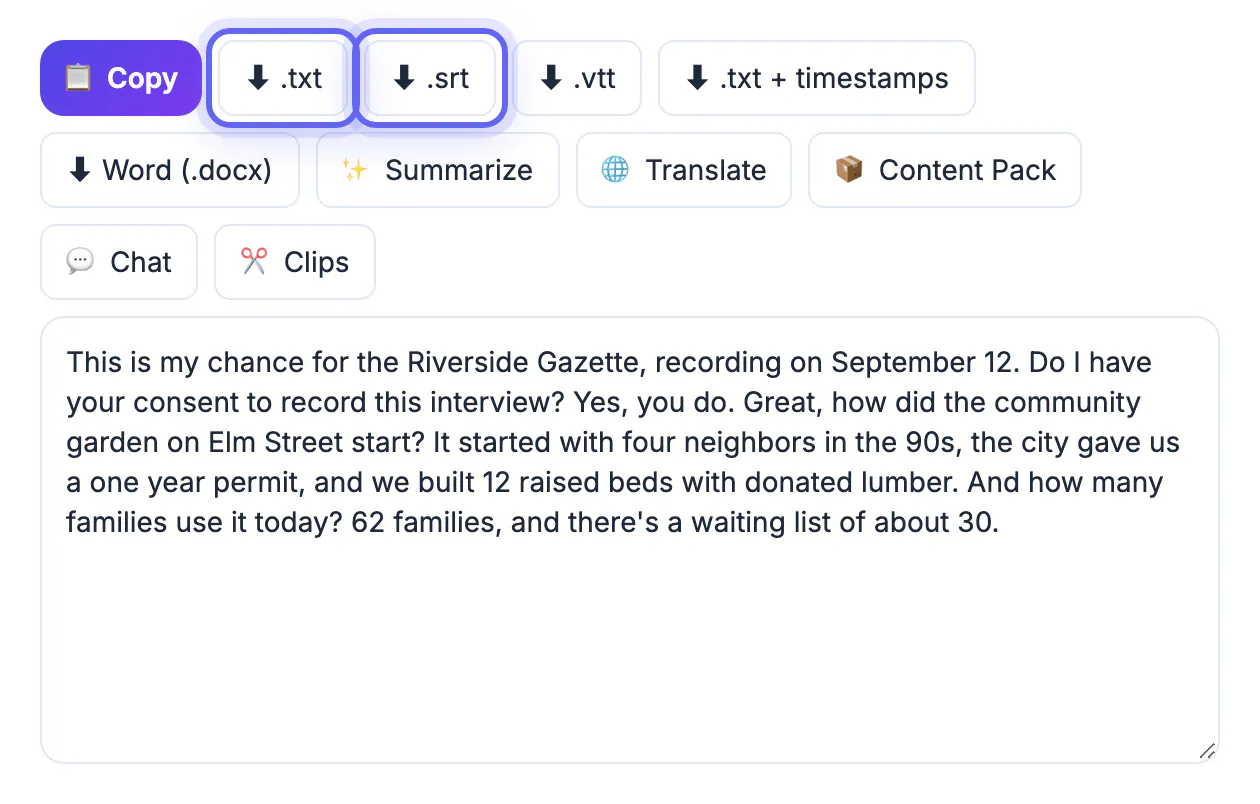
Copy the text, or export .txt, .srt or Word. Use Summarize for a short version and Content Pack to draft a post from the memo. For interviews, keep the original audio, mark who is speaking and confirm quotes and figures before publishing. For notes and tasks, paste the text into your notes app and add headings. More in how to transcribe an interview.
Tips for recording better memos
The best transcript starts with the recording. Speak at a steady pace and pause between ideas, since pauses help the model find sentence boundaries. Say the topic at the start ("Meeting notes, Tuesday, project budget"), spell unusual names and read out numbers clearly. If you dictate a list, say "item one" and "item two" so the structure survives. Hold the microphone away from fans, air vents and clothing that rustles.
For long memos, save them in parts of ten to fifteen minutes: they process faster, are easier to check and lose less if a file is damaged. Label files with the date and topic so you can find them later.
Privacy and what stays on your device
The studio downloads the speech model once and then does all the work in your browser. Your voice memo is not sent to a server, which matters for recordings that contain personal details, client information, health notes or unpublished ideas. When you export a text file, it is saved on your device; anything you paste into a chat app or a cloud document afterwards is handled by that service, so choose where the text goes with the same care you would give the audio.
Delete recordings you no longer need, and keep the transcript with the original date and title so you can trace it back.
Common problems and quick fixes
If the result looks wrong, check the cause before trying again. Most issues come from the recording, not the software.
- Missing words: the speaker was too far from the microphone, so record closer next time.
- Wrong language: set the spoken language manually instead of relying on detection.
- Names spelled badly: add a list of names to your notes and correct them after the first pass.
- Long silences: trim them first to save processing time.
Related guides include transcribing a lecture, transcribing an interview and quoting it right and trimming dead air off a voice memo.
Organising your transcribed notes
Give each note a date and a short title, such as 2026-03-05 product ideas, and keep audio and text together. Tag items that need action and copy them into your to-do list the same day. Review the folder weekly, delete memos you no longer need and keep the rest backed up. A tidy archive turns scattered ideas into a searchable personal library.
Turning spoken ideas into a draft
Many people use voice memos to draft emails, articles and plans while walking or driving where allowed. After transcribing, read the text once, delete false starts and repeated words, then reorganise into a short outline. Rewrite the first and last lines yourself so the piece sounds natural.
If you capture several ideas in one memo, say a clear label before each one, such as new idea or to-do, which helps you separate them later. Short memos under three minutes are easier to process than a long ramble, and they keep each thought tidy.
Back up the audio as well as the text, because a transcript can contain errors that only the recording will settle. Keep the memo, the transcript and your final version together in one folder so you can trace how the idea developed.
Step-by-step
Common mistakes to avoid
Pro tips
Frequently asked questions
How do I transcribe a voice memo for free?
Export the memo, drop it into the AI Voice-to-Text Studio and read the transcript. It runs in your browser.
Which memo formats work?
m4a, mp3, wav and most audio and video files.
Is the memo uploaded?
No. The model runs on your device.
Does background noise matter?
Yes. A quiet recording gives much better text, though the example with a fan was accurate.
Can I record other people?
Tell them and get consent; laws differ by place.
Transcribing a voice memo is three moves: export the file, drop it in the studio and check the text. Record close and quiet, choose the language and keep the audio until you have verified names and numbers.
Related guides
Browse more: all video and audio guides · AI Voice-to-Text Studio