What Is OCR and How Does It Work? (Plain-English Guide)
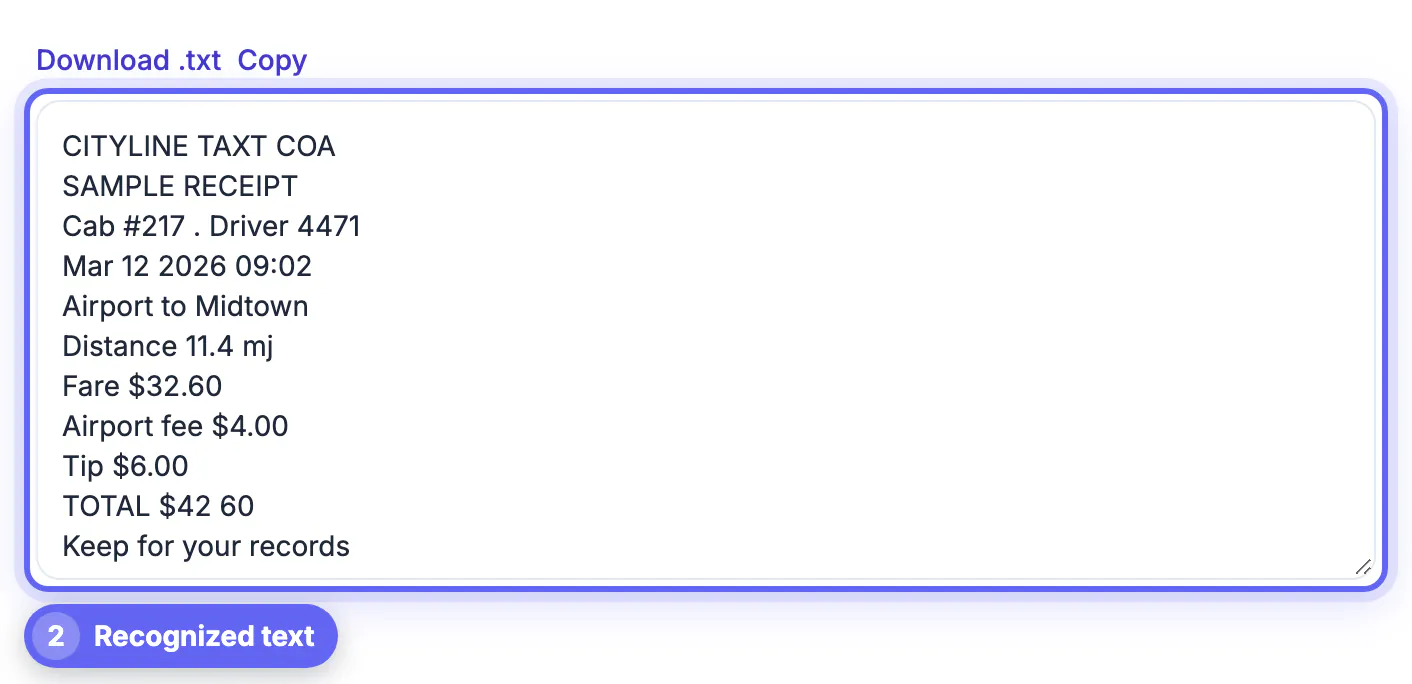
OCR, or optical character recognition, is software that reads the letters in a picture and turns them into text you can edit, search and copy. It finds lines and characters, compares their shapes with what it has learned, then outputs the most likely text. GrabCast's free Image to Text does this in your browser: in the example a photographed taxi receipt came back as an editable list of lines, but with mistakes (CITYLINE TAXT COA, 11.4 mj and TOTAL $42 60), which is what real OCR looks like. This guide explains how OCR works, what makes it succeed or fail, how to get the best results and how to check the text.
🔎 Try Image to Text (OCR) now — freeOpen →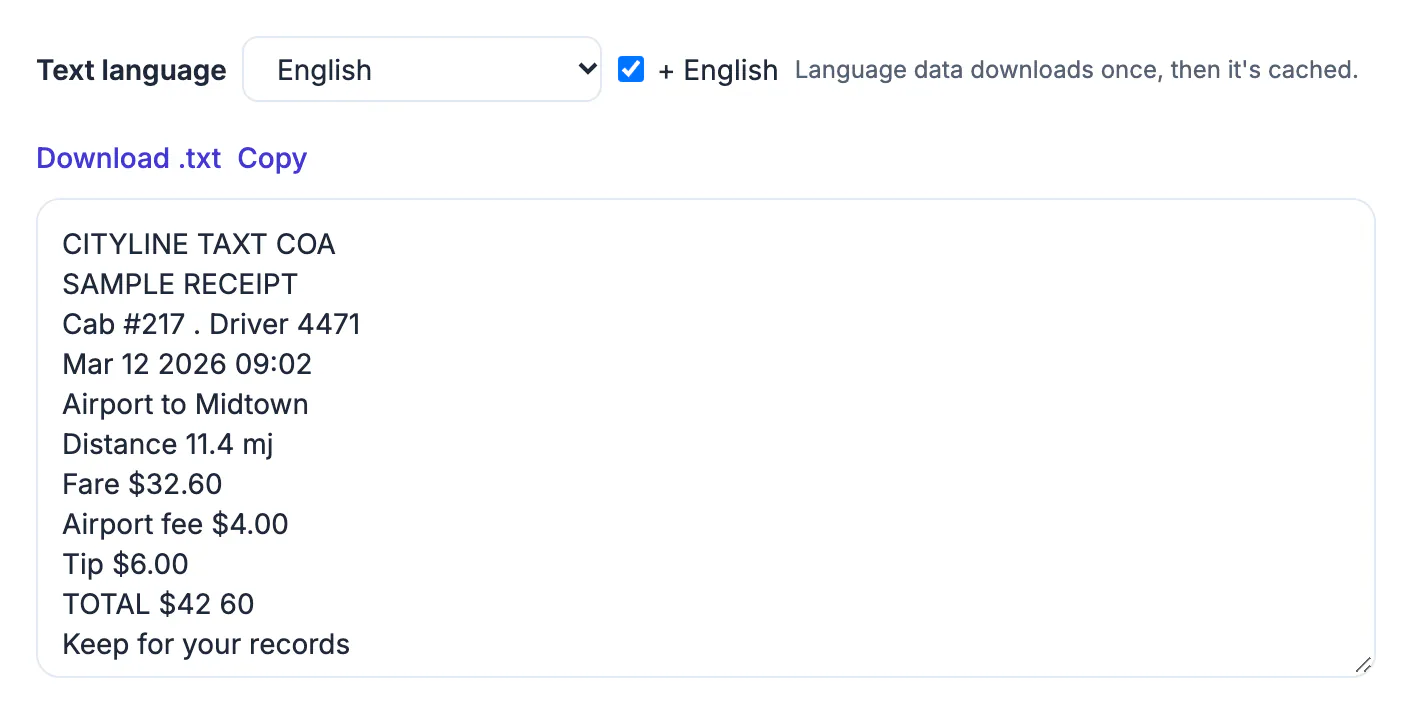
Text locked in an image or scan cannot be searched, copied or read aloud. OCR turns receipts, letters, screenshots, signs and book pages into text you can paste into a document, index or translate. It is the reason you can search a scanned PDF for a word, and it saves retyping.
How OCR works in steps
- Preparation: the image is straightened, cleaned and turned to black and white so text stands out from the background.
- Layout analysis: the software finds blocks, lines and words.
- Recognition: each character or word is matched with known shapes. Modern engines use neural networks trained on many fonts, plus language data to pick the most likely word.
- Output: the text, sometimes with position data, is returned.
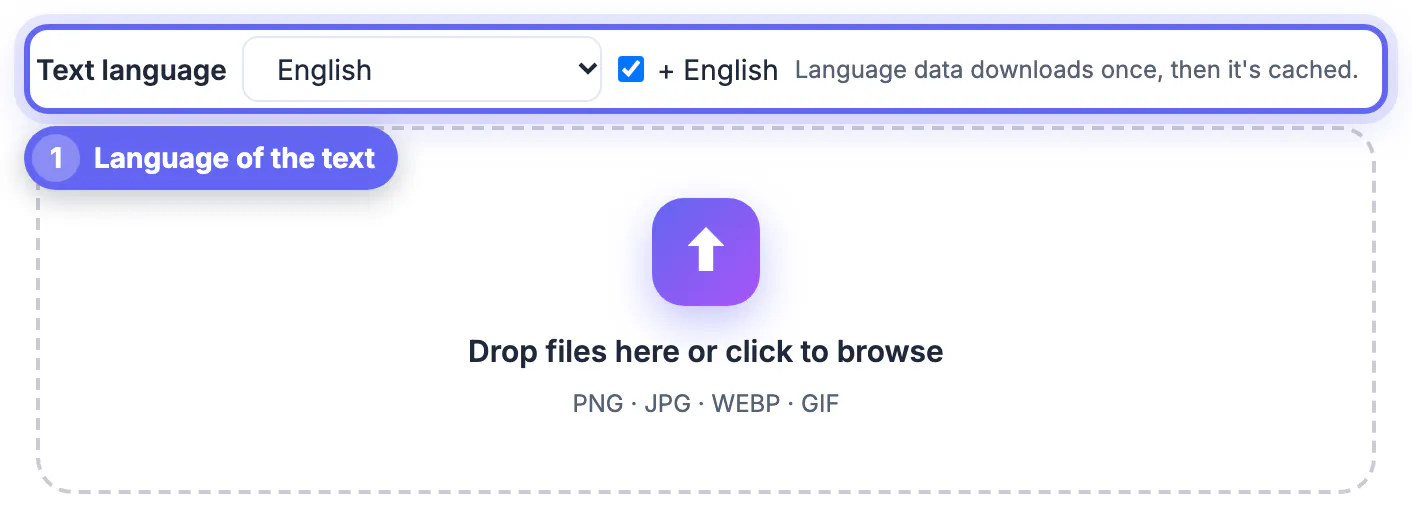
Because the language data helps choose words, you should select the language of the text before you start. Image to Text lets you pick it and downloads the language file once, then caches it.
What the example teaches
The receipt photo was clear, yet the result reads "CITYLINE TAXT COA" for the company name, "Distance 11.4 mj" where the units were miles and "TOTAL $42 60" where a full stop was expected. Numbers with punctuation, small print, unusual fonts and logos are the usual weak points. Amounts and dates deserve a manual check against the original: the tool's box is editable so you can correct them straight away.
How to get better results
- Use a sharp, well-lit photo taken straight on; avoid glare and shadows.
- Make the text at least around 20 pixels tall; upscale small screenshots before OCR.
- Choose the correct language, and add English if the text is mixed.
- Crop to the text you need, so background patterns do not confuse it.
- Use a scan or PDF-specific tool for many pages: see OCR PDF.
Privacy, limits and next steps
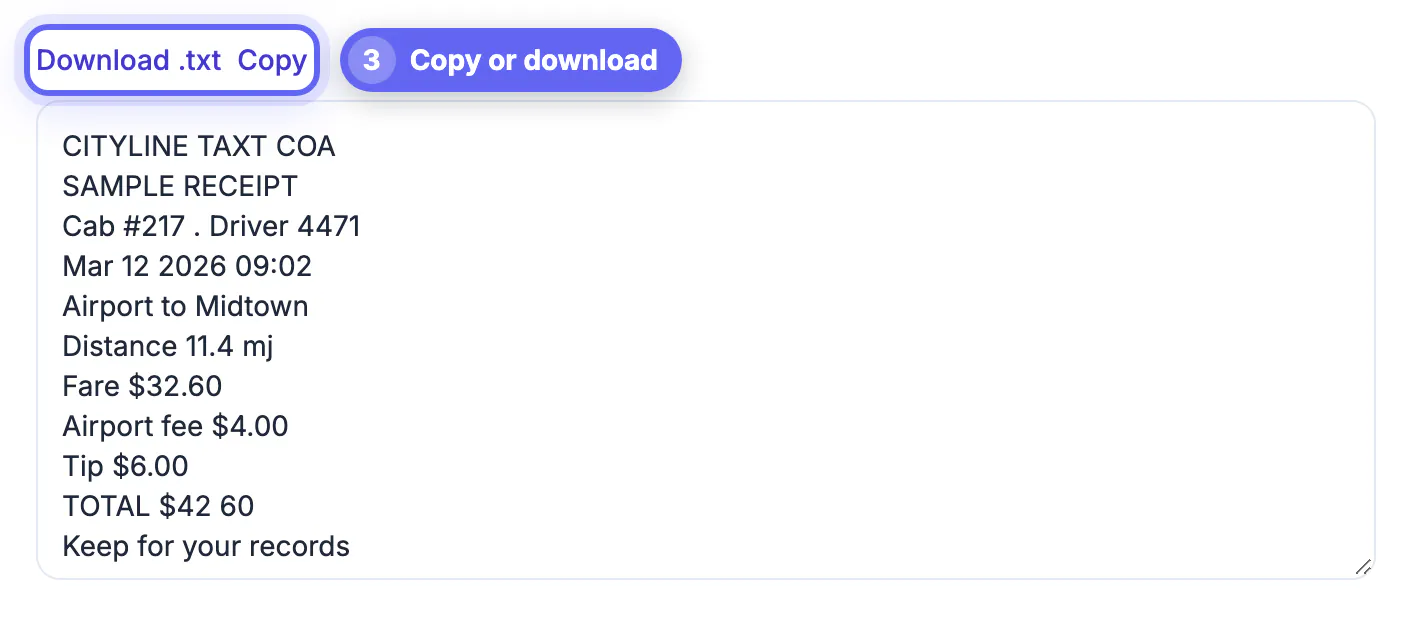
Recognition runs in your browser, so receipts, forms and IDs are not sent to a server. It cannot read handwriting reliably, curved text or heavy decoration. After recognition, use Copy or Download .txt. For an image that is a receipt or bank statement, the Bank Statement converter arranges values into a spreadsheet.
Where OCR is used in everyday life
OCR is behind many services you use without noticing: mobile deposit of a cheque, license plate readers, passport scanners, searchable archives of newspapers and the ability to copy text out of a photo in your phone's camera app. In offices it turns paper invoices into data, and in libraries it makes scanned books searchable. In each case the same idea applies: an image is cleaned, text is located and characters are recognized, then a language model or dictionary corrects likely errors.
The accuracy you should expect depends on the source. Clean printed pages can be recognized very well, while crumpled receipts, photos of screens, low-resolution images and handwriting produce more errors. Treat OCR output as a draft that needs review whenever the numbers or names matter.
Checking and correcting OCR text
A short review routine catches most mistakes. First read the text with the image beside it, looking at numbers, dates, names and units. Second, search the text for characters that are often confused: the letter O and zero, the letter l, the digit 1 and the letter I, and S and 5. Third, look for words that are not real, such as TAXT in the example, which are easy to spot. Fourth, retype anything that matters legally or financially rather than relying on the machine.
If many lines are wrong, improve the picture rather than editing forever: retake the photo in better light, crop tighter, or increase the resolution, and run it again. Better input usually beats clever correction.
Types of OCR and what each handles
Not every engine works the same way. Classic engines compare shapes with stored patterns and work well on clean printed type. Modern ones use neural networks that cope better with varied fonts, small blemishes and mixed languages. Handwriting recognition is a separate, harder task, and results vary widely by writer and tool.
- Printed documents with plain fonts give the highest accuracy.
- Receipts and old newspapers need extra cleanup.
- Forms with boxes work best when the boxes are removed first.
- Multi-language pages need the right language packs selected.
To try it, extracting text from an image with OCR in 20 languages walks through the steps, and scanning documents with your phone explains how to capture a clean source.
Why accuracy drops and how to recover it
Accuracy falls when pictures are tilted, blurred or poorly lit, and when characters look alike, such as 0 and O or 1 and l. Straighten the image, raise contrast and choose the right language before you run recognition. After the first pass, search for common confusions and fix them by hand, which is faster than retyping the page.
Where OCR fits with other tools
Recognition is usually one step in a chain: capture or scan, clean up, recognise, correct and then export to a document or spreadsheet. Pair it with a good scanning app for capture and a spell-checker for correction, and the whole process takes minutes instead of an hour of retyping.
Step-by-step
Common mistakes to avoid
Pro tips
Frequently asked questions
What does OCR stand for?
Optical character recognition: software that reads text in images.
Is OCR accurate?
On clear printed text it is good, but it makes mistakes with numbers, small print and odd fonts, as our receipt example shows. Always check important values.
Can OCR read handwriting?
Not reliably. It works best on printed text.
Is my image uploaded?
No. Recognition runs in your browser.
Is Image to Text free?
Yes, with no sign-up.
OCR turns a picture of text into editable text by cleaning the image, finding lines and matching characters. Give it a sharp photo and the right language, and always read the result against the original, especially numbers.
Related guides
Browse more: all text and developer guides · Image to Text (OCR)