Are Free Online Tools Safe? What to Check Before You Upload
Free online tools are safe when they process your file on your own device or when you trust the service that receives it, and unsafe when you cannot tell which of the two is happening. The deciding question is simple: does the tool upload your file? A browser-based tool reads and edits the file on your computer, so there is nothing to intercept or store elsewhere. A server-based tool sends the file away, processes it there and sends a result back. This guide explains the difference, how to check which kind a tool is, what GrabCast's own privacy policy says, and what never to put into a free converter.
🔐 Try Remove Image Background now — freeOpen →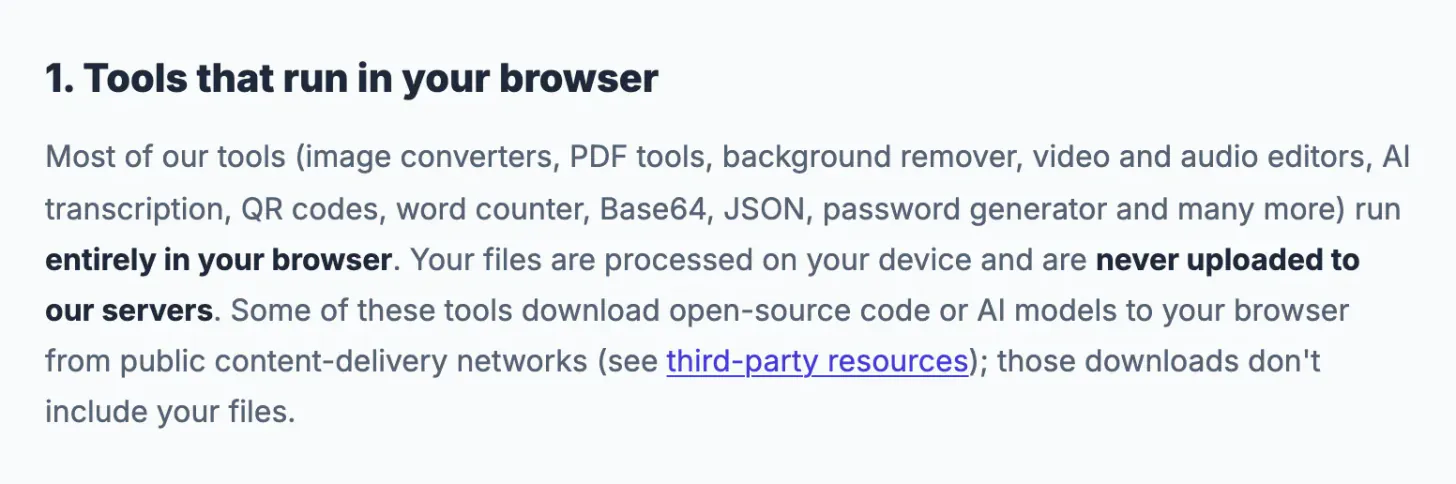
People paste contracts, ID photos, bank statements and medical letters into converters without thinking. If that file goes to a server you do not know, you rely on that service's retention policy and security. If it never leaves your device, you do not need to trust anyone with it. A minute of checking before a sensitive upload is the cheapest security step there is.
Browser-based or server-based: the one difference that matters
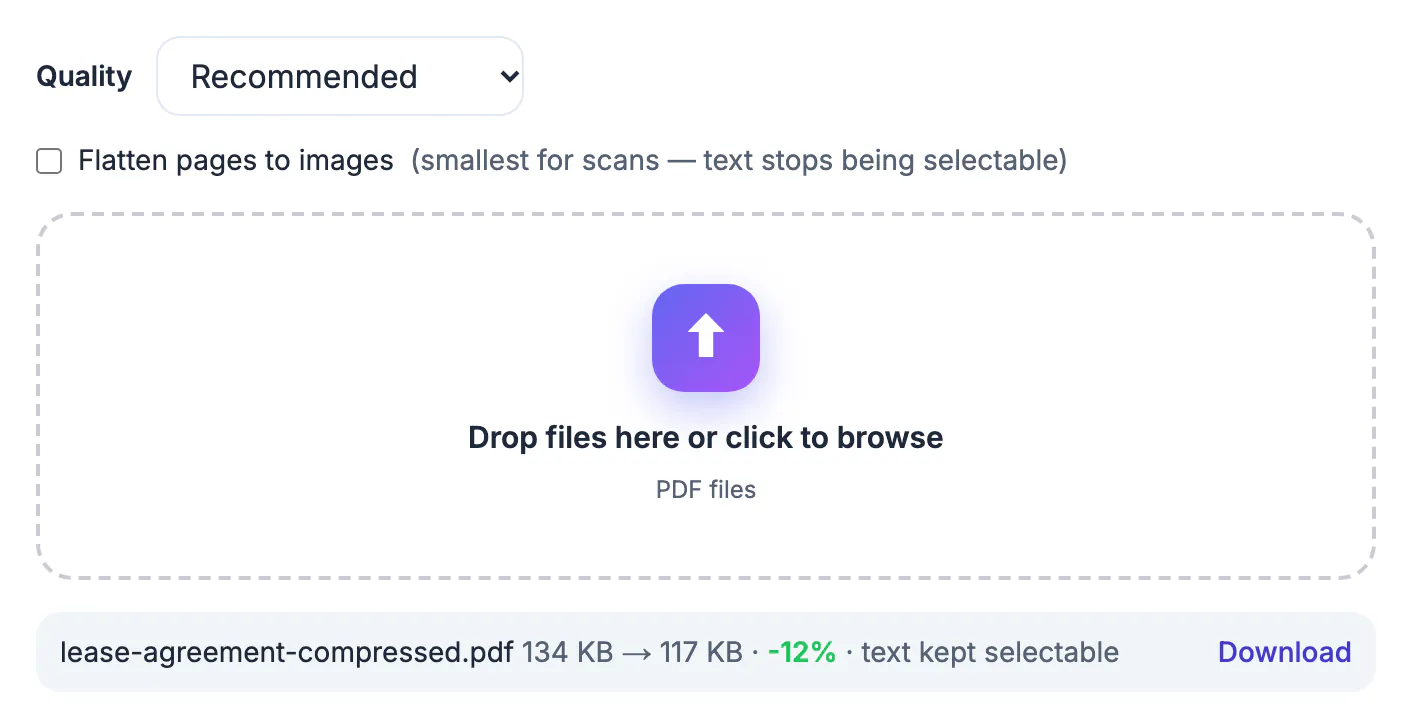
With a browser-based tool the page downloads some code, and then the code works on your file inside your browser. You can often prove this to yourself: turn off your internet connection after the page has loaded and see whether the tool still works. With a server-based tool the file is sent over the network to another computer, so it needs a connection to do the work, and the result comes back from there. Both can be legitimate. The point is to know which one you are using before you add a private file.
What GrabCast says about its own tools
The GrabCast privacy policy states that most tools, including image converters, PDF tools, the background remover, video and audio editors, AI transcription, QR codes, the word counter, Base64, JSON and the password generator, run entirely in your browser, and that files are processed on your device and not uploaded to GrabCast's servers. Some of these tools download open-source code or AI models from public content delivery networks, and those downloads do not include your file.
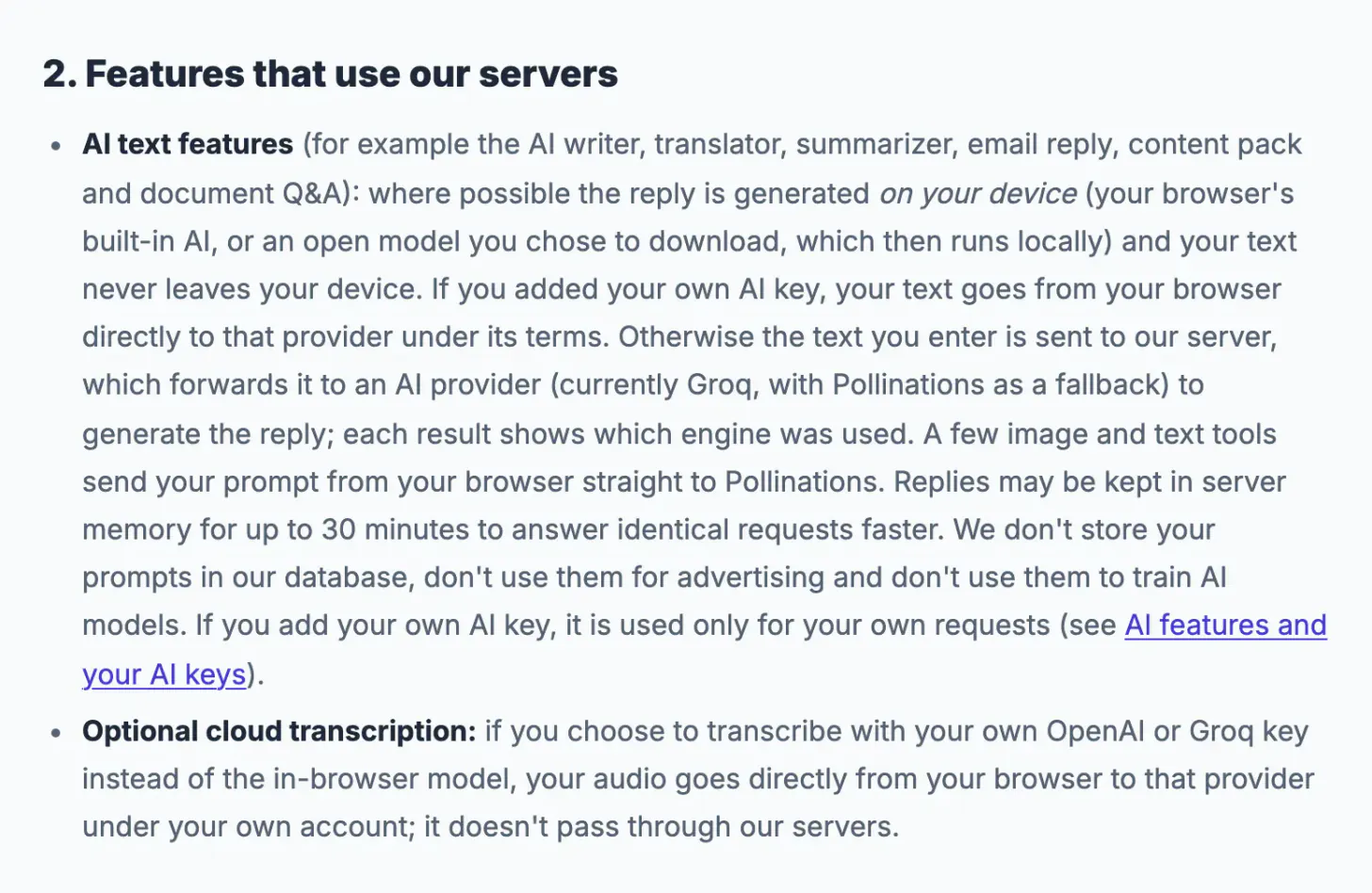
The same policy lists the features that do use a server. AI text features, such as the writer, translator, summariser and email reply, generate replies on your device where possible; otherwise the text you enter goes to GrabCast's server and then to an AI provider, and each result shows which engine was used. Temporary email messages are stored on the server until the inbox expires. Read the policy section titled Features that use our servers before you put sensitive text into an AI tool.
A checklist before you use any free tool
- Say where the file goes. Look for a clear statement that processing happens in your browser. No statement is a warning sign.
- Read the retention line. For server-based tools, find how long files are kept and whether they are deleted.
- Check the address. Use a site that loads over HTTPS, and be careful with lookalike names reached from ads.
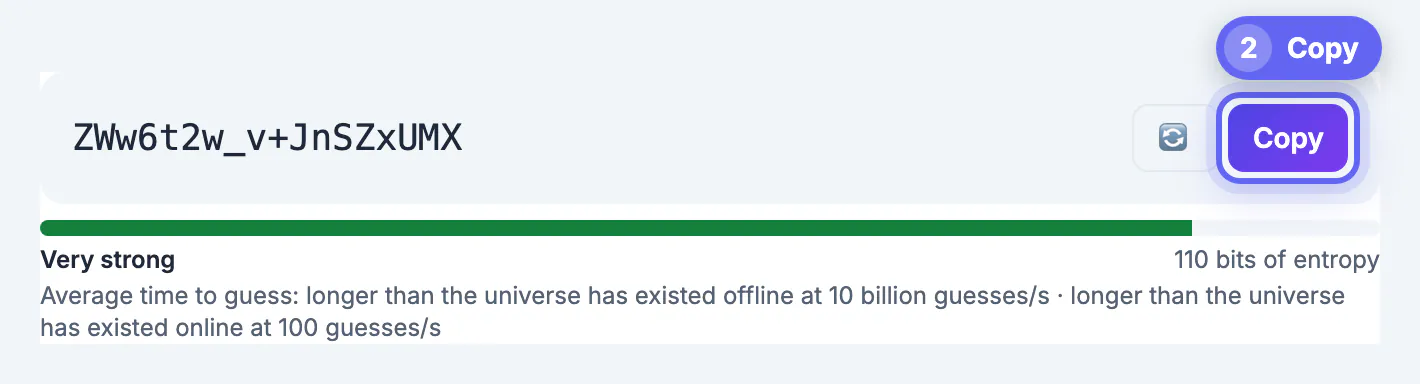
- Avoid secrets. No converter needs your password, card number or ID number. Never type them into one.
- Use the least data. Crop or redact a document before you upload it anywhere, and remove location data from photos.
- Prefer local for the sensitive. For contracts, statements and IDs choose a tool that works on your device, and keep the original.
Other risks that are not about upload
Downloads are a separate risk. A web tool that asks you to install a program to finish a conversion is a bigger concern than the conversion itself, so stay with tools that work in the page. Results can also be wrong without being unsafe: an automatic transcript or translation can change a word, and an OCR scan can misread a digit, so check numbers and names by eye. Finally, a free tool can disappear. Keep your originals so you never depend on the converted copy.
Signs a service is probably trustworthy
Good services explain themselves. They state where processing happens, show contact details, have a readable privacy policy, charge no hidden fees and do not push you to install anything. Independent reviews, a history of updates and clear limits on free use are further positive signs. None of these guarantees safety, but together they make a poor actor easier to spot.
- The address starts with https and the domain matches the brand.
- The tool works after you turn off your connection, if it claims to run locally.
- Terms explain what happens to uploaded files and for how long.
- There are no surprise pop-ups or forced downloads.
For related privacy topics, see keeping your email address private, temporary email safety and limits and removing hidden metadata from photos.
What to do if you uploaded something you should not have
Act quickly. Look for a delete option or contact the service and ask for removal, change any passwords that appeared in the file, and tell the people affected if their details were exposed. Watch accounts for unusual activity and consider a credit freeze if identity numbers were involved. Afterwards, adopt a rule of redacting before sharing so the same mistake is harder to repeat.
Step-by-step
Common mistakes to avoid
Pro tips
Frequently asked questions
Are free online tools safe to use?
Many are, especially those that work in your browser without uploading. Safety depends on where the file goes and how long it is kept, so check that before you use a tool.
How can I tell if a tool uploads my file?
Read its privacy statement, and test it: if the tool still works after you turn off your internet connection, the processing is on your device.
Does GrabCast upload my files?
According to its privacy policy, most tools run entirely in your browser and do not upload files. The exceptions, such as AI text features and temporary email, are listed in the policy.
Is it safe to put a PDF with personal data into a free tool?
It is safest in a tool that processes it on your device. Redact or crop the personal parts first if you must use a tool that uploads.
What should I never enter into a converter?
Passwords, card numbers, bank logins and government ID numbers. A converter never needs them.
Free tools are safe when you know where your file goes. Prefer tools that work in your browser, read the privacy statement for anything that uses a server, keep originals, and never type credentials into a converter. One minute of checking beats a lifetime of wondering.
Related guides
Browse more: all text and developer guides · Remove Image Background