Summarize an Article With AI: Accurate Takeaways Fast
To summarize an article with AI, copy only the article text (not the menus, ads, and comments), paste it into a summarizer in pieces of about 1,200 words, and ask for the format you will actually use, such as three bullets or a what-is-new paragraph. Then spend two minutes checking the quotes, numbers, and hedging words against the original. That last step is what separates a useful summary from a confident misreading. This guide covers news stories, long magazine features, blog posts, and research articles, using the free GrabCast AI Writer and, for longer pieces or follow-up questions, the AI Content Pack and Chat with Content. It also explains what each tool sends to the cloud, so you know what is safe to paste.
📄 Try the AI Writer tool now — freeOpen →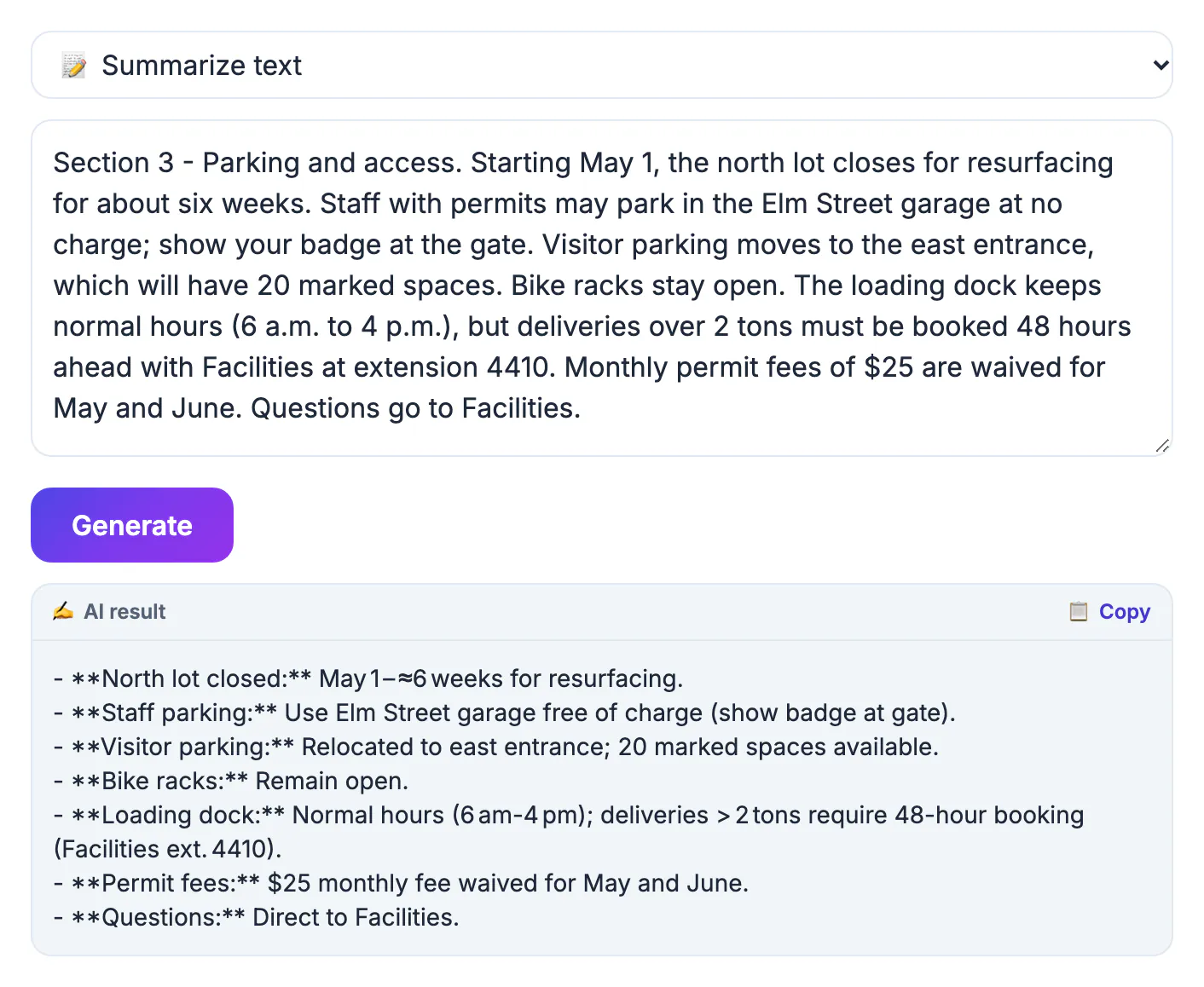
Articles are written to persuade and to hold attention, which makes them harder to compress honestly than a manual or a report. A news story buries the most important caveat in paragraph nine. A feature opens with an anecdote that is vivid but not representative. A research write-up says a treatment 'may be associated with' an outcome, and a careless summary turns that into 'causes'. Models are good at producing fluent bullets, and fluent bullets feel trustworthy, so errors slip through unless you look for them. The other common failure is input: copying a web page often drags in navigation links, related-story teasers, and reader comments, and the summary faithfully includes them. A clean paste and a short verification pass fix both problems. With those habits in place, AI summaries are a genuine time-saver for triaging a reading list, briefing a colleague, or deciding which long read deserves your full attention tonight.
Copy clean article text first
What you paste is what gets summarized, so strip the page down before you start.
- Use your browser's reader view (Safari Reader, Firefox Reader View, or Edge Immersive Reader) to hide menus and ads, then select and copy the article body.
- Delete photo captions, newsletter prompts, and 'related stories' blocks that sneak into the selection.
- Keep the headline, byline, and publication date at the top; they help you and the AI place the story in time.
- Summarize only what you can legitimately read. If an article is paywalled, use your subscription or a library login rather than a workaround.
- For an article saved as a PDF, extract the text with PDF to Text, which runs in your browser, before summarizing.
Split long articles to fit the summarizer
The AI Writer accepts about 8,000 characters per request, including its own instruction, which is roughly 1,200 to 1,300 words of English. A typical news story fits in one pass; a 5,000-word magazine feature does not.
- Split at the article's own subheadings or scene breaks, not at arbitrary word counts, so each chunk has a complete thought.
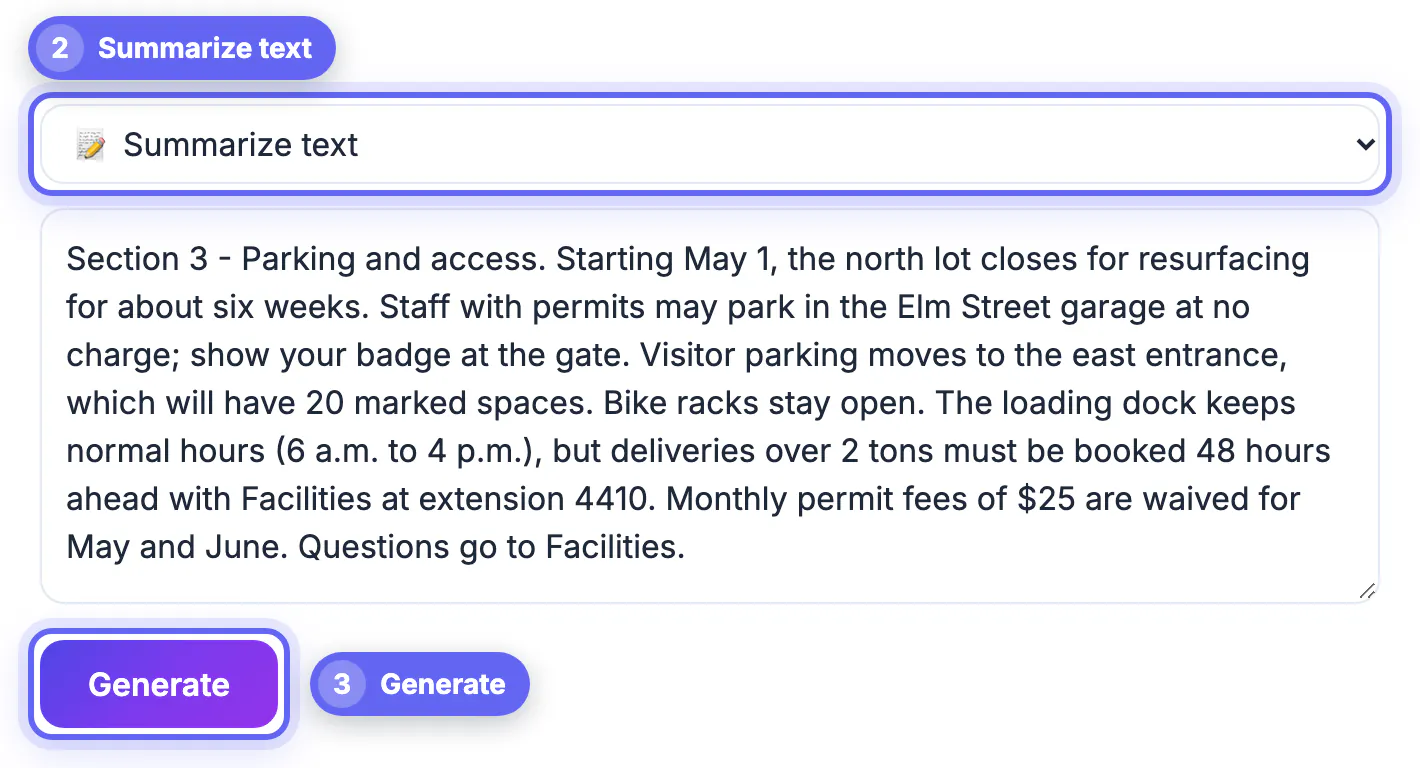
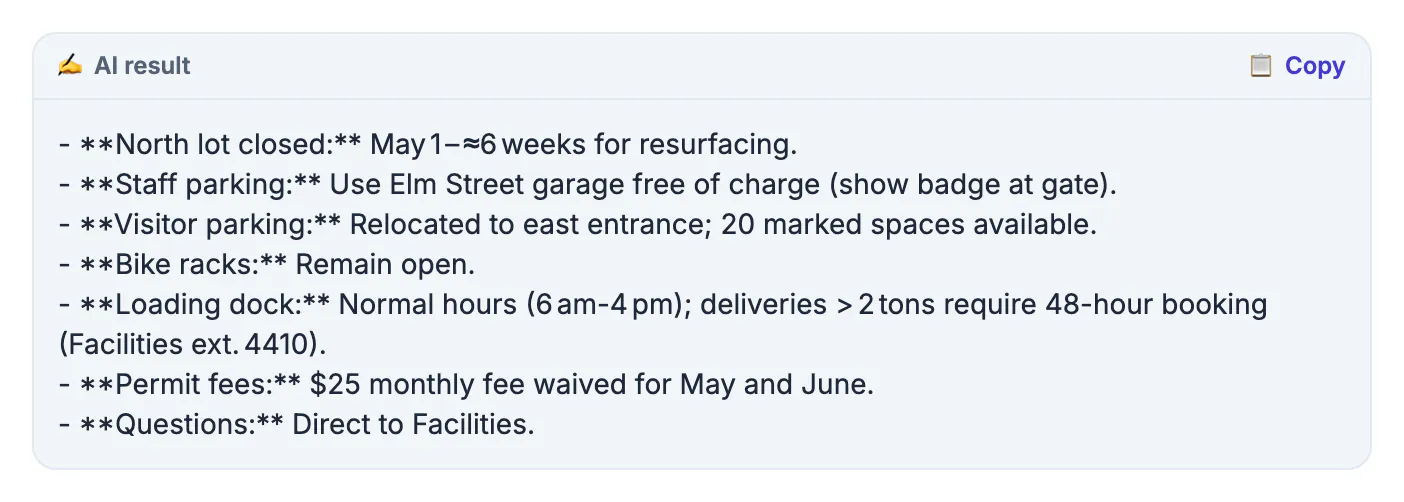
- Choose Summarize text, which returns a few concise bullet points, for each chunk.
- Paste the combined bullets back in and summarize once more for a single overview.
- For very long pieces, transcripts, or newsletters up to about 60,000 characters, the AI Content Pack reads the text in parts and returns a summary and key takeaways in one run.
Pick a format for how you will use it
Summarize text gives you plain bullets. When you need a different shape, choose Write about a topic and type the instruction above the pasted text.
- Triage: 'In three bullets, what is new here, who is affected, and what happens next?' Good for deciding whether to read in full.
- Briefing a colleague: a four-sentence paragraph with the claim, the evidence, the strongest counterpoint, and a link to the source.
- Research articles: the abstract already summarizes the findings, so ask instead for the sample size, the method, and the limitations the authors admit.
- Follow-up questions: paste the article into Chat with Content and ask things like 'Which sources are named?' or 'What does the author say about costs?' The answers come only from your pasted text and cite the numbered section each fact came from, which makes checking fast.
Check quotes, numbers, and hedges
A two-minute check catches the errors that matter. Keep the original open next to the summary and look for these.
- Numbers and dates: search the article for each one. If you cannot find it, delete it.
- Quotes and attribution: make sure a quote is credited to the right person and not to the reporter or a different source.
- Hedges: 'may', 'suggests', 'early data', and 'critics say' carry meaning. Restore them if the summary dropped them.
- Balance: opinion pieces and features often include an opposing view late in the text; confirm it survived.
- Privacy and reuse: the AI Writer and Content Pack send your pasted text to a cloud AI. Chat with Content keeps the full text in your browser but sends the passages that match each question, so do not paste private material into any of them. Share summaries with a link to the original, and do not republish them as your own article.
▶ Watch: How to summarize text with AI (0:45)
Video transcript
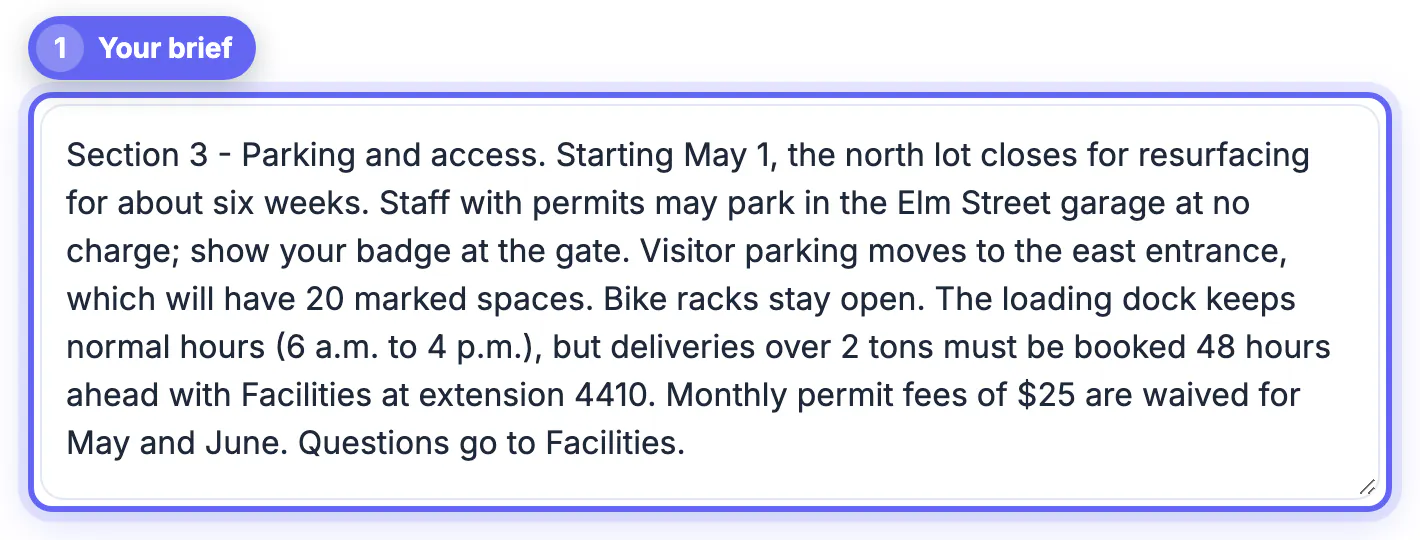
- Paste your text. Paste an article, report or email thread. You can also open a .txt or .pdf file.
- Choose the type. Key points gives a bullet list. TL;DR, teaser and headline are there too.
- Pick the length. Short keeps only the main ideas. Long adds more of the details.
- Use the free cloud AI. The cloud engine works in any browser. Your text is sent to our AI server and not stored.
- Summarize. A 1,000-word essay becomes a few clear bullet points.
- Copy or download. Copy the summary, or download it as a file to keep.
Step-by-step
Common mistakes to avoid
Pro tips
Frequently asked questions
How long an article can I summarize at once?
About 8,000 characters per request in the AI Writer, roughly 1,200 to 1,300 words. Split longer articles by section, or use the AI Content Pack for text up to about 60,000 characters.
Can I paste a link instead of the text?
No. GrabCast's AI tools work on text you paste. Copy the article body from reader view; this also keeps ads and comments out of the summary.
Are AI summaries of articles accurate?
They usually capture the main point but can drop caveats, misattribute quotes, or change numbers. Check those three things against the original every time.
Is it legal to summarize an article with AI?
Summarizing for your own reading or to brief a colleague is common practice. Republishing summaries as your own content is different; link to the source and quote sparingly.
Is the text I paste kept private?
No tool that uses a cloud AI is fully private. The AI Writer sends your text through GrabCast's server to an AI provider and caches results for about 30 minutes, so avoid confidential material.
Clean text in, the right format out, and a quick check of numbers, quotes, and hedges: that is the whole method. Copy articles from reader view, split long ones at their subheadings, use the free AI Writer or the AI Content Pack for the summary, and always keep a link back to the original.
Related guides
Browse more: all AI guides · the AI Writer tool