Write a Professional Email With AI: Brief, Draft, Check
To write a professional email with AI, tell the tool four things (who the reader is, the one outcome you want, the facts to include and the tone) and ask for a subject line plus a body under about 150 words. Then fix names, dates and anything the AI guessed before you hit send. The same brief works in ChatGPT, Claude or Gemini, and in the free GrabCast AI Writer, which has a Write a reply / email mode that runs in your browser with no account. Where AI helps most is the tricky message: chasing an unpaid invoice, declining a request from a senior colleague, or answering a complaint calmly. Those are the emails people rewrite five times. This guide gives you a reusable prompt, the anatomy of a clear work email, a before-and-after example, and the privacy rules that matter when your inbox holds client and colleague data.
✍️ Try the AI Writer tool now — freeOpen →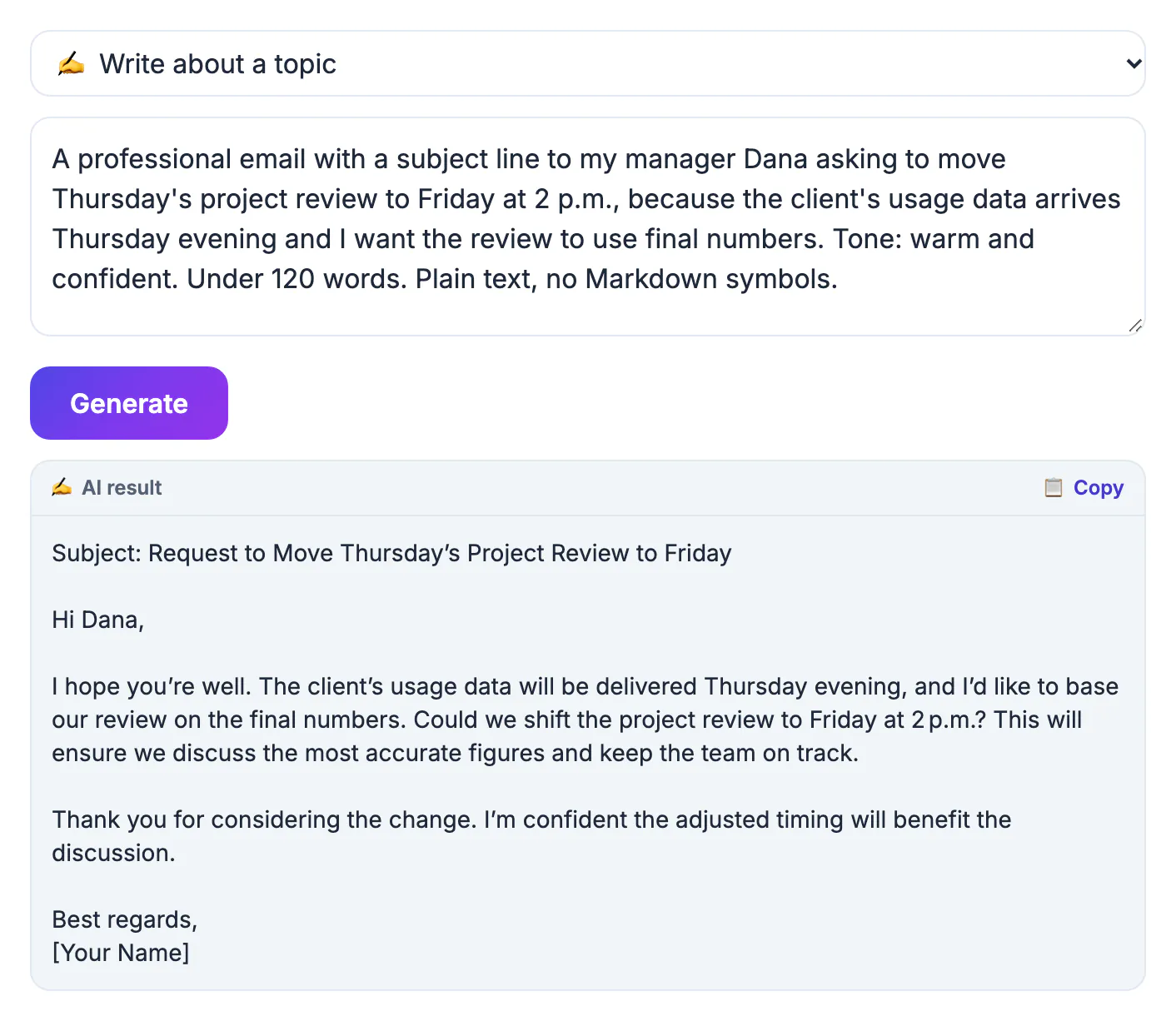
Most professional email follows a predictable shape: purpose, details, request, sign-off. That makes it ideal territory for a language model, which is very good at predictable structure and at adjusting register from warm to formal on demand. The hard part for people is usually tone under pressure, not grammar: sounding firm without sounding angry, or apologetic without grovelling. AI gives you a calm first draft to react to, which is faster than staring at an empty reply box. Where it slips is context. It does not know your relationship history, your company's policies, the real deadline or the promise you made on a call last week, so it fills gaps with generic phrases or confident guesses. It also tends to run long. Your job is to supply the facts up front and cut the draft down afterward.
What to tell AI before it writes a professional email
The quality of the draft is decided by the brief. Give the model these four facts in one or two lines each, and the first version usually needs only light edits.
- Reader and relationship: a new client, your manager, a vendor you have worked with for years.
- One outcome: a meeting booked, an invoice paid, a decision by Friday, a problem acknowledged.
- Facts: names, dates, amounts, order or invoice numbers, and any deadline, exactly as they should appear.
- Tone: friendly, formal, apologetic, or firm but polite. Say which one, because the default is bland.
A reusable prompt and a before-and-after
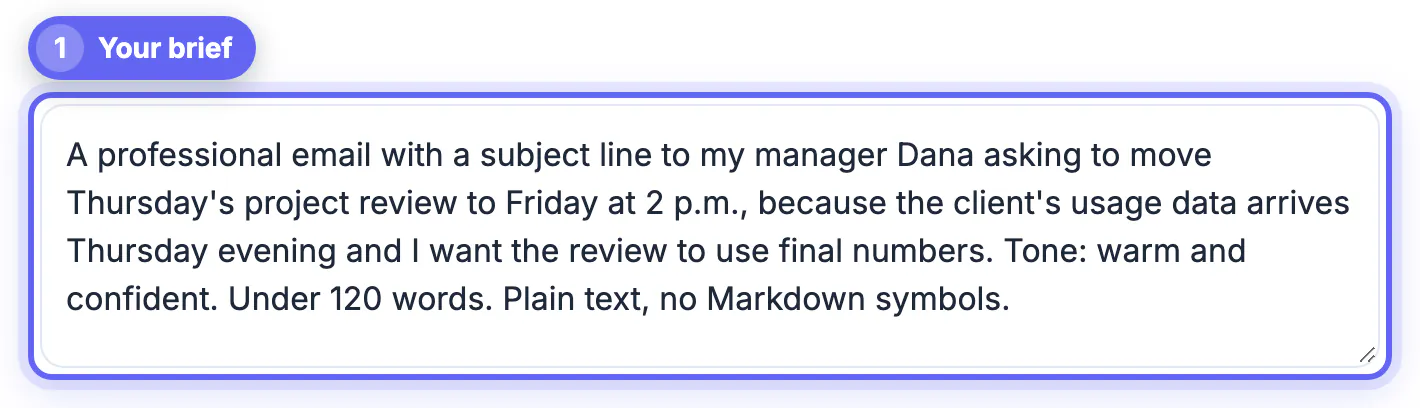
Save one pattern and reuse it: Draft a [tone] email to [reader] that [goal]. Include [facts]. Keep it under [length] words and suggest a subject line. For example: draft a firm but polite email to a client whose invoice 1042 for $2,400 is 21 days overdue, asking for payment or a date by Friday, under 120 words.
- Rough version a person might send: Hi, just checking in on the invoice, not sure if you saw it, let me know, thanks.
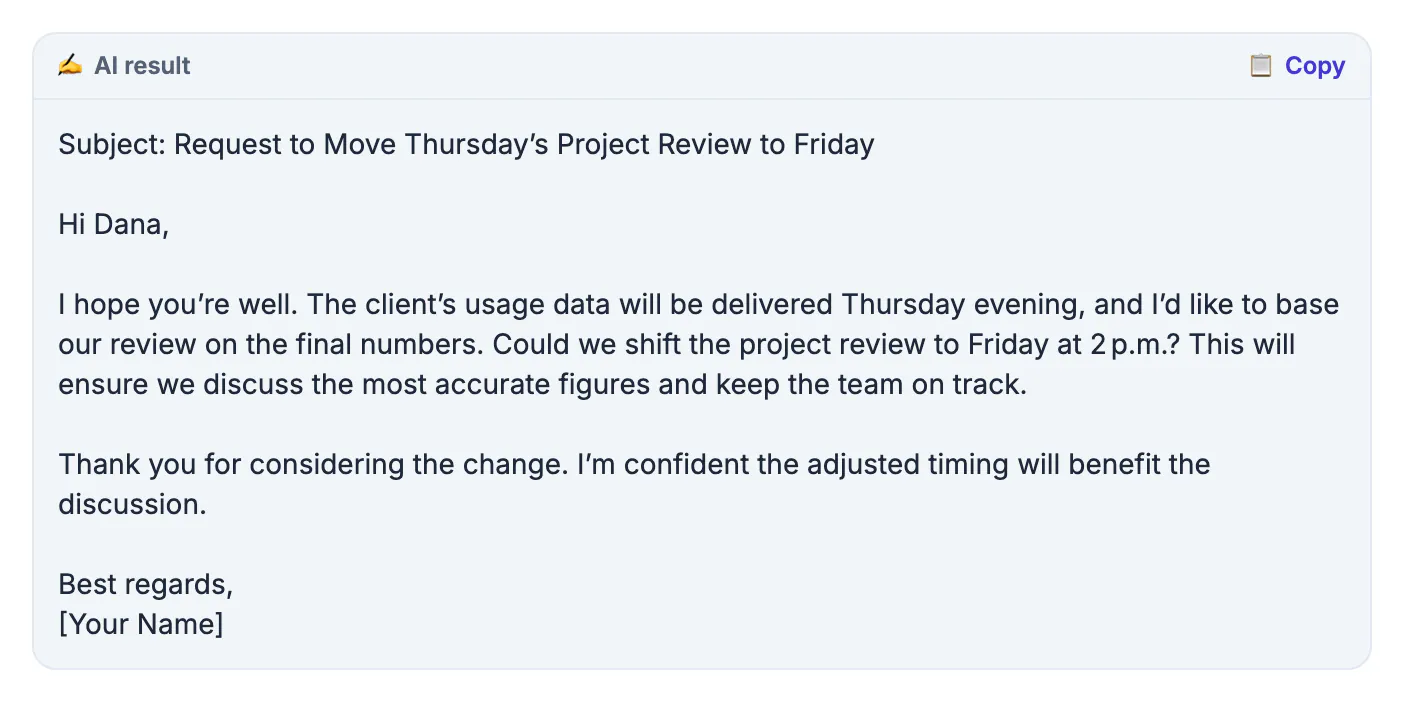
- AI draft after the brief: a subject line naming invoice 1042, a first sentence stating it is 21 days past due, one line with the amount and payment link, and a clear ask for payment or a date by Friday.
- Your edit: add the client's first name, the correct payment link and one warm line about the project, then cut anything that repeats the subject.
- For replies, paste the message you received below the brief so the draft answers what was actually asked.
Pick the right GrabCast tool for the job
Two free tools cover most work email, and both send your text to a cloud AI provider, so neither is the place for confidential data.
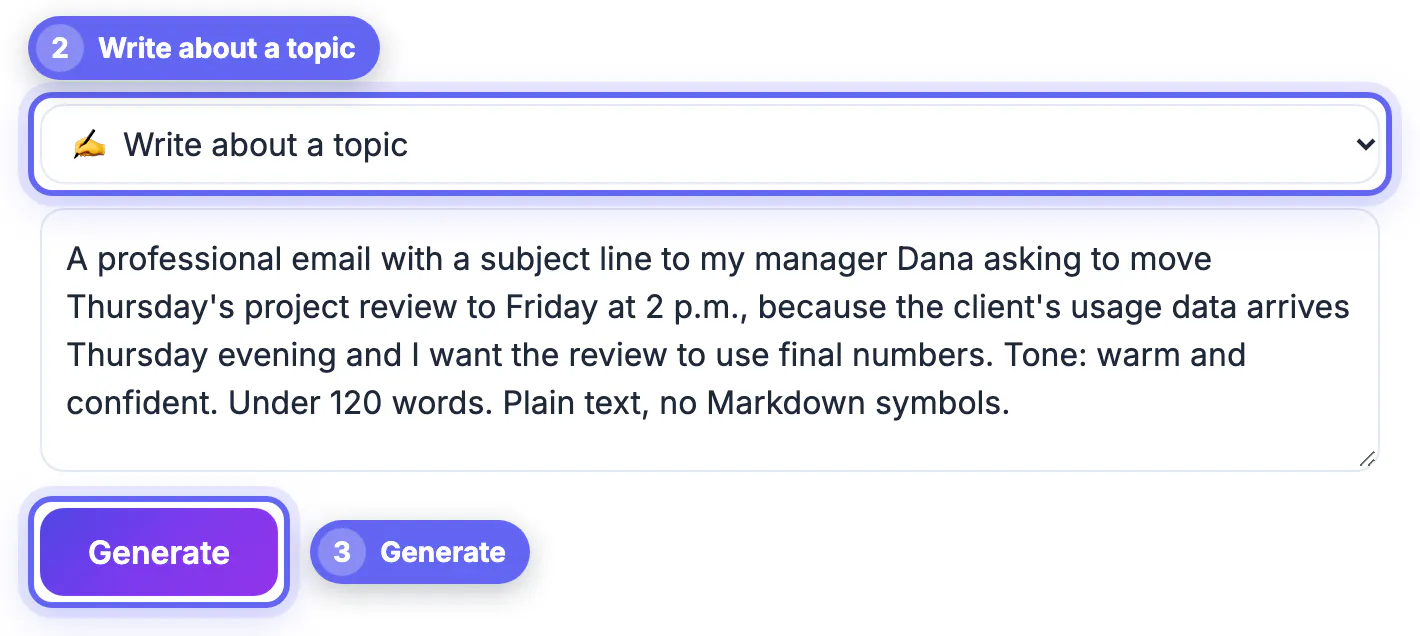
- AI Writer, Write a reply / email mode: best for new emails from notes, or replies where you want to write the full instruction yourself. Each request can be about 8,000 characters.
- AI Email Reply Writer: paste the email you received, choose one of six tones (Friendly, Professional, Short and direct, Apologetic, Enthusiastic, Firm but polite), add an optional note such as decline and suggest next quarter, and get an editable draft. It reads the first 3,500 characters of the pasted email and replies in that email's language unless you ask otherwise.
- Both allow about 12 requests per minute and 300 per day per IP address, and replies are cached in memory for about 30 minutes.
- Neither sees your calendar, prices or policies, so any date or number in the draft is only as good as what you gave it.
Edit, protect and send
A good work email is short, specific and easy to act on from a phone. Spend two minutes on this pass before every send.
- Subject line: specific enough to find later, such as Invoice 1042 due Friday: payment date?, not Quick question.
- First sentence states the purpose; the ask and deadline appear once, clearly, near the end.
- Strip passwords, account numbers, health details and anything under an NDA before pasting a thread into any AI tool.
- Read it aloud once. Delete any phrase you would never say to this person, such as I hope this email finds you well.
Finish with a consistent sign-off from the Email Signature Generator.
Step-by-step
Common mistakes to avoid
Pro tips
Frequently asked questions
Do I need a ChatGPT account to write emails with AI?
No. The brief-and-edit method works in any assistant, and the GrabCast AI Writer and AI Email Reply Writer are free with no signup. Use whichever tool is already open.
Can AI handle difficult emails like complaints or declines?
Yes, that is where it helps most. Give it the facts and a tone such as firm but polite or apologetic, then soften or sharpen the draft yourself. Always add the real reason and next step.
Will my email sound robotic?
Only if you send the first draft untouched. Cut stock phrases, add one detail only you would know, and match the length and formality of the person you are writing to.
Is it safe to paste work emails into an AI tool?
Treat it as sharing with a third party. The GrabCast tools send text to a cloud AI provider and cache replies for about 30 minutes. Remove confidential, financial and personal details first, and follow your employer's AI policy.
How long should a professional email be?
Most work emails do their job in 50 to 150 words: a purpose line, the key details, one clear ask. Longer messages are better split into a short email plus an attachment or a meeting.
Writing a professional email with AI is fastest when you give it a real brief: reader, outcome, facts and tone. Let the tool handle structure and a calm first draft, then correct every detail, cut it short, and keep confidential information out of the prompt. For replies, the free AI Email Reply Writer adds six tone presets; for new messages, the AI Writer's email mode does the job with no account.
Related guides
Browse more: all AI guides · the AI Writer tool