How to Calculate Percentage Increase (and Decrease)
To calculate a percentage increase, subtract the old value from the new one, divide by the old value, and multiply by 100. Rent that rises from $1,600 to $1,720 went up by $120, and 120 / 1,600 x 100 = 7.5 percent. The same formula gives a percentage decrease when the result is negative. The one thing that trips people up is the denominator: it is always the starting value, never the new one or the average. This guide walks through increases and decreases with real figures, shows how to work backward from a percentage to the original number, explains why two changes cannot simply be added, and clears up the difference between percent and percentage points. The free GrabCast Percentage Calculator has a % change row that does the division and labels the result as an increase or decrease.
🧮 Try the Percentage Calculator tool now — freeOpen →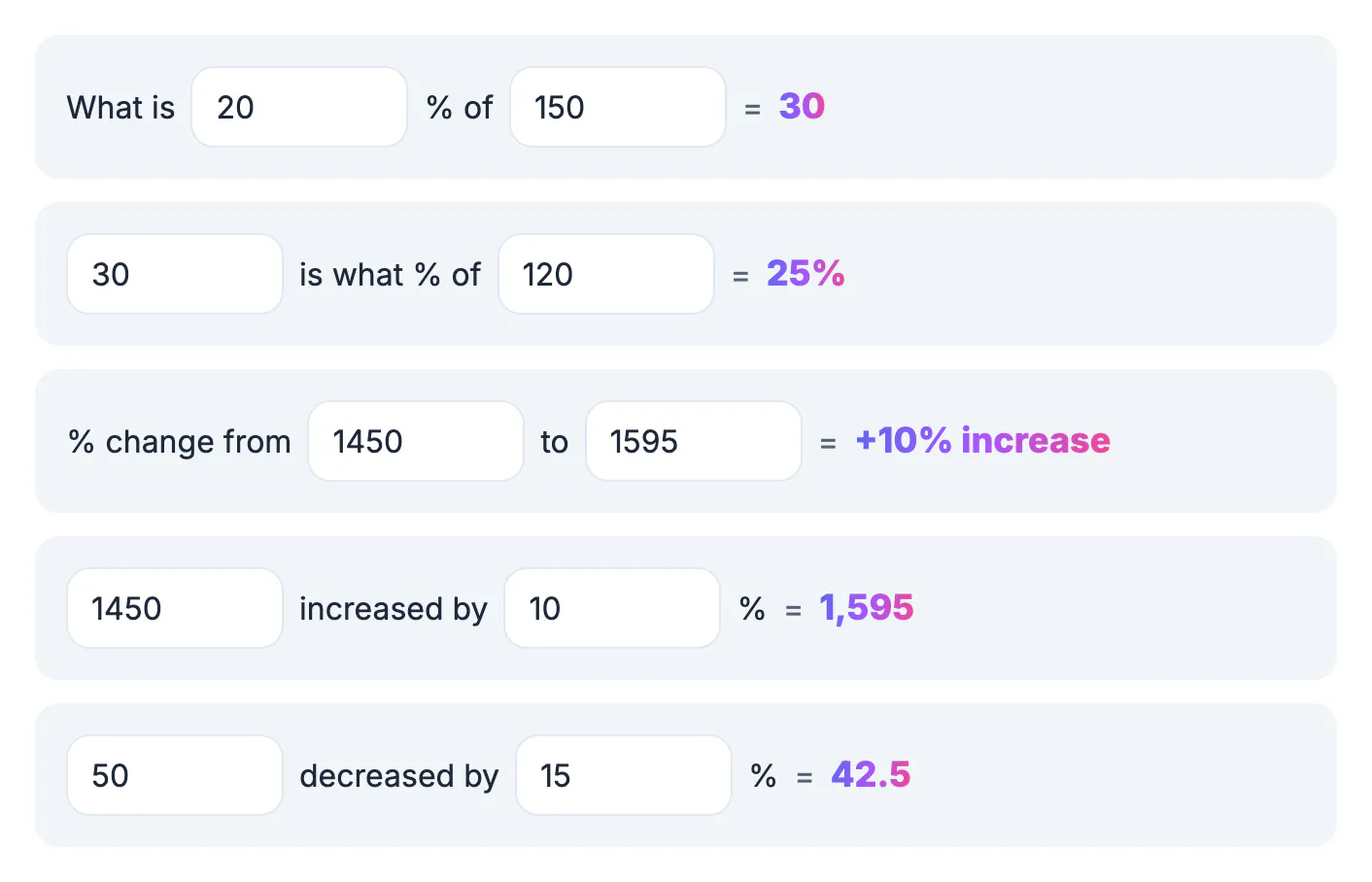
A percent change describes a difference relative to where you began, so the same dollar gap can mean very different things. A $5 rise on a $20 item is 25 percent, while a $5 rise on a $500 item is 1 percent. Using the wrong base is the most common error in pay negotiations, price comparisons and news stories, and it can double or halve the apparent size of a change. It also explains an asymmetry that surprises people: a 20 percent drop from 100 lands at 80, but getting from 80 back to 100 takes a 25 percent rise, because the second change starts from a smaller base. Once you anchor every calculation to the original value, these results stop feeling like tricks and start making sense. The same logic runs through interest rates, inflation reports, sales dashboards and grade changes, so it is worth getting right once.
The percentage increase formula with examples
Percentage increase = (new value - old value) / old value x 100. Work through it in that order and the sign tells you the direction.
- Salary: $58,000 to $61,480. The change is $3,480, and 3,480 / 58,000 = 0.06, so the raise is 6 percent.
- Grocery bill: $142 to $163.30. The change is $21.30, and 21.30 / 142 = 0.15, a 15 percent increase.
- Website traffic: 12,400 to 15,500 monthly visits. The change is 3,100, and 3,100 / 12,400 = 0.25, a 25 percent increase.
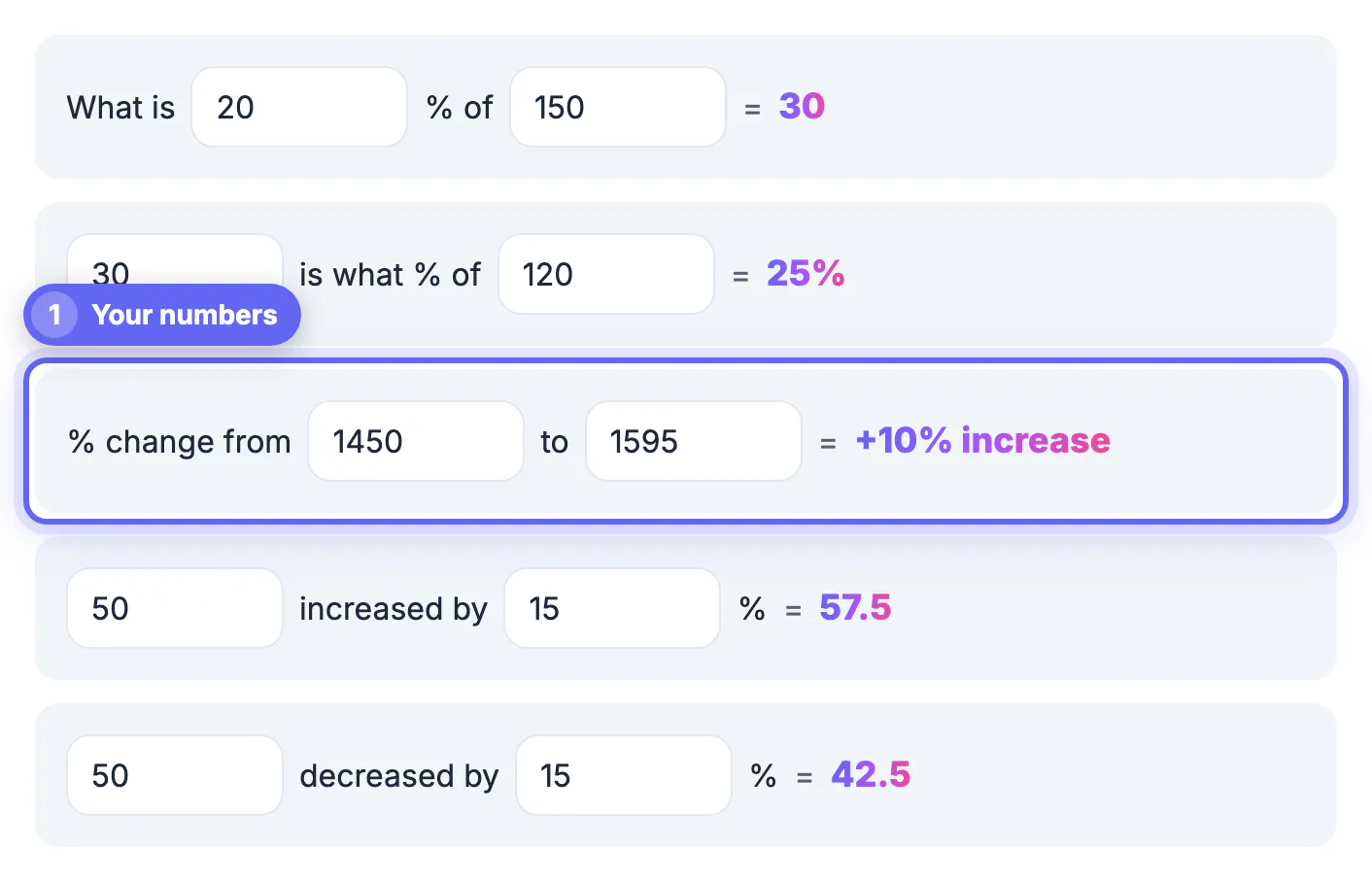
- In the Percentage Calculator, type the old value first and the new value second on the % change row; 80 to 100 shows +25%.
Rounding matters when you report results. Keep at least one decimal place for small changes; a rise from 4.1 to 4.3 is 4.9 percent, and rounding both numbers first would hide the change entirely.
How to calculate a percentage decrease
A decrease uses the same formula. The result comes out negative, and people usually drop the minus sign and say decrease.
- Car value: $24,000 to $19,200. The change is -$4,800, and -4,800 / 24,000 = -0.20, a 20 percent decrease.
- Electric bill: $180 to $153 after new windows. The change is -$27, a 15 percent drop.
- Recovering from a drop needs a bigger percentage rise. After a 20 percent fall from $24,000 to $19,200, getting back to $24,000 requires a 25 percent increase.
- The tool labels the direction for you, so a result like 20 on the % change row is clearly marked as an increase or a decrease.
Depreciation, weight loss and falling prices all fit this pattern. When you compare several decreases, compute each one against its own starting point rather than against the lowest or highest value in the set.
Working backward: find the original before an increase
Sometimes you know the new number and the percentage, but not the starting point. Divide instead of subtracting a percentage.
- A jacket costs $86.25 after a 15 percent price hike. The original was 86.25 / 1.15 = $75.00, not $86.25 minus 15 percent, which would give $73.31.
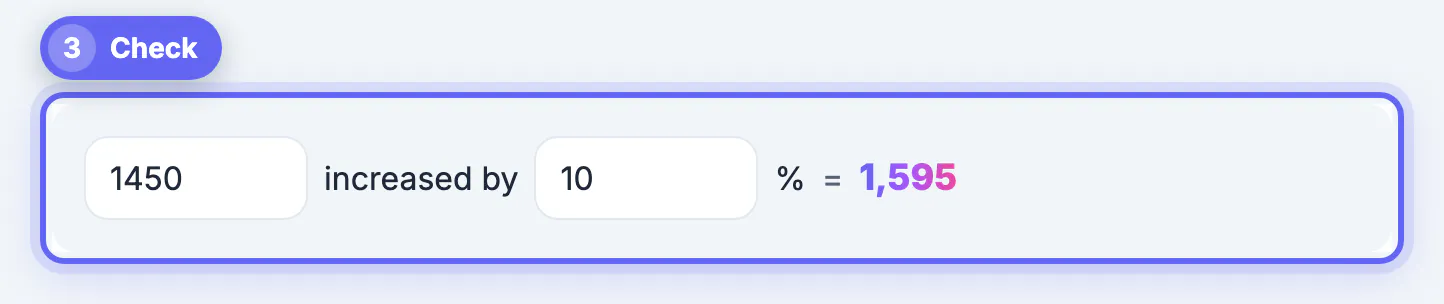
- Your pay is $3,300 a month after a 10 percent raise. It was 3,300 / 1.10 = $3,000 before.
- For a decrease, divide by 1 minus the rate. A $68 sale price after 15 percent off came from 68 / 0.85 = $80.
- To go forward instead, use the increased by or decreased by rows: 50 increased by 15 gives 57.5, and 50 decreased by 15 gives 42.5.
This division rule also explains why a price that went up 25 percent and then came down 25 percent ends up below where it started: 100 becomes 125, and 125 minus a quarter is 93.75.
Stacked changes, percentage points and percent difference
Three related ideas cause most of the confusion around percentage change.
- Stacked changes multiply. Rent up 5 percent one year and 8 percent the next is 1.05 x 1.08 = 1.134, a 13.4 percent total increase, not 13.
- Percentage points are not percent. A mortgage rate going from 6 percent to 7 percent is a rise of 1 percentage point, but a 16.7 percent increase in the rate itself.
- Percent difference compares two values with no before and after, such as two stores' prices. Divide the gap by their average: $40 and $50 differ by 10 / 45 = about 22.2 percent.
- The Percentage Calculator covers change, increase and decrease; for percent difference, do the average-based division by hand.
Headlines often mix these up. If a poll moves from 40 to 44 percent, the fair description is a 4-point gain, which is also a 10 percent increase in support; both are true, but they tell different stories.
Percentages also stack in shopping, and this stacked discounts guide shows why two discounts do not simply add up.
Step-by-step

Common mistakes to avoid
Pro tips
Frequently asked questions
What is the formula for percentage increase?
Subtract the old value from the new value, divide by the old value and multiply by 100. From $1,600 to $1,720, the change is 120, and 120 / 1,600 x 100 is a 7.5 percent increase. The order matters: the value you started from always sits in the denominator.
How do I calculate a percentage decrease?
Use the same formula; the result will be negative. From $24,000 to $19,200 the change is -4,800, which divided by 24,000 is -0.20, a 20 percent decrease.
Why is a 50 percent drop not undone by a 50 percent gain?
Because the gain starts from the smaller number. $100 minus 50 percent is $50, and $50 plus 50 percent is only $75. You would need a 100 percent gain to return to $100. The same asymmetry applies to smaller moves, which is why investors and shoppers both watch the base carefully.
What if the starting value is zero?
Percentage change from zero is undefined, because you cannot divide by zero. The Percentage Calculator shows a dash in that case; describe the change in absolute numbers instead.
Does the Percentage Calculator save my numbers?
No. Every calculation runs in your browser as you type, and nothing is sent to a server, so salaries or business figures stay on your device. Refreshing the page clears everything, so there is no history to delete afterward.
Percentage increase is the change divided by the starting value, times 100, and a negative result is a decrease. Always put the original number on the bottom, divide rather than subtract when working backward, multiply stacked changes, and keep percentage points separate from percent. The GrabCast Percentage Calculator's % change, increased by and decreased by rows handle the arithmetic in your browser.
Related guides
Browse more: all calculator guides · the Percentage Calculator tool