Calculate Sales Tax: Formula, State Rates and Reverse
To calculate sales tax, multiply the pre-tax price by the combined rate as a decimal, then add the result to the price: a $249.99 purchase in Chicago at a combined 10.25 percent carries $25.62 in tax, for a total of $275.61. To reverse it, divide a receipt total by one plus the rate. This guide works both formulas with real US examples, shows how the same amount changes from one state to another, explains why the rate on a receipt is usually a state rate plus county and city add-ons, covers online and cross-state orders, and lists what is often exempt. It also shows how GrabCast's free Sales Tax and VAT Calculator handles each case. Rates change and vary by address, so treat the figures below as examples and confirm the current rate with the state revenue department before you rely on them.
🧾 Try the Sales Tax Calculator tool now — freeOpen →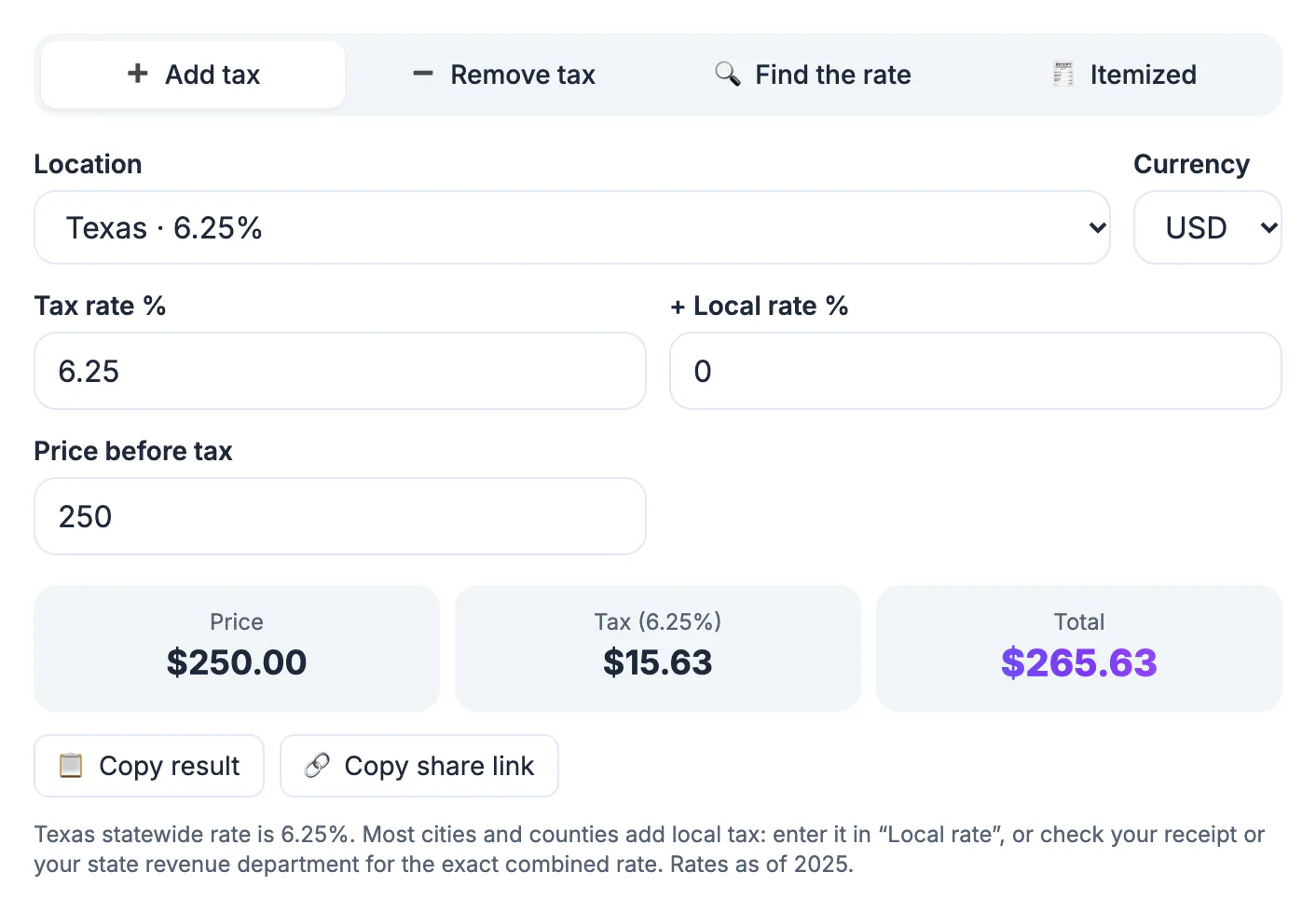
Shoppers use it to compare a price in one city with another, or to check a receipt that looks high. Freelancers and small sellers need it to quote correctly, because a quote that forgets the levy either eats their margin or surprises the client. Anyone filing expenses must often split a total into its net amount and the tax portion. People who shop across state lines should know that a 7 point difference on a $1,500 laptop is $105, enough to change where you buy, and anyone ordering online should know the rate usually follows the shipping address, not the store. The arithmetic takes seconds. The rate you plug in is where most mistakes happen, because there is no single US rate: each state sets its own base, thousands of local jurisdictions add their own, and several states charge nothing at the state level.
The sales tax formula with real US numbers
Convert the combined rate to a decimal by dividing by 100, multiply by the price, and round to the cent. Then add. Some examples, using combined rates at the time of writing (check the current rate):
- Chicago, 10.25 percent: $249.99 times 0.1025 is $25.62, for a total of $275.61.
- New York City, 8.875 percent: a $64.00 dinner carries $5.68, so $69.68 before tip.
- Houston, 8.25 percent: a $1,200 television adds $99.00, so $1,299.00.
- Los Angeles, about 9.75 percent after the 2025 county increase: $1,299 adds about $126.65.
To see how much location alone matters, take one $200 purchase at five different combined rates:
- 0 percent, as in Oregon or Delaware: $0.00 levy, $200.00 total.
- 6 percent: $12.00, so $212.00.
- 7.25 percent, California's statewide base: $14.50, so $214.50.
- 8.25 percent: $16.50, so $216.50.
- 10.25 percent: $20.50, so $220.50.
A shortcut for the total is to multiply once by one plus the rate: $200 times 1.0725 is $214.50. For a head estimate, at about 8 percent every $100 adds $8, and at 10 percent you just move the decimal one place.
Why the rate on your receipt is not the state rate
Most states set a base rate and let counties, cities and special districts add their own, which is why the same purchase costs different amounts a few miles apart:
- California's statewide base is 7.25 percent, while combined rates in many cities run from about 8 to over 10 percent.
- Texas has a 6.25 percent state rate, and local additions can bring the total to 8.25 percent.
- New York State charges 4 percent; New York City's combined rate is 8.875 percent.
- Oregon, Montana, New Hampshire and Delaware have no statewide sales levy, and Alaska has none at the state level though some towns charge a local one.
Online and cross-state orders add a twist. Since the 2018 Supreme Court decision in South Dakota v. Wayfair, states can require remote sellers above a sales threshold to collect, and large marketplaces generally collect on behalf of their third-party sellers. The rate that applies is usually the one for the delivery address, so a gift shipped to a relative in another state may be charged at their local rate, not yours. When a seller does not collect at all, many states say the buyer owes an equivalent use tax, which businesses in particular should track.
For an exact rate, use the lookup on your state department of revenue website with a full street address; city limits and ZIP codes do not always line up.
Reverse it from a receipt total, or find the rate
When a price already includes the levy, divide instead of subtracting a percentage. The pre-tax amount equals the total divided by one plus the rate:
- Houston receipt of $108.25 at 8.25 percent: 108.25 divided by 1.0825 is $100.00, so $8.25 was the levy.
- A $54.13 total at 8.25 percent: divide to get $50.00 net and $4.13 of levy.
- UK or EU prices include VAT: a £60 item at 20 percent VAT is 60 divided by 1.20, so £50 net and £10 VAT.
- Wrong way: taking 8.25 percent of $108.25 gives $8.93, which overstates the levy by 68 cents.
If you know both the pre-tax price and the total but not the rate, divide the total by the price and subtract one. An $84.00 item that rings up at $90.93 was charged 90.93 ÷ 84 − 1 = 8.25 percent. This is how you check whether a store applied the right local rate, and it is the math behind expense reports, bookkeeping and VAT refunds when traveling.
Exemptions, discounts and itemized receipts
Several details change the answer in real life, and no calculator can know them for you:
- Groceries are exempt or taxed at a reduced rate in many states, while prepared food and candy are often fully taxed.
- Clothing is exempt in a few places, such as items under $110 in New York City and many New York counties, and most apparel in Pennsylvania and New Jersey.
- Store discounts usually reduce the taxable amount: a $120 item at 20 percent off with a 7 percent levy is $96 plus $6.72, or $102.72.
- Manufacturer coupons may not reduce the taxable price in some states, so the levy is figured on the pre-coupon amount.
- Sales tax holidays, typically in late summer for back-to-school items, suspend the levy on qualifying goods for a few days in some states.
A mixed cart needs an itemized approach. Say $60 of taxable goods and $40 of exempt groceries, with a 10 percent coupon on the whole order and a 7 percent rate: the discount spreads across both lines, the taxable part becomes $54, the levy is $3.78 and the total is $93.78. Stores round per line or per receipt, so a one-cent difference from your own math is normal.
Pricing something for a client? Creating an invoice is where tax lines usually end up, and this note on stacked discounts explains why order matters before tax.
Step-by-step
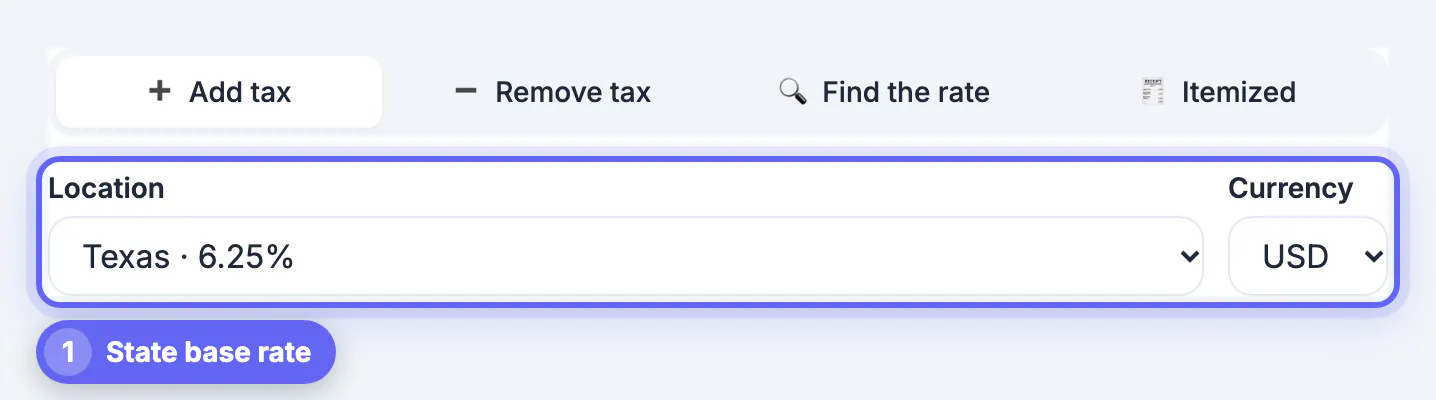
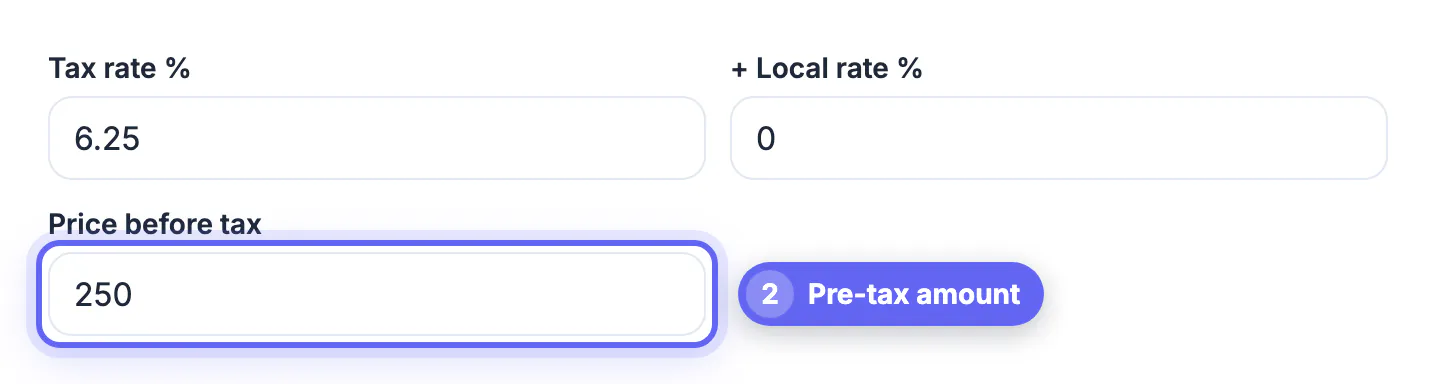
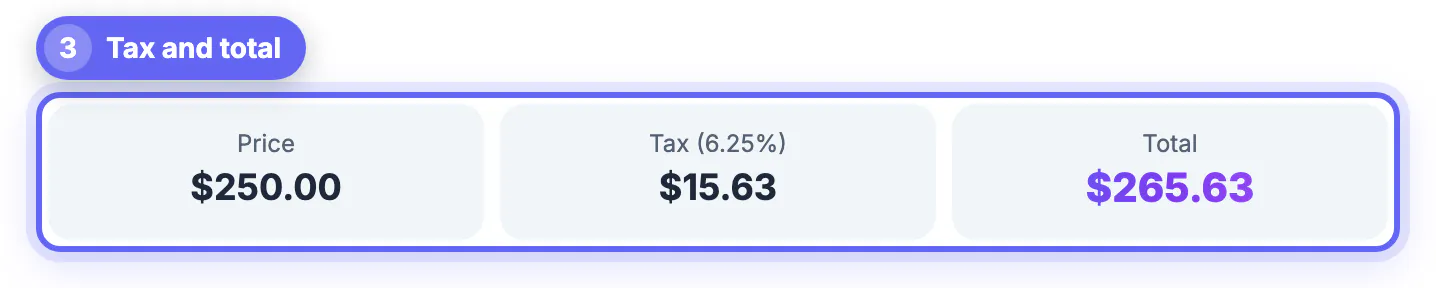
Common mistakes to avoid
Pro tips
Frequently asked questions
How do I calculate sales tax on a price
Multiply the price by the combined rate as a decimal and add it. $80 at 10.35 percent is $8.28 of tax, for a total of $88.28. On $200 at 7.25 percent, it is $14.50, for $214.50.
How do I work out sales tax backward from a total
Divide the total by one plus the rate. $108.25 at 8.25 percent is 108.25 divided by 1.0825, which is $100.00, leaving $8.25 of tax. Subtracting 8.25 percent of the total gives the wrong answer.
Which rate applies to an online order
Usually the combined rate for the delivery address. Since 2018, states can require remote sellers above a threshold to collect, and marketplaces generally collect for their sellers. If nobody collects, your state may expect you to pay use tax.
Does the calculator know my state's rate
It has presets for all 50 states and DC with the statewide base rate as of 2025, plus standard VAT for the EU, UK and other countries. It does not know city or county rates, so add those in the Local rate field; reduced VAT rates also need to be typed in.
Which states have no sales tax
Oregon, Montana, New Hampshire and Delaware have no statewide sales tax, and Alaska has none at the state level, though some Alaskan towns charge local rates. Their calculator presets show 0 percent for the state part.
Sales tax is the price times the combined state and local rate, and reversing it means dividing the total by one plus that rate. The rate is where people go wrong: look up the combined figure for the exact address, use the ship-to rate for online orders, remember exemptions for groceries and some clothing, and apply store discounts before calculating. The Sales Tax and VAT Calculator handles adding, removing, finding the rate and itemized receipts in seconds; the rates quoted here are examples, so check the current rate before invoicing or filing.
Related guides
Browse more: all calculator guides · the Sales Tax Calculator tool