Make an Image Smaller in KB and Hit Exact Size Limits
To make an image smaller in KB, type the limit into a target-size compressor and let it pick the highest quality that fits, shrinking the pixel dimensions only when quality alone is not enough. If you would rather do it by hand, resize first, because a photo about 1000 pixels wide usually fits under 200 KB, and then lower the JPG quality in small steps. This guide explains where the kilobytes in a picture come from, gives rough budgets for common pixel sizes, walks through the GrabCast target mode, and shows how to confirm the real number on your computer or phone before a form rejects the upload.
🗜️ Try the Compress Image tool now — freeOpen →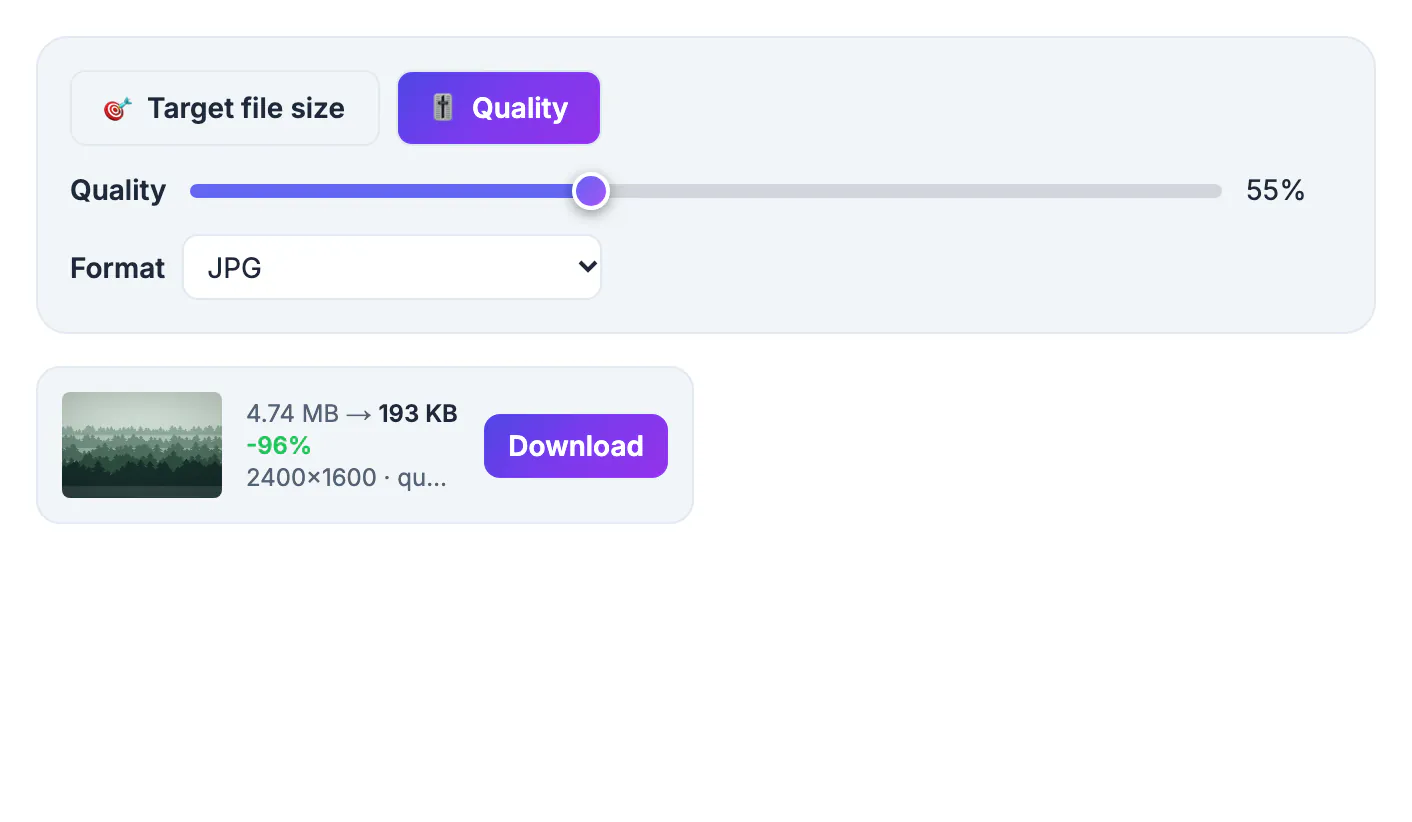
Upload forms state limits in kilobytes because every file they accept has to be stored, scanned for malware and often reviewed by a person. Government and job portals routinely cap photos between 100 and 500 KB, forum avatars may allow only a few dozen, and marketplaces reject anything above their own figure. A phone photo, meanwhile, is measured in megabytes, and one megabyte is roughly a thousand kilobytes, so a 3 MB shot is about fifteen times over a 200 KB cap. Knowing which levers move the number lets you hit the limit on the first try instead of guessing, and stops you from over-shrinking a picture until the face in it is a blur.
Where the kilobytes in an image come from
File size is roughly the number of pixels multiplied by how many bytes each pixel costs after compression. Both halves are under your control.
- Pixel count: a 4032 by 3024 phone photo has 12.2 million pixels, while a 1000 by 750 copy has 0.75 million, about one sixteenth
- Bytes per pixel: a JPG photo at 70 to 80 percent quality typically costs around 0.1 to 0.3 bytes per pixel, depending on detail
- Content: grass, gravel, hair and night noise push the cost up, while a plain wall or clear sky pulls it down
- Format: PNG stores photos losslessly and can cost ten times more per pixel than JPG, which is why a photo saved as PNG is so heavy
Put together, a 1000 by 750 photo at those settings usually weighs 75 to 225 KB. That simple estimate tells you right away whether a limit calls for a quality tweak or a real reduction in pixels. If you need to cut the size by more than half, resizing does most of the work; lowering quality further mainly adds blur.
How to make an image smaller in KB with a target size
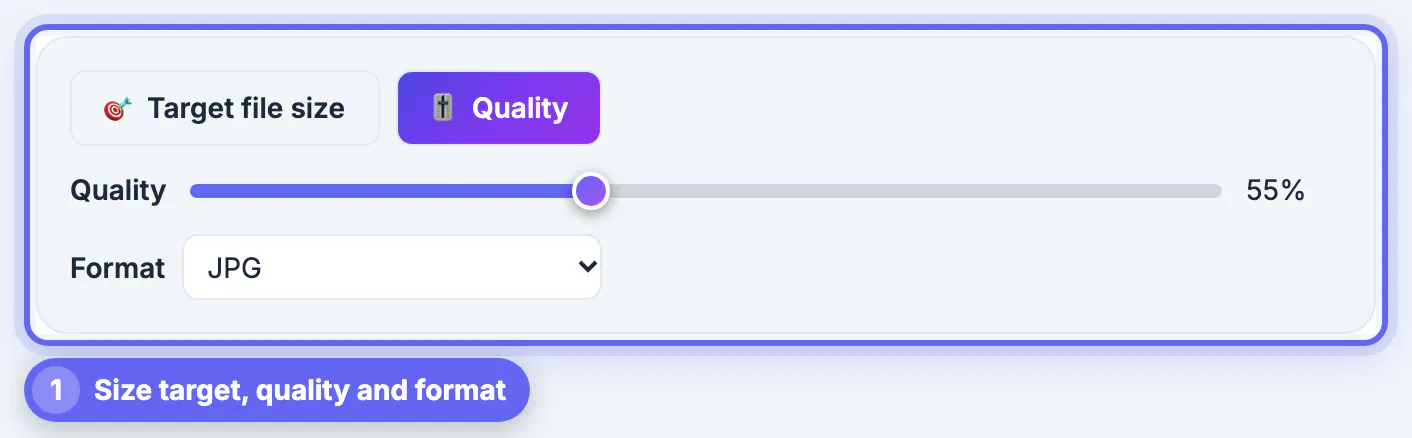
GrabCast Compress Image does the arithmetic for you. Choose Target file size, type any maximum from 5 KB upward or tap a preset of 20 KB, 50 KB, 100 KB, 200 KB, 500 KB or 1 MB, and drop the picture in.
- The tool tests quality levels and keeps the highest one that still fits under your number
- It will not go below 45 percent quality in its normal rounds, because JPG and WebP turn blocky under that
- If 45 percent is still too big, it scales the width and height down step by step and marks the card resized to fit
- Only a final round may drop quality lower, and if a tiny goal still cannot be met, the card says so plainly
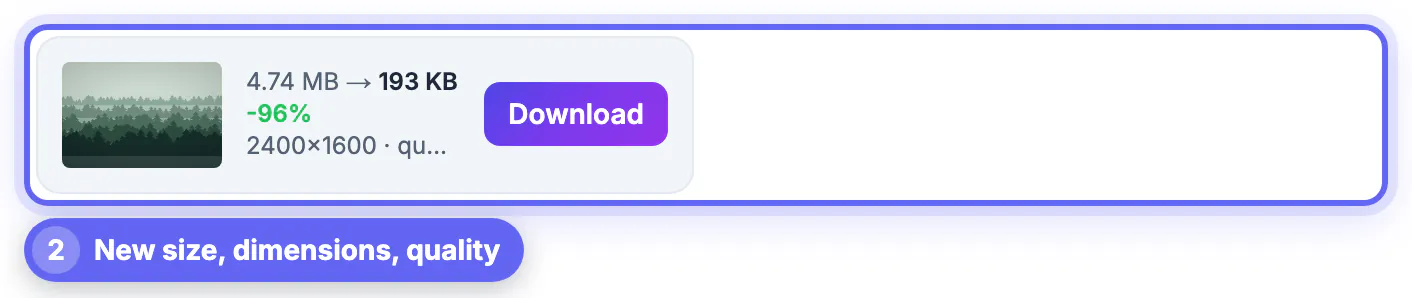
Each card reports the final kilobytes, the percent saved, the pixel dimensions and the quality used, and the file is saved with -min in its name. Switch Format to WebP when the site accepts it, since WebP usually fits more detail into the same number of kilobytes. For a form that lists only JPG, keep JPG. Everything runs in your browser, so a passport scan or ID photo never leaves your device.
Rough KB budgets by pixel size
These ranges are typical for photos saved as JPG at 70 to 80 percent quality. Busy or noisy scenes land at the top of each range and simple ones at the bottom.
- 400 by 400 pixels, a common profile picture: about 20 to 60 KB
- 600 by 600 pixels, the minimum for a US visa photo: about 40 to 120 KB, well inside the 240 KB cap
- 1000 by 750 pixels, a typical form or listing photo: about 80 to 200 KB
- 1600 by 1200 pixels, fine for email and most web pages: about 200 to 500 KB
- 2000 by 1500 pixels, enough for a sharp 5 by 7 inch print: about 300 to 800 KB
Use the list backwards. If a portal wants 100 KB, a picture much above 1000 pixels wide will need resizing or aggressive quality cuts, so let the target mode shrink it or resize to about 900 pixels first with Resize Image. When a form states both a minimum pixel size and a KB cap, meet the pixel rule first, then compress; the KB number almost always follows.
Check the real KB number before you upload
Forms reject files by bytes, so confirm the final figure where the form will read it.
- Windows: right-click the file, choose Properties, and read Size, not Size on disk, which is rounded up to storage blocks
- Mac: select the file in Finder and press Command and I for Get Info
- iPhone and Android: the photo info panel in recent versions of Photos and Google Photos lists the file size
- In the browser: the result card in Compress Image shows the size before you download
One trap catches people near the limit. Some sites count 1 KB as 1,000 bytes and others as 1,024. GrabCast, like Windows, uses 1,024, so a file it reports as 200 KB is 204,800 bytes and can fail a strict 200,000-byte check. Aiming 5 to 10 percent under the stated cap, such as 185 KB for a 200 KB rule, removes that risk. Also confirm the file type: some portals take only .jpg or .jpeg and quietly refuse a WebP even when it is small enough.
Still too large? The Image to WebP tool often gives smaller files for web use.
Step-by-step

Common mistakes to avoid
Pro tips
Frequently asked questions
How do I make an image a specific size in KB?
Use a target-size compressor. In Compress Image, choose Target file size, type the number, and drop the picture in; the tool finds the highest quality that fits and shrinks the dimensions only if it must.
Why is my image still too big after compressing?
The picture probably has far more pixels than the limit allows at a decent quality. Resize it, or let target mode scale it down for you. Very small goals for large, detailed photos can be out of reach, and the card warns you when that happens.
How many KB is 1 MB?
About 1,000 KB, or exactly 1,024 KB when a system counts in powers of two. A 2 MB photo is therefore roughly 2,000 KB, about ten times a common 200 KB form limit.
Should I use JPG or PNG to get a small file?
JPG for photos. PNG is lossless and can be many times larger for the same picture. PNG only makes sense for small flat graphics or when you need transparency, and in that case WebP is usually smaller still if the site accepts it.
Can I make an image smaller in KB on my phone?
Yes. Compress Image works in any modern mobile browser, so you can shrink a picture and save it back to your phone without installing an app. Nothing is uploaded during compression.
To make an image smaller in KB, reduce the pixels when the gap is large and lower quality only for the final stretch, or let a target-size compressor do both for you. Aim a little under the stated limit, match the file type the form expects, and check the real size before you upload.
Related guides
Browse more: all image guides · the Compress Image tool