LinkedIn Summary With AI: About Sections That Get Messages
To write a LinkedIn summary with AI, decide who should read it and what you want them to do, then give the AI your real career facts and ask for a first-person About section of 1,200 to 2,000 characters with a strong first two lines. Those opening lines matter most, because LinkedIn shows only a short preview before the see more link, and many visitors never click it. The rest of the section can hold proof, how you work, and a direct invitation to get in touch. This guide covers the hook, a five-part structure, prompts for the free GrabCast AI Writer including its Brainstorm ideas mode, three examples for different goals, and how to keep the summary under LinkedIn's 2,600-character limit.
🤖 Try the AI Writer tool now — freeOpen →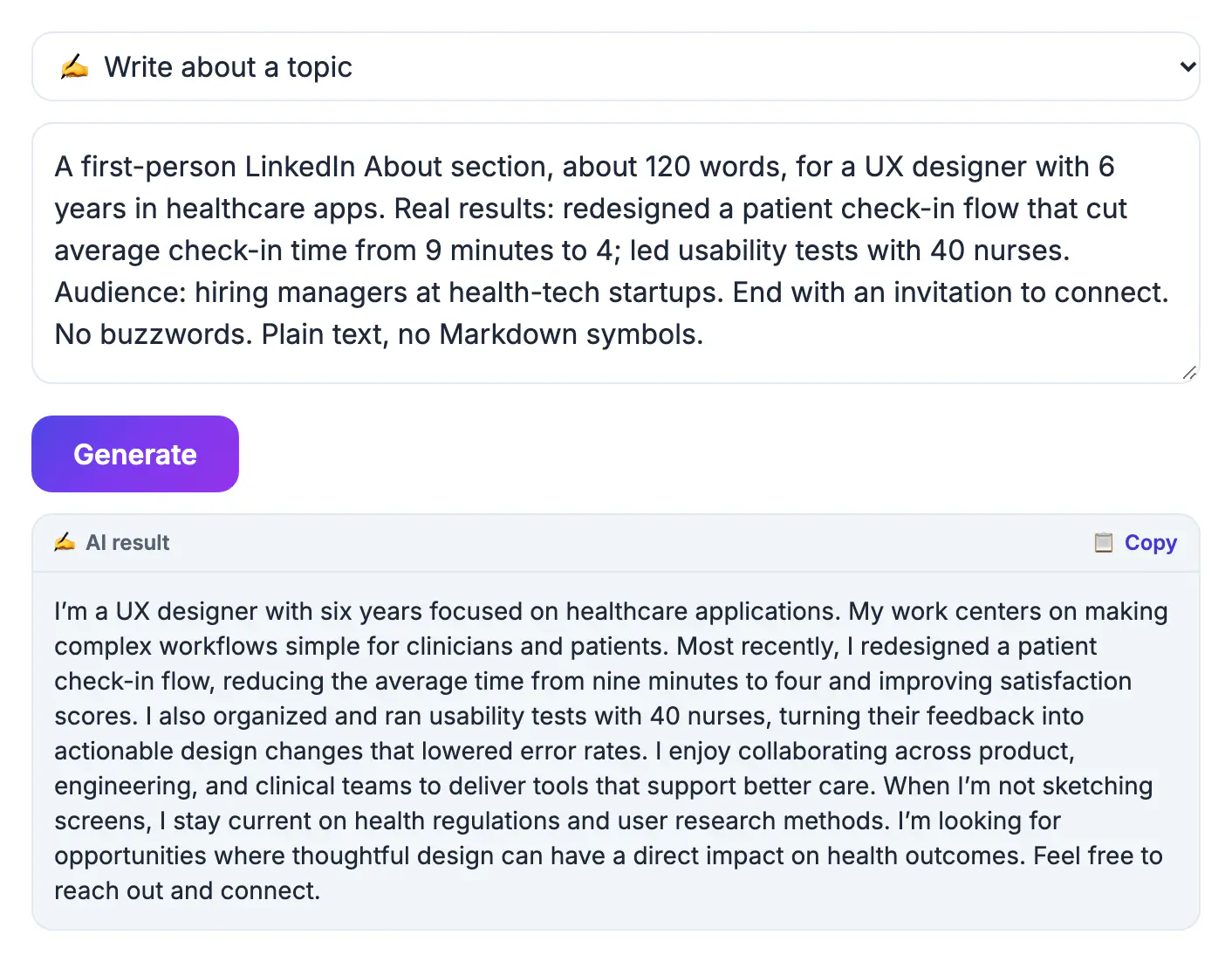
Your headline gets you noticed in search results; your About section decides whether someone sends a message. Recruiters, potential clients, and conference organizers open it to answer a quick question: what does this person do, and are they relevant to me? A blank section leaves that question unanswered, and a buzzword section answers it badly, because phrases like dynamic leader could describe anyone on the site. It is also one of the few places on LinkedIn where you control the story in your own words, rather than a list of job titles that may not show how your career fits together. AI helps because the hardest part is seeing the through-line in your own history. Give a model five roles that look unrelated and it will often find the thread, such as 'every job has been about making complicated systems usable'. You then keep what is true, cut what is not, and add the voice. An hour spent here keeps working every time someone views your profile, for months.
Write a LinkedIn summary hook for the preview
Only the opening lines appear before see more, so they must work on their own. Aim for roughly 200 to 250 characters that say what you do and why it matters.
- Lead with the outcome you create, not your title: 'I help regional hospitals cut patient wait times without adding staff.'
- Or lead with a clear belief tied to your work: 'Most onboarding fails in week two. I design the week two.'
- In the AI Writer, choose Brainstorm ideas and ask for ten opening lines from your facts; pick one and rewrite it in your own words.
- Avoid openers every recruiter has seen, such as 'results-driven professional' or 'passionate about innovation'.
Use a five-part structure
A clear structure keeps the section scannable on a phone, where many people read LinkedIn. It also gives the AI a skeleton to fill, which produces far better drafts than asking for 'a good summary'. Each part can be a short paragraph or a few single lines.
- Hook: the two lines above the fold.
- What you do and for whom: two or three sentences in plain language.
- Proof: two to four results with numbers, customers, or named projects, possibly as short separate lines.
- How you work or what you care about: one short paragraph that gives personality.
- Call to action: what to message you about, and how, such as 'Message me about analytics roles in healthcare' or an email address.
Prompt the AI and check the character count
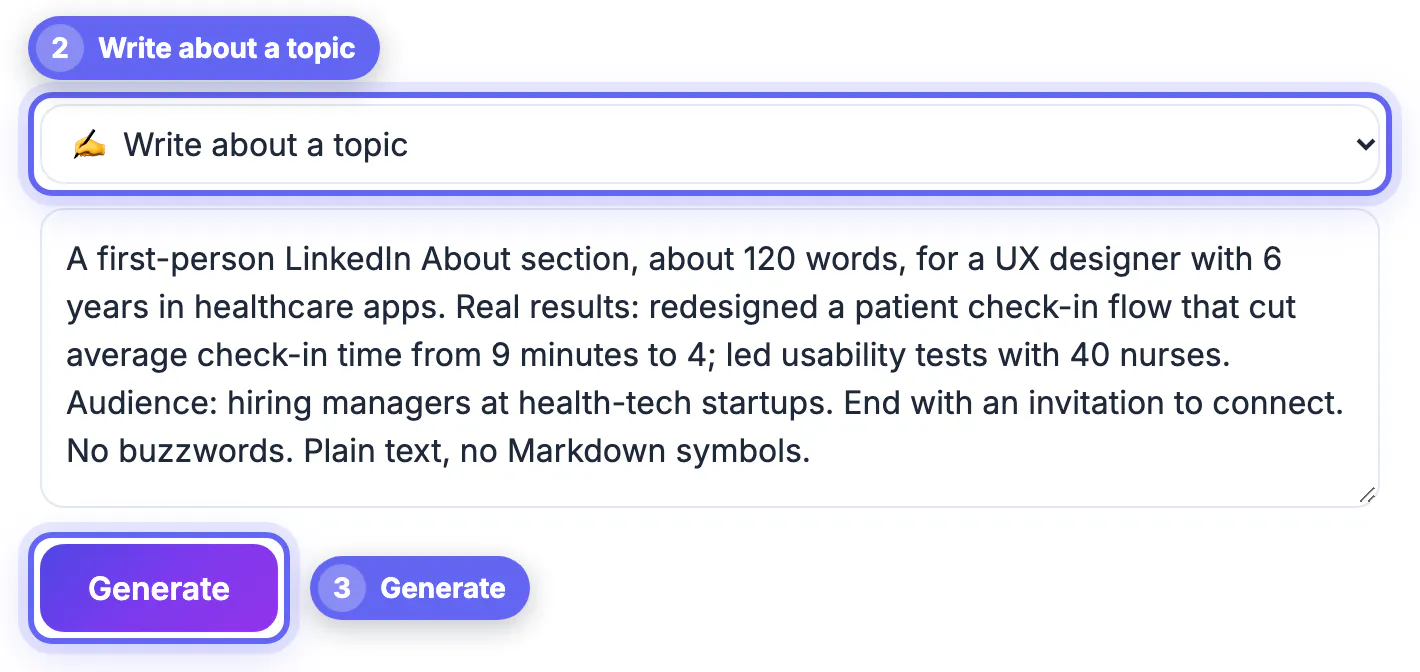
Switch to Write about a topic and paste your chosen hook plus your facts under one instruction. The AI Writer has no length setting, so ask for a target and then verify it.
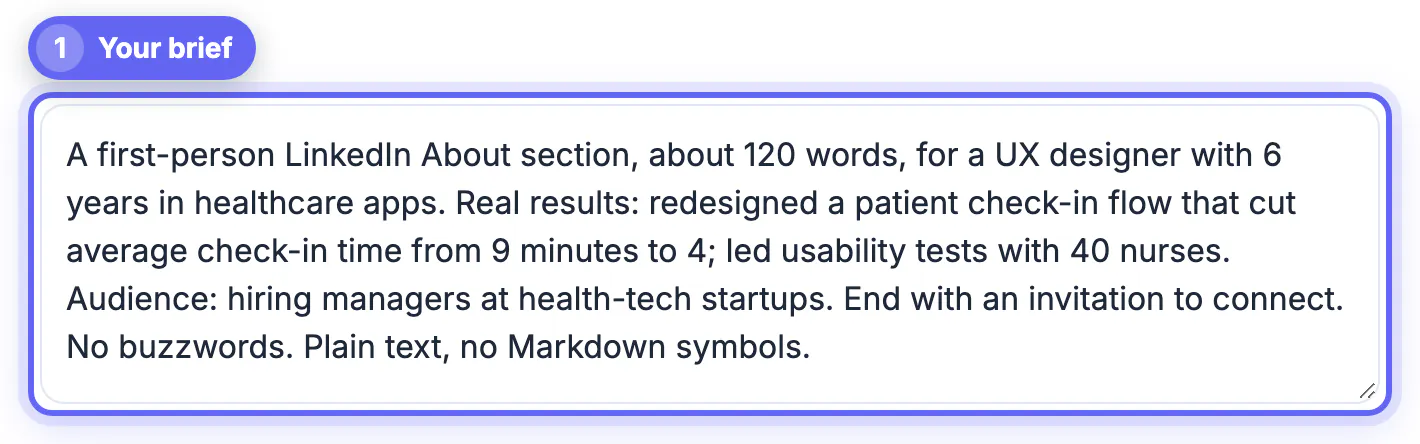
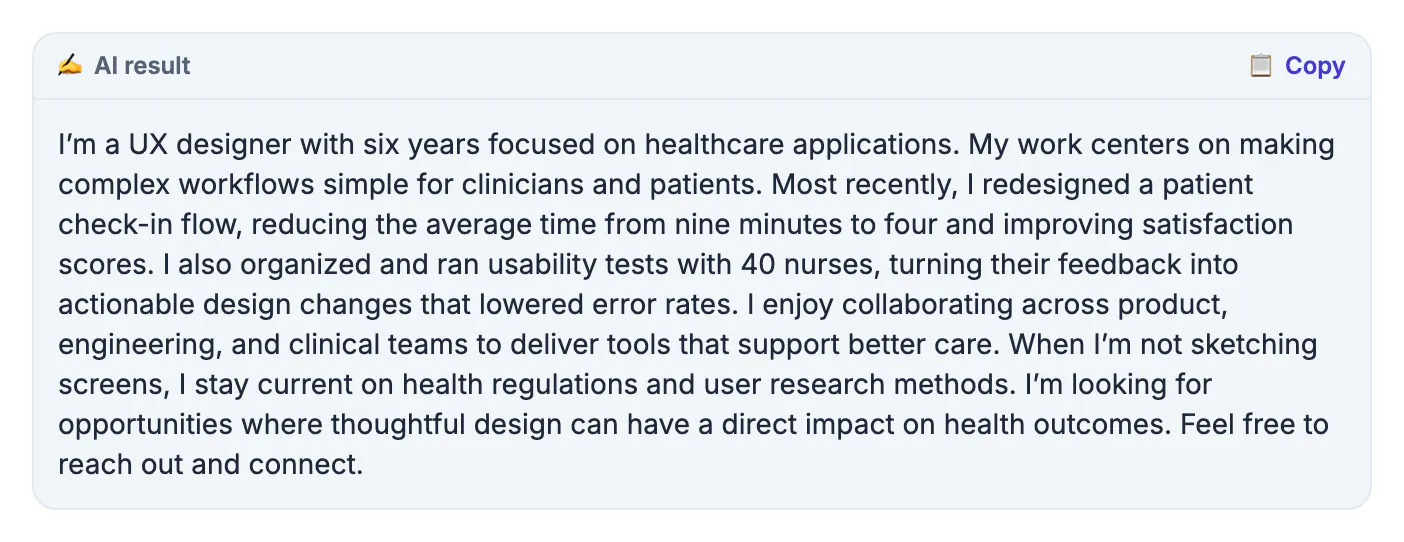
- Example: 'A first-person LinkedIn About section, 1,500 to 1,800 characters, for recruiters hiring product analysts. Start with this hook: [hook]. Facts: [roles, results, tools, what I want next]. Short paragraphs, no buzzwords, end with how to contact me.'
- Paste the result into the GrabCast Word Counter to see the exact character count; LinkedIn cuts the About section at 2,600 characters.
- Keep the skills a recruiter would search for in natural sentences, such as SQL, Tableau, or Epic, rather than a keyword list.
- Your text is sent to a cloud AI provider, so leave out salary history and anything about a current employer that is not public.
Three examples for different goals
The structure stays the same; the hook and the call to action change with your goal. Write the goal into your prompt so the AI chooses which results to emphasize, since the same career can support very different summaries.
- Job seeker: hook on the problem you solve, proof from your last two roles, and a closing line naming the roles and locations you want.
- Freelancer or consultant: hook on the client outcome, proof as short client results, and a call to action with your booking link or email.
- Career changer: hook on the skill that transfers, one sentence connecting the old field to the new one, and proof from courses, projects, or volunteer work.
- Keep a separate third-person professional bio for speaker pages; the About section reads better in the first person.
A summary lands better beside a good photo; the Professional Headshot Maker is one quick way to prepare one.
Step-by-step
Common mistakes to avoid
Pro tips
Frequently asked questions
How long can a LinkedIn summary be?
The About section allows up to 2,600 characters. Most strong summaries use 1,200 to 2,000, with the key message in the first two lines.
Should my LinkedIn summary be first or third person?
First person is standard and reads more naturally on a profile you write yourself. Save the third person for speaker bios and company pages.
Does the About section help recruiters find me?
Recruiters search on titles, skills, and keywords across profiles, so mentioning real skills in natural sentences can help. Your headline and skills list also matter.
Will an AI-written summary look generic?
Only if you skip the edit. Specific results, your own hook, and a real call to action make it read like you. Reading the draft aloud is the quickest test: any sentence you would never say in a meeting needs rewriting.
Is the AI Writer free to use for this?
Yes. It is free with no sign-up, within fair-use limits of about 12 requests a minute and 300 a day. It sends your text to a cloud AI to write the draft.
A LinkedIn summary works when the first two lines say what you do and why it matters, the middle proves it, and the end tells readers how to reach you. Use the free AI Writer to brainstorm hooks and draft a first-person section from real facts, check it stays under 2,600 characters, and edit until it sounds like you.
Related guides
Browse more: all AI guides · the AI Writer tool