Remove VAT From a Price: Divide, Don't Subtract
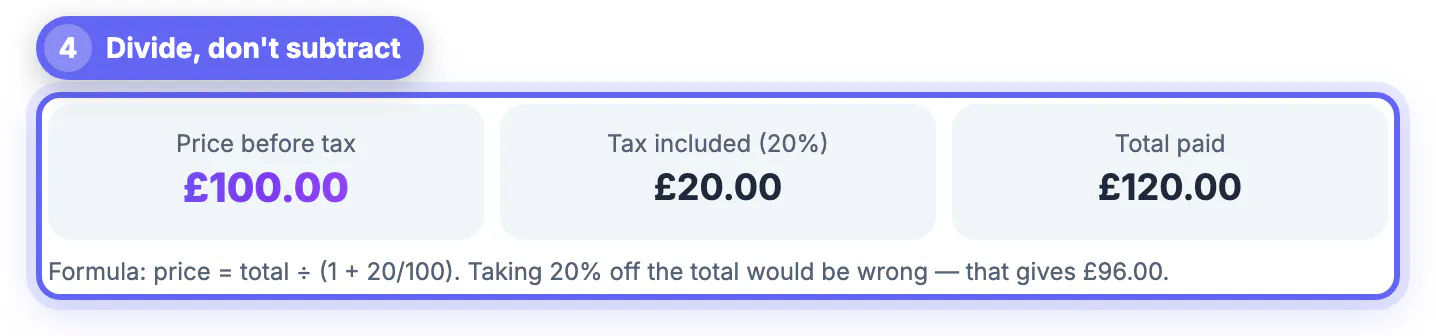
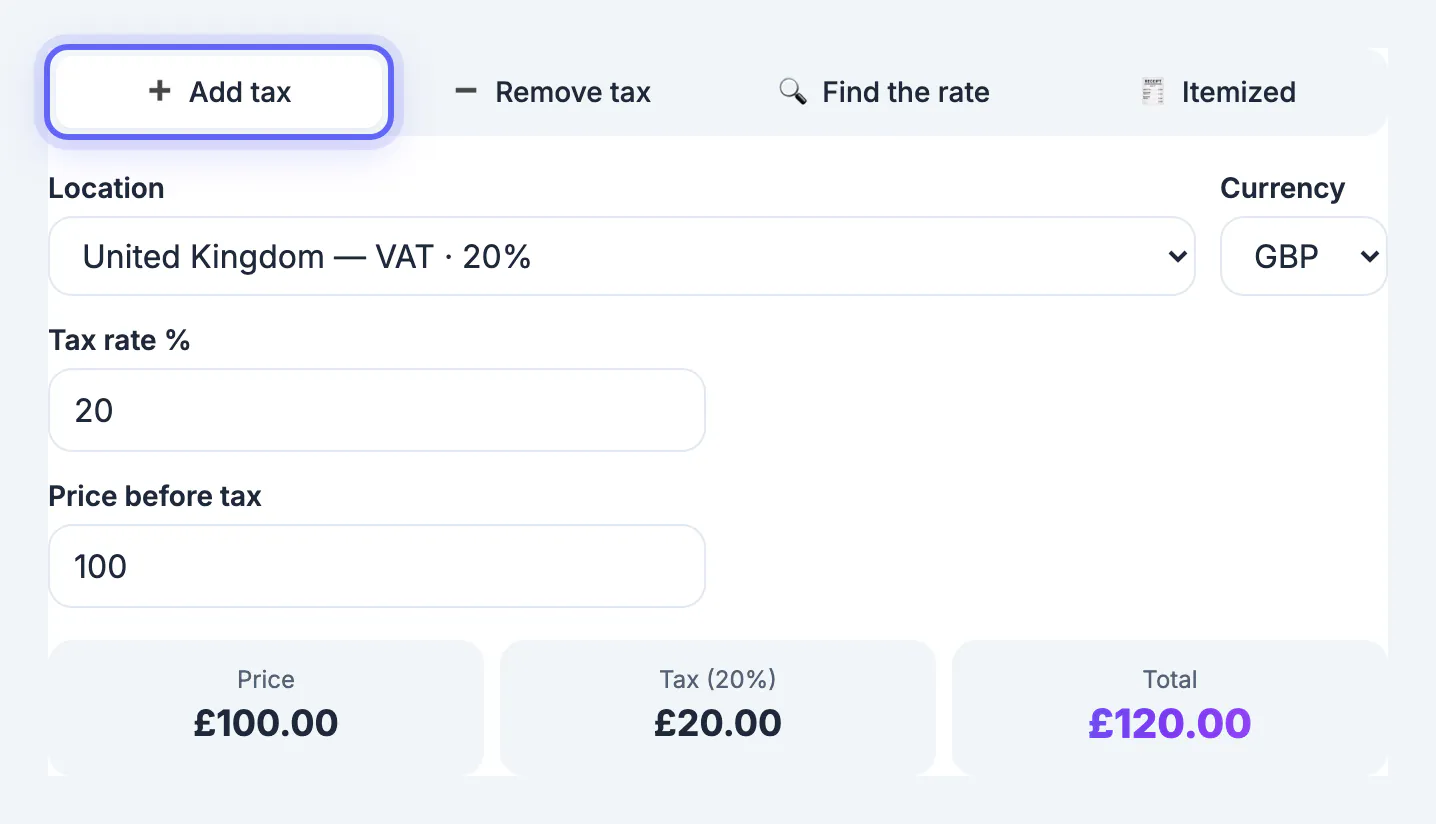
To remove VAT from a price, divide the gross amount by 1 plus the rate: with UK VAT at 20%, £120 ÷ 1.20 = £100 net, so the tax is £20. Subtracting 20% of £120 gives £96, which is wrong, because the 20% was charged on the net figure, not on the total. The same rule works for every EU rate; only the divisor changes.
💵 Try Sales Tax & VAT Calculator now — freeOpen →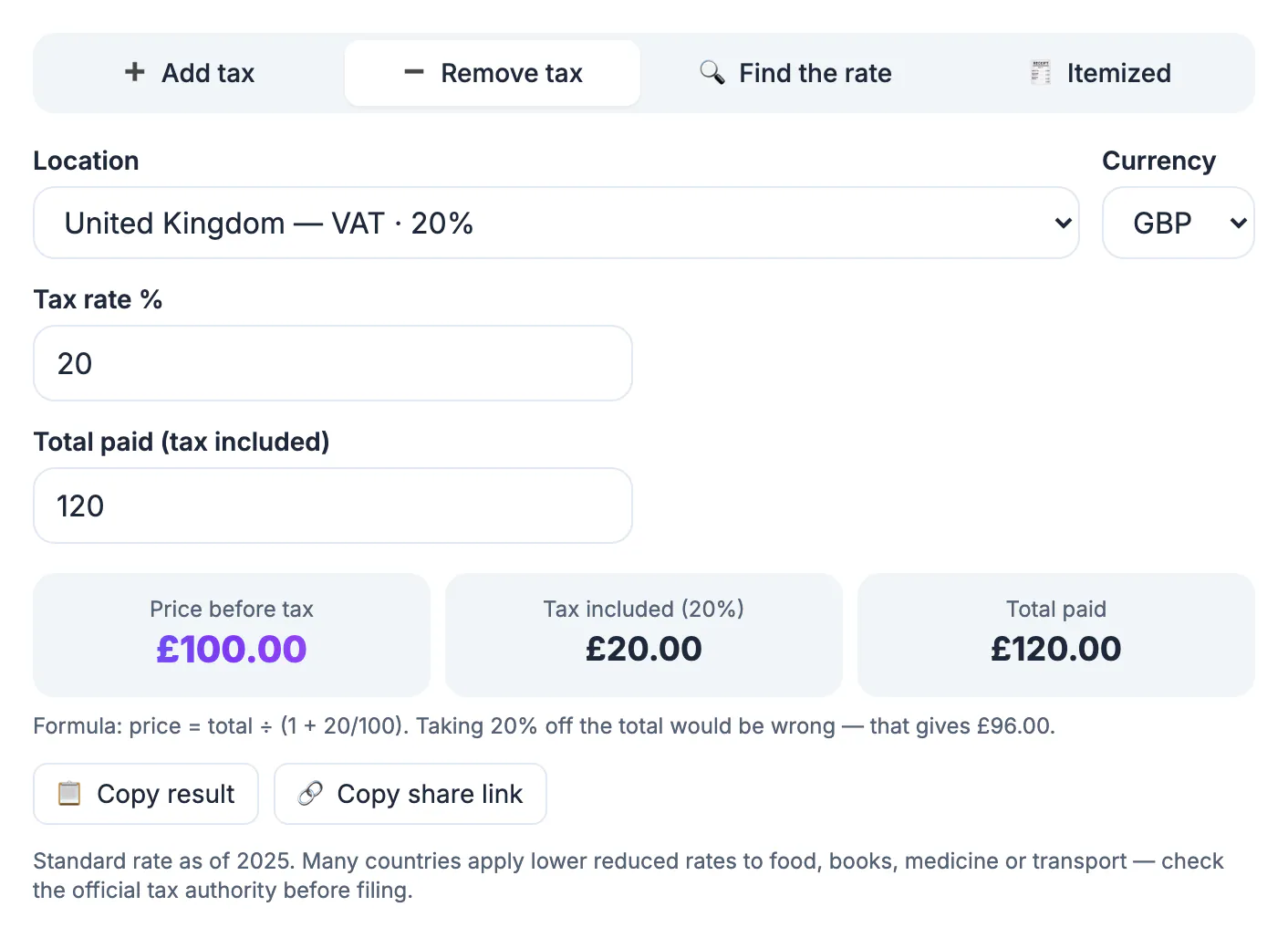
UK and EU consumer prices include VAT, so freelancers, small businesses checking supplier invoices and US buyers comparing prices all have to work backwards. Taking the percentage off the total understates the net every time: on a £1,200 laptop the error is £40, and across a year of purchase invoices it distorts bookkeeping and VAT returns. The US works the other way round: shelf prices usually exclude sales tax, which is added at the register and generally collected once, on the final retail sale. VAT is charged at every stage of the supply chain, and registered businesses reclaim what they paid on purchases.
The formula to remove VAT, and the tax fraction
Net = gross ÷ (1 + rate ÷ 100). Tax = gross − net. Check it in reverse: net × (1 + rate) should give back the gross.
- UK standard rate, 20%: £120 ÷ 1.20 = £100, tax £20. Taking 20% off would give £96.
- UK reduced rate, 5%, used for example on domestic energy: £52.50 ÷ 1.05 = £50, tax £2.50.
- The tax fraction is a mental shortcut: the tax inside a gross amount equals rate ÷ (100 + rate). At 20% that is 20/120, one sixth, so £90 contains £15 and £240 contains £40.
The fraction explains why subtracting fails: a 20% rate is only 16.67% of the gross, 19% is about 15.97% of it, and 25% is exactly one fifth.
Worked examples at common EU standard rates
These are standard rates at the time of writing, matching the calculator's presets. Rates change, so confirm the current figure with the national tax authority before relying on it.
- Germany, 19%: €59.50 ÷ 1.19 = €50.00 net, €9.50 tax.
- France, 20%: €48.00 ÷ 1.20 = €40.00 net, €8.00 tax.
- Spain and the Netherlands, 21%: €24.20 ÷ 1.21 = €20.00 net, €4.20 tax.
- Italy, 22%: €122.00 ÷ 1.22 = €100.00 net, €22.00 tax.
- Ireland, 23%: €73.80 ÷ 1.23 = €60.00 net, €13.80 tax.
- Hungary, 27%: 12,700 HUF ÷ 1.27 = 10,000 HUF net, 2,700 HUF tax.
Reduced rates, mixed receipts and rounding
Many goods carry a reduced or zero rate. At the time of writing, most basic food, books and children's clothes are zero-rated in the UK; Germany applies 7% to most food and books; France uses 5.5% and 10% bands. One receipt can therefore mix rates, and each group must be divided by its own divisor.
- A German supermarket receipt totals €33.30: €21.40 of groceries at 7% and €11.90 of household goods at 19%.
- Groceries: €21.40 ÷ 1.07 = €20.00 net, €1.40 tax.
- Household goods: €11.90 ÷ 1.19 = €10.00 net, €1.90 tax.
- Together: €30.00 net and €3.30 tax. Dividing the whole €33.30 by 1.19 would give €27.98, understating the net by €2.02.
Rounding can move a cent. Three lines of €9.99 at 19%: rounding each line gives €8.39 net and €1.60 tax per line, so €25.17 and €4.80 in total. Working on the €29.97 total gives €25.18 and €4.79. Which method an invoice may use depends on local rules, so follow your tax authority or accountant.
Using the calculator, and checking B2B invoices
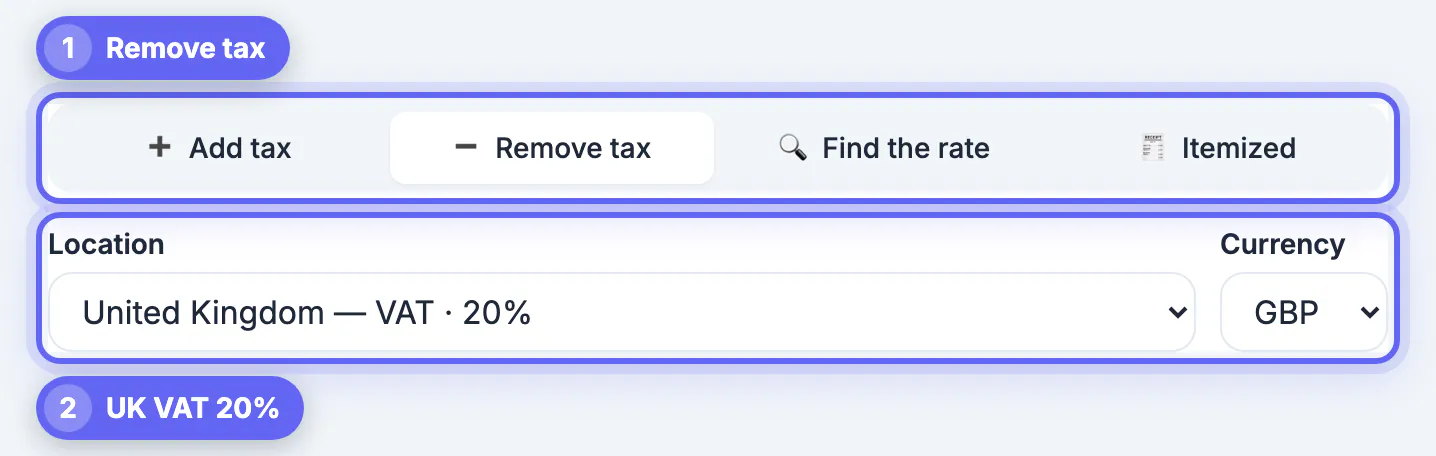
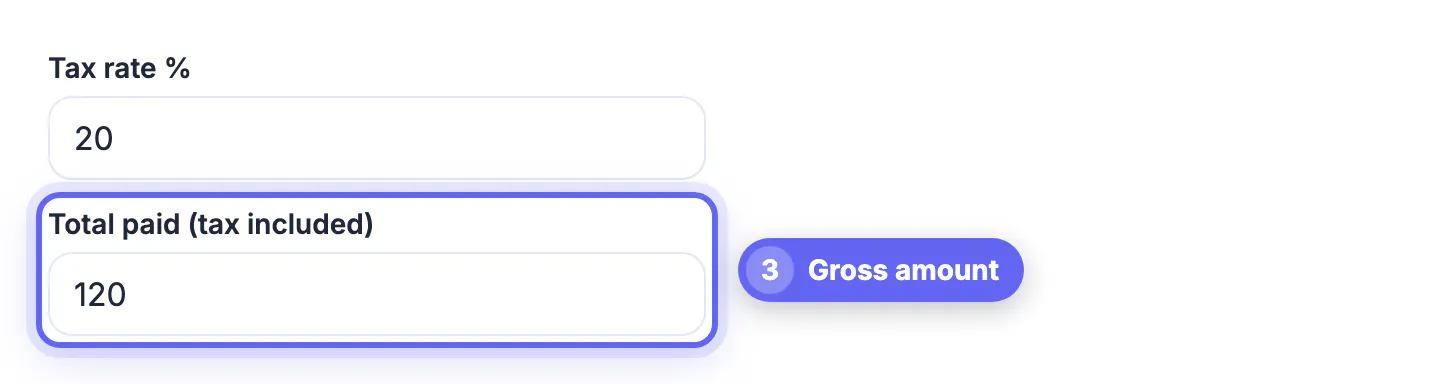
GrabCast's Sales Tax & VAT Calculator runs in your browser. Pick Remove tax, choose a country under European Union standard VAT or United Kingdom VAT (rate and currency fill in), and type the total paid. It shows the net, the tax included and the formula it used. For a mixed receipt, run each group separately and type the reduced rate as a custom rate.
Find the rate takes a net and a gross amount and returns the percentage charged, which quickly catches a supplier invoice that used the wrong band. On a business invoice, also check:
- Net amount, rate, tax amount and total are all shown and add up.
- The supplier's registration number appears if tax was charged.
- Cross-border sales between EU businesses are often invoiced with no tax under the reverse-charge mechanism, marked as reverse charge; the buyer accounts for the tax in its own return, so there is nothing to strip out.
- This is general information, not tax advice.
When and why you need to reverse VAT
Reverse calculations come up when you only have the VAT-inclusive total: a receipt, a retail price, or a quote from a supplier. Businesses that reclaim input VAT, freelancers preparing invoices and shoppers comparing prices across countries all need the net figure.
- Expense claims: record the net and the VAT separately so the right amount is reclaimed.
- Pricing: convert a consumer price to a net trade price for a business customer.
- Cross-border comparisons: compare net prices before local tax differences.
- Invoices: check that the stated VAT matches the rate and the total.
For a US approach, calculating sales tax with a reverse formula explains the equivalent steps, and calculating a percentage refreshes the underlying arithmetic.
Rounding rules and common mistakes
Round the VAT to the nearest cent or penny and make the net the remainder, so that net plus tax equals the gross exactly. On multi-line invoices, rules differ between calculating per line and on the total, so follow your tax authority's guidance. The usual error is subtracting the percentage from the gross; the correct approach always divides by one plus the rate.
Step-by-step
Common mistakes to avoid
Pro tips
Frequently asked questions
How do I remove 20% VAT from a price?
Divide by 1.20. £240 ÷ 1.20 = £200 net, so the VAT is £40. Taking 20% off £240 would wrongly give £192.
What is the VAT fraction?
It is the share of a VAT-inclusive total that is tax: rate ÷ (100 + rate). At 20% it is 1/6; at 19% it is 19/119.
How do I remove 19% German VAT?
Divide by 1.19. €119 ÷ 1.19 = €100 net and €19 VAT. For food at the 7% reduced rate, divide by 1.07 instead.
Is VAT the same as US sales tax?
No. VAT is included in consumer prices and charged at each stage of the supply chain, with businesses reclaiming it. US sales tax is usually added at checkout on the final sale, and its rate stacks state and local taxes.
Can I get VAT back as a tourist?
Many EU countries refund VAT to non-EU visitors on eligible goods, usually with a minimum spend and a customs stamp. Rules vary by country, so check official guidance before you shop.
Removing VAT is division, not subtraction: gross ÷ (1 + rate). Split mixed receipts by rate, check the current rate with the tax authority, round to the cent and multiply back to confirm. This is not tax advice; for VAT returns, ask your accountant.
Related guides
Browse more: all calculator guides · Sales Tax & VAT Calculator