Convert PDF to JPG: Every Page as a Sharp Image
To convert PDF to JPG, drop the file into GrabCast PDF to JPG, wait for the page previews, and click the Download button under each page you want; every page becomes its own JPG, rendered on your device without an upload. The images come out at twice the PDF's standard size, about 144 DPI, so a US Letter page turns into roughly 1,224 by 1,584 pixels saved at 90 percent JPEG quality. That is sharp on phones, laptops, slides and social feeds, and it explains the limits too: the text becomes part of a picture, and a poster-sized print needs more pixels than this. This guide covers what you get, how to grab one page from a long file, what to do when a PDF refuses to open, and which follow-up tools finish the job.
🖨️ Try the PDF to JPG tool now — freeOpen →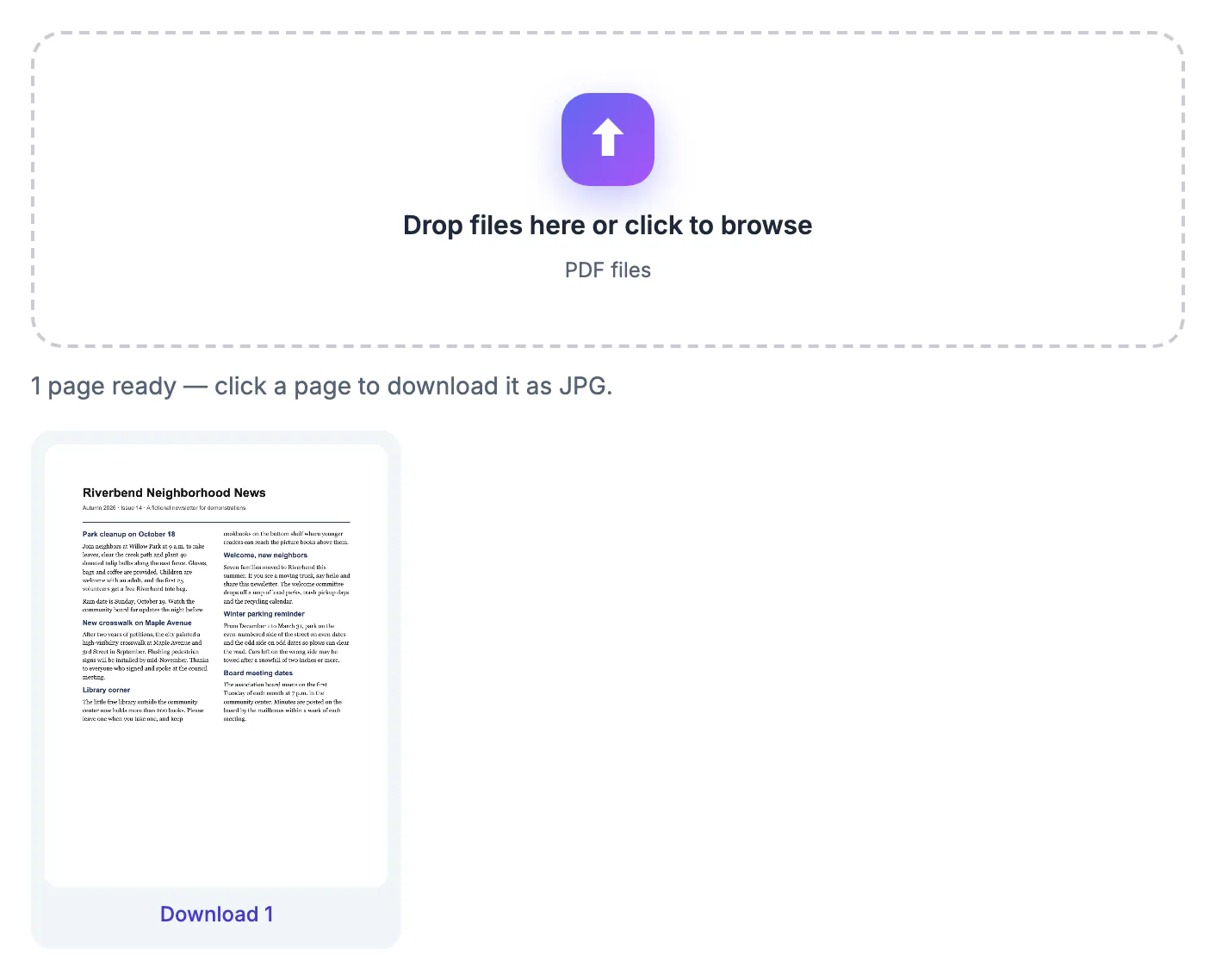
A PDF asks the other person to open a document; a JPG simply appears. Chat apps show images inline, social networks and marketplaces accept only pictures, and slide or website builders place a JPG where a PDF would become an attachment icon. A single page image is also the easiest way to show a certificate, a floor plan, a ticket or one chart from a report without sending the whole file and every confidential page around it. Converting only the page that matters keeps the message focused and keeps the rest of the document private.
What you get when you convert PDF to JPG
The tool uses the open-source PDF.js renderer inside your browser tab, the same engine that displays PDFs in Firefox, and then saves each rendered page as a JPG.
- Resolution: every page is drawn at twice its standard PDF size, about 144 DPI. US Letter becomes about 1,224 by 1,584 pixels; A4 comes out near 1,190 by 1,684.
- Quality: each image is saved as JPEG at 90 percent, a level where compression artifacts are hard to spot on screen.
- Names: each download is named after your PDF plus the page number, so page 3 of Lease.pdf arrives as Lease-3.jpg and is easy to find in your Downloads folder.
- Scope: every page is rendered and previewed. There is no page or file size limit, but a long, image-heavy file takes longer because the work happens on your own device.
As a rough guide, a text-only page produces a JPG of a few hundred kilobytes, while a page covered by a photo can approach a megabyte. If you select several PDFs at once, only the first one is converted; run the others one at a time.
Converting just the pages you need
Because each preview has its own button, picking pages is simply a matter of which buttons you click.
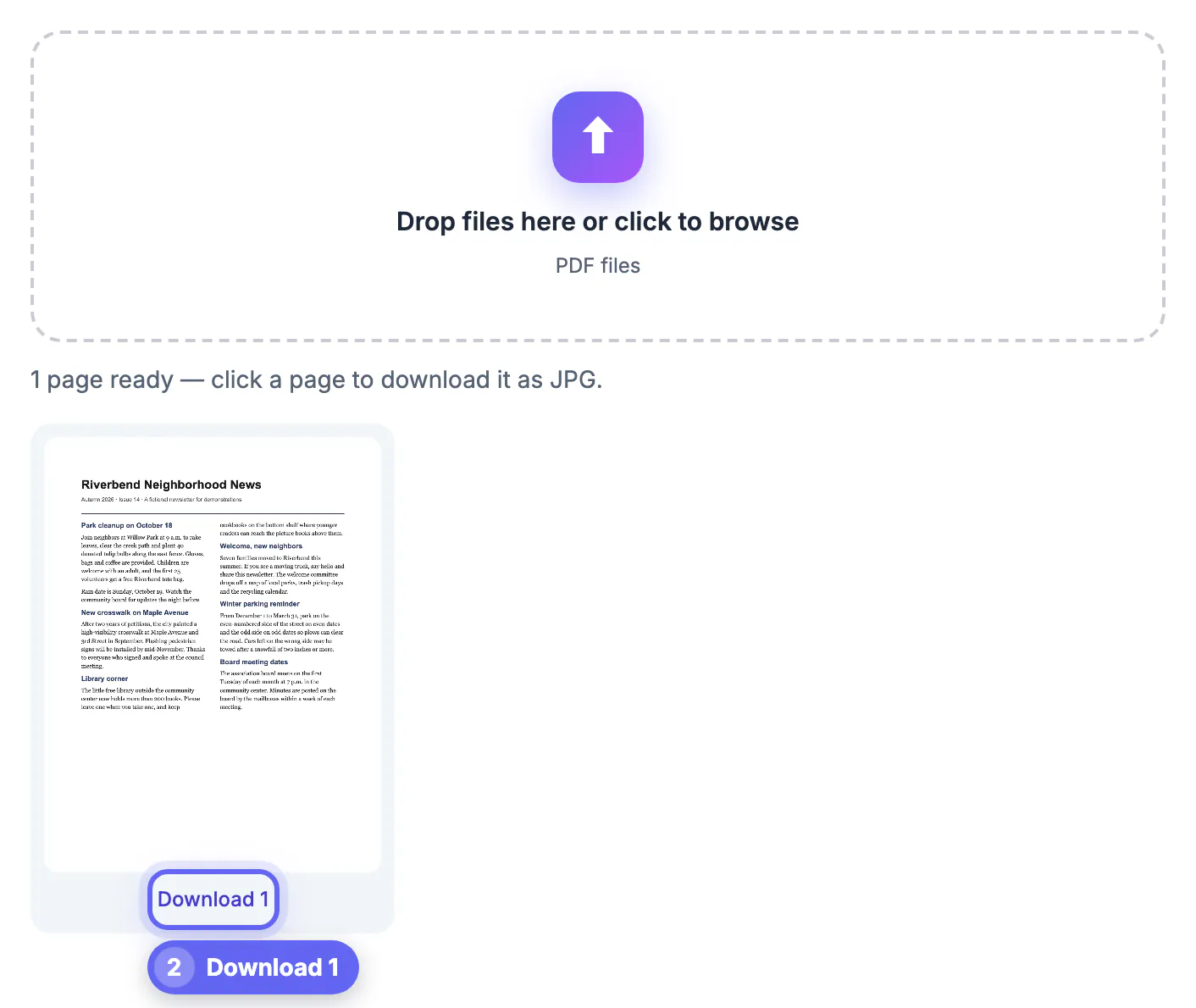
- One page: wait for the previews, scroll to the page, and click the Download button under it, such as Download 4.
- A few pages: click the buttons one after another; each saves a separate JPG, and nothing forces you to take the rest.
- A huge document: if you need page 212 of a 300-page manual, split that page out with Split PDF first so the browser renders one page instead of three hundred.
- Progress: the status line reads Rendering page X of Y, so you can tell a slow file from a stuck one.
The tool does not stitch pages into one tall image or bundle them into a ZIP. For a swipeable carousel, upload the separate JPGs in page order; many social apps accept several images in one post, and the numbered file names keep the sequence obvious.
When 144 DPI is enough, and when it is not
JPG is a photo format, and 144 DPI is a screen-oriented resolution. Match the output to the job.
- Screens, slides and chats: 1,224 pixels wide fills a phone screen and most slide layouts with room to spare.
- Social posts: crop the page to a 4:5 or 1:1 frame with Crop Image if the platform trims tall images.
- Printing: a Letter page at 144 DPI prints acceptably at its own size, but fine print and thin lines look softer than the original. For a large poster or professional print, send the PDF itself.
- Editing the words: a JPG cannot be edited or searched. Use PDF to Text to copy the wording instead of retyping it from an image.
Converting the JPG to PNG afterward does not add detail; it only makes a larger file of the same pixels. If a page is mostly line art and needs lossless output, the tool page is honest that you would need a converter that exports PNG directly.
Why a PDF will not convert, and how to fix it
Most failures come from the file rather than the browser.
- Password protected: encrypted PDFs cannot be rendered and show a Couldn't open this PDF message. If the file is yours and you know the password, remove it first with Unlock PDF or the app that created it.
- Damaged download: a PDF that stopped halfway through downloading will not open. Download it again, or try Repair PDF.
- Blank or missing fonts: rare files use unusual embedded fonts. Re-save the document from its original app, or print it to a new PDF, then try again.
- Memory: on an older phone, a 500-page scan can exhaust the browser. Split it into smaller parts or use a laptop.
Everything runs locally, so contracts, statements and medical letters are never sent to GrabCast's servers, and closing the tab clears the rendered pages from memory.
▶ Watch: How to convert PDF to JPG (0:38)
Video transcript
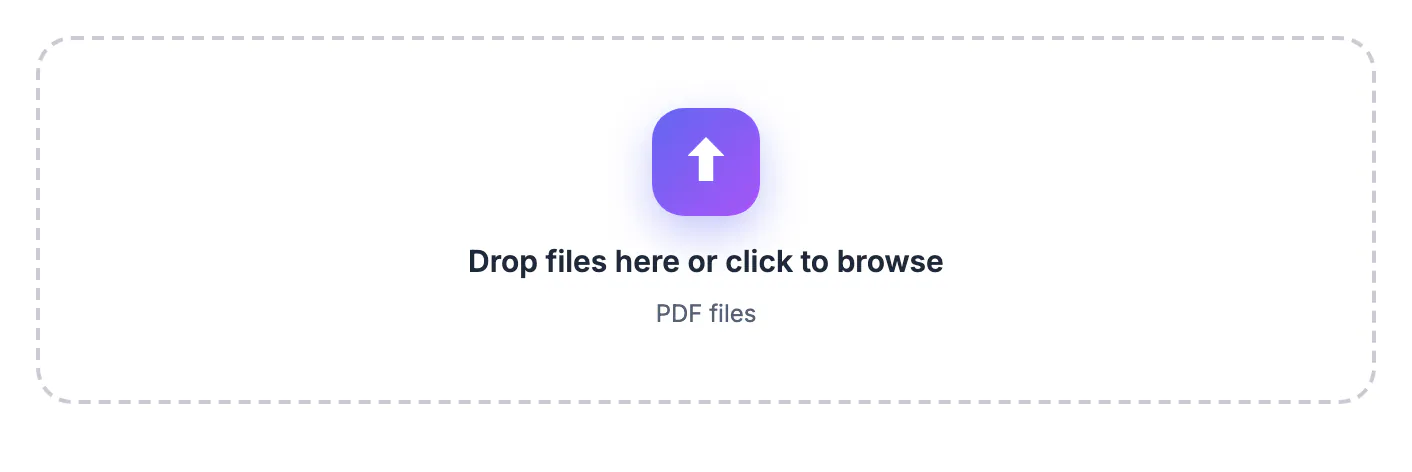
- Add your PDF. Drop the PDF. Every page is turned into a sharp image preview.
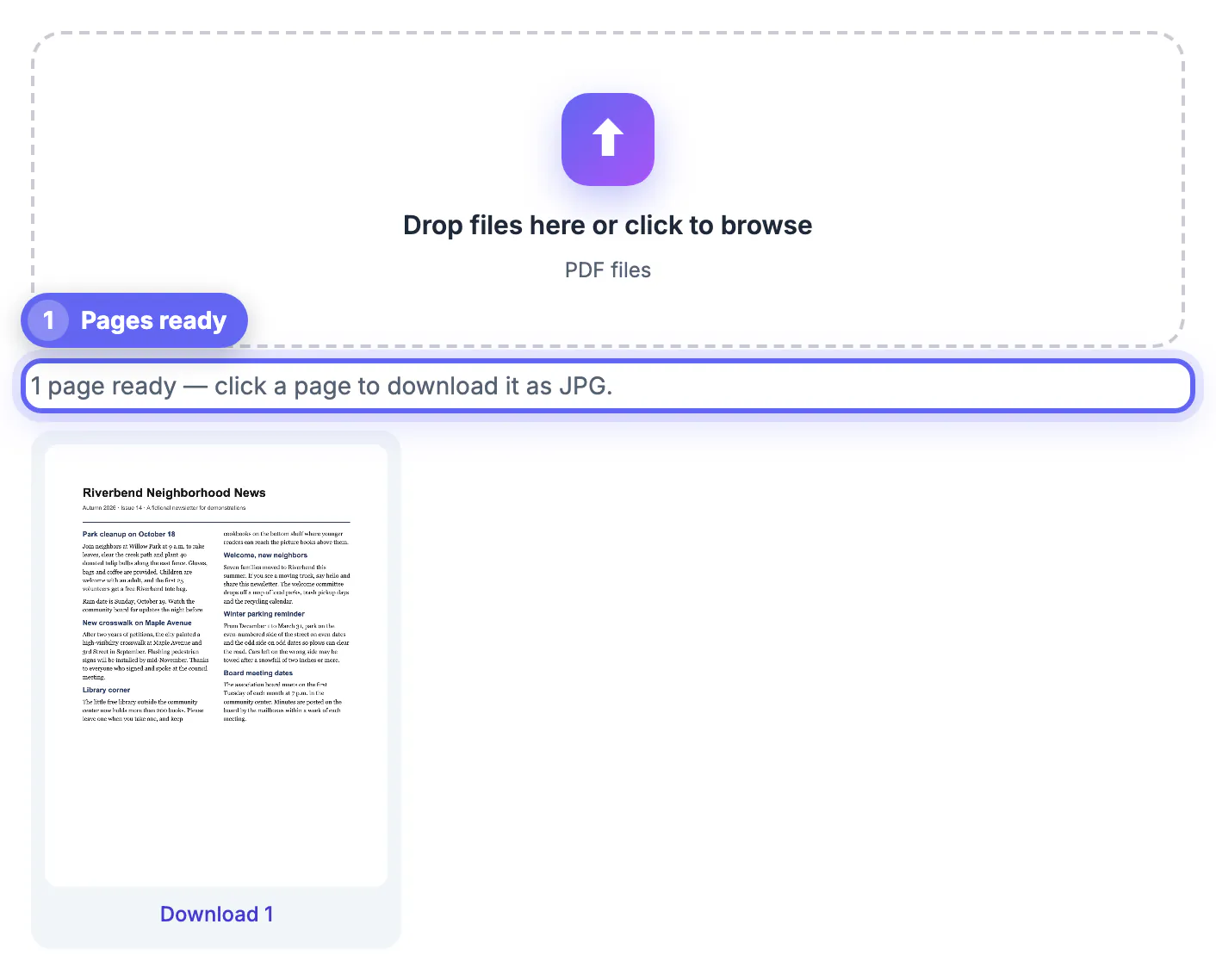
- Find your page. Scroll through the previews. Each page is shown as the image you will get.
- Download a page as JPG. Click a page's download link to save it as a sharp JPG image.
- Grab another page. Need more? Download any other page the same way, one click each.
- Use it anywhere. Drop the JPGs into slides, a website or a social post. Nothing was uploaded.
Step-by-step
Common mistakes to avoid
Pro tips
Frequently asked questions
How do I convert PDF to JPG for free?
Drop the PDF into GrabCast PDF to JPG, wait for the previews and click the Download button under each page. It is free with no sign-up and no watermark.
What resolution are the JPG images?
Pages are rendered at twice the standard PDF size, about 144 DPI, so a US Letter page becomes roughly 1,224 by 1,584 pixels, saved as JPEG at 90 percent quality.
Can I convert only one page?
Yes. Every page has its own Download button, so you can save a single page, a few pages or all of them.
Can I get PNG instead of JPG?
This tool outputs JPG only, which keeps files small and opens everywhere. Converting the JPG to PNG later does not restore any detail.
Is my PDF uploaded?
No. PDF.js renders the pages inside your browser and the JPGs are created on your device, so the document never reaches a server.
To convert PDF to JPG, drop the file in, let every page render, and download only the pages you need. At about 144 DPI and 90 percent quality the images are sharp for screens, slides and posts; keep the original PDF for printing and editing, and split or unlock the file first when a big or protected document gets in the way.
Related guides
Browse more: all PDF guides · the PDF to JPG tool